
Finished video
Ekusid service video: AI for real estate operations
A 30-second video showing how AI changes the work of a real estate company, from handling inquiries and contracts to producing ads and landing pages
Narration and on-screen text are in Japanese. The sections below describe the video in English.
How it was made: Twenty-four frames made with image generation AI were morphed from one to the next without cuts using video generation AI (Kling v3). The music and sound effects were made with generative AI (ElevenLabs), and the voice at the end with voice generation AI (ElevenLabs), then everything was finished in editing (no filming)
A video like this$700 (excl. tax) · As few as 5 business days30 seconds, landscape | Pricing
Overview and production conditions
- Staff are swamped with inquiries from property portal sites while contracts pile up.
- Automating inquiry responses lets them focus on their real work.
- In 30 seconds, the video goes on to show the ads and landing pages they never had time for being produced and published.
- Where it is used
- A 30-second video placed inside a one-minute company overview presentation
- Structure
- The first 15 seconds cover operational efficiency and the last 15 seconds cover customer acquisition support. Each half moves from raising the issue, to listing the problems, to the solution
- Approach
- No people appear. Paper, speech bubbles, documents, calendars and web pages connect as they change shape
- Production time
- About 3 hours on record, from the instructions for the first three ideas to the delivery files (from around 10 p.m. on October 4, 2026 to just before 1 a.m. on October 5)
The 30 seconds
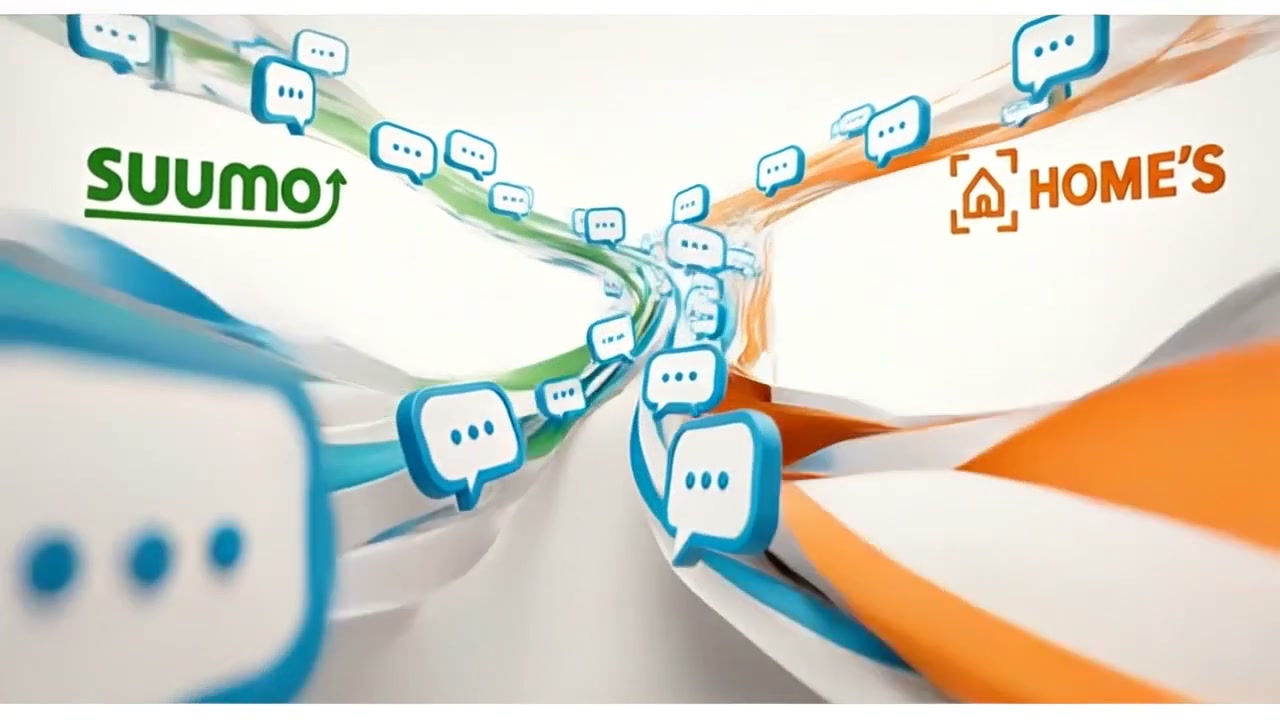
0–5 s: Speech bubbles overflow from the SUUMO and HOME'S logos, showing staff worn out by handling inquiries.
5–10 s: The shapes turn into piles of contracts and a calendar crowded with arrangements for important matters explanations (the mandatory pre-contract disclosure).
10–15 s: Ekusid replies to inquiries automatically, and the contracts are organized and the disclosure briefings arranged.
15–20 s: The question "Are you keeping up with customer acquisition?" appears, and screens of web pages and ads flow by.
20–25 s: A website that never gets updated, social media that never keeps going, and ads that never get started appear side by side.
25–30 s: The landing page goes live, social media keeps running and the ads are delivered, ending with the line "Cut costs and generate sales with AI. Improve your workflow." At 28 s, as the Ekusid logo appears, a short voice says "exceed".
Early idea and final cut
We started with three ideas featuring people. By the final cut we had removed the people, split the video into two halves, and added motion where shapes connect, scenes showing the solved state, and sound and voice.
Full video
Turn a sequence of stills into motion where shapes connect
- Aim
- Have inquiries flow into documents and calendars as they change shape, so the work looks connected
- Direction during production
- "Just combining stills has killed the sense of movement"
"I want it to move smoothly with no visible joins" - Adjustment
- Make a 24-frame storyboard, generate each transition between neighboring frames one by one with video generation AI (Kling v3), and join them
Write the solved state into the frame
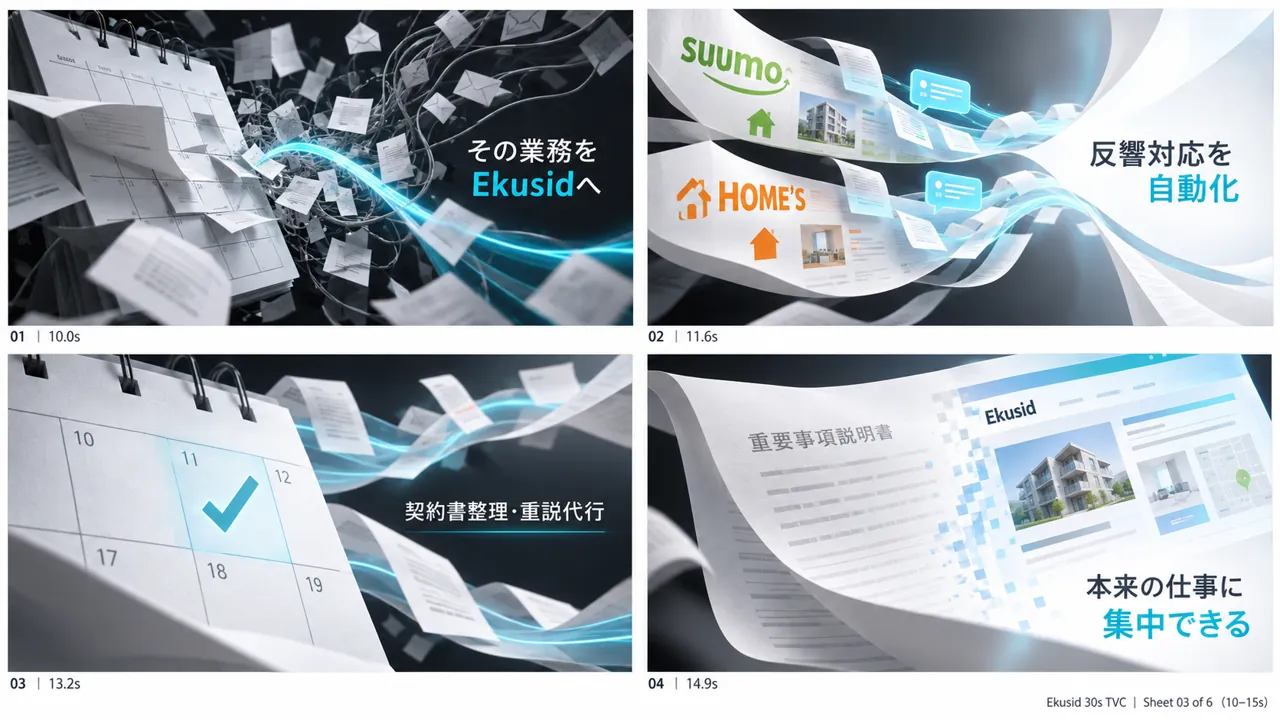 Before
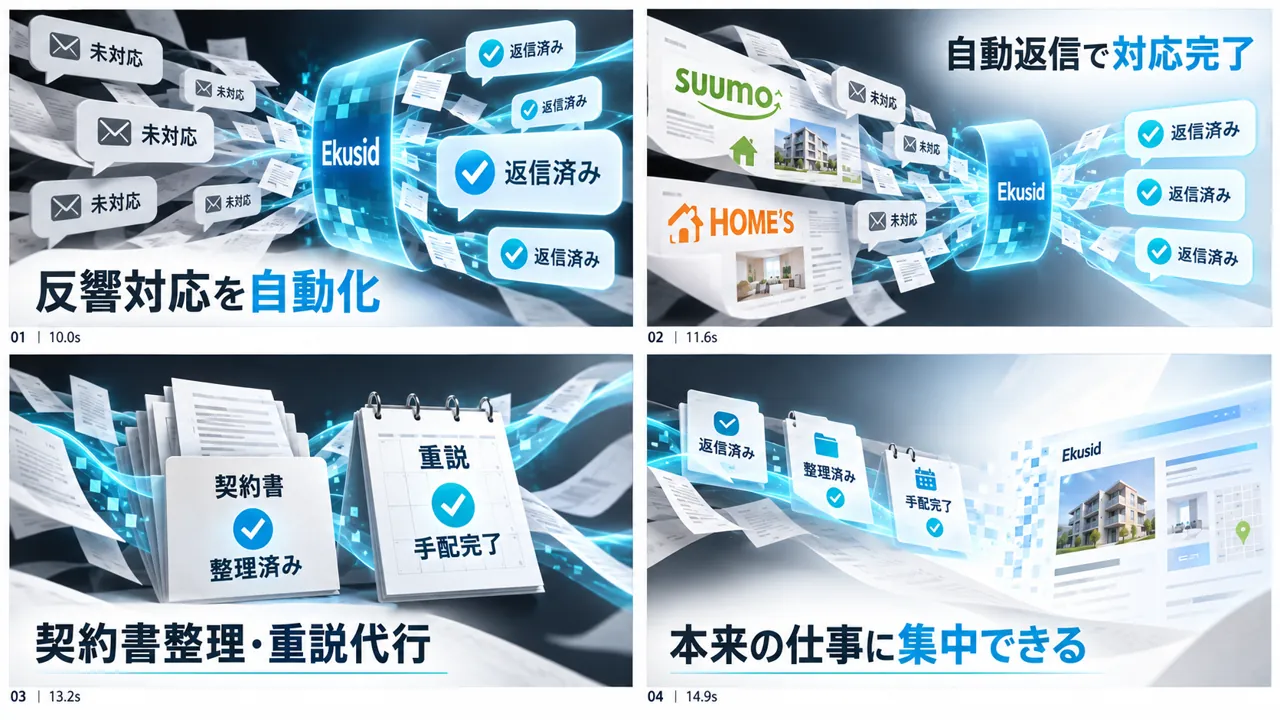 After
After- Aim
- Make it clear at a glance that the problems have been dealt with
- Direction during production
- "The problem setup and the list of problems are fine, but I don't really get a sense that anything is solved"
- Adjustment
- Replace only the storyboards for 10–15 s and 25–30 s, and write in the state after processing, such as unanswered to replied and contracts to organized
Finishing the sound and voice
Without remaking the visuals, we swapped only the audio and compared.
- Aim
- Let viewers feel the paper changing shape and the moment of resolution through sound as well
- Direction during production
- "The original BGM works because the tempo keeps building"
- Adjustment
- Make three BGM options and compare them, then keep the original BGM and add paper morphing sounds, notification sounds and completion sounds. Insert a voice of about 0.9 seconds saying "exceed" at 28 s, and lower the BGM and sound effects only under the voice
Storyboard and production steps
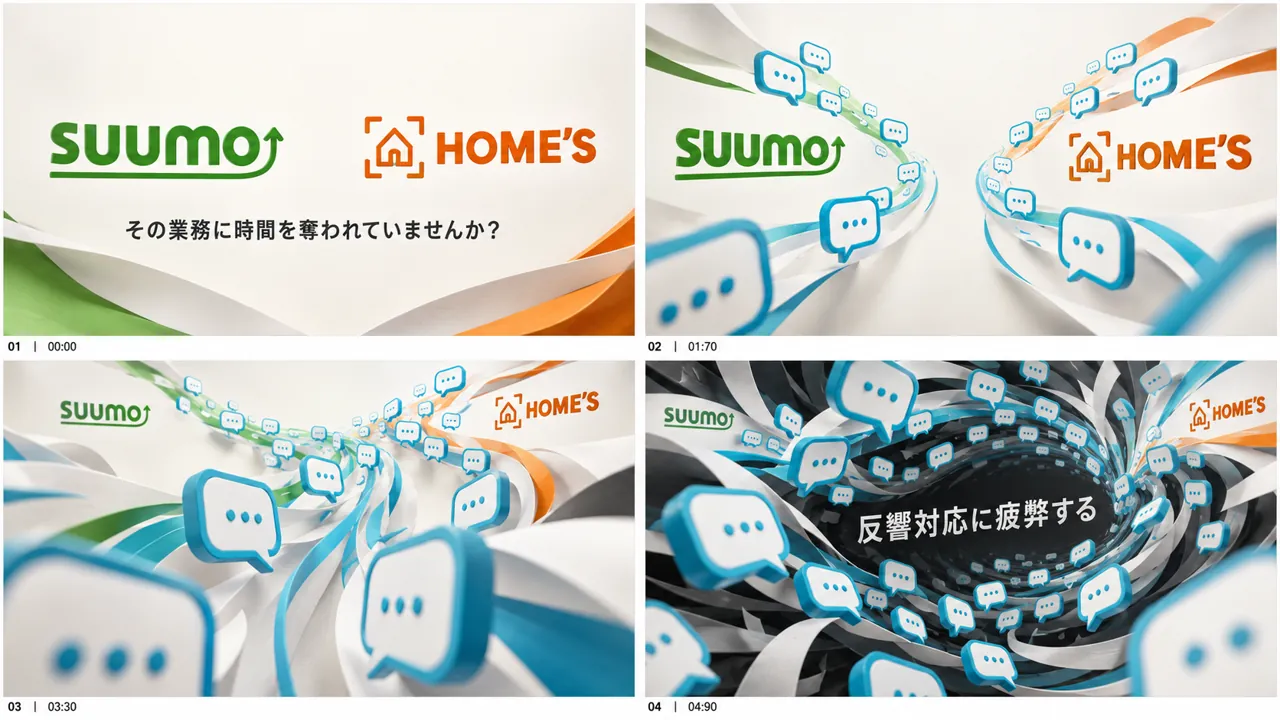
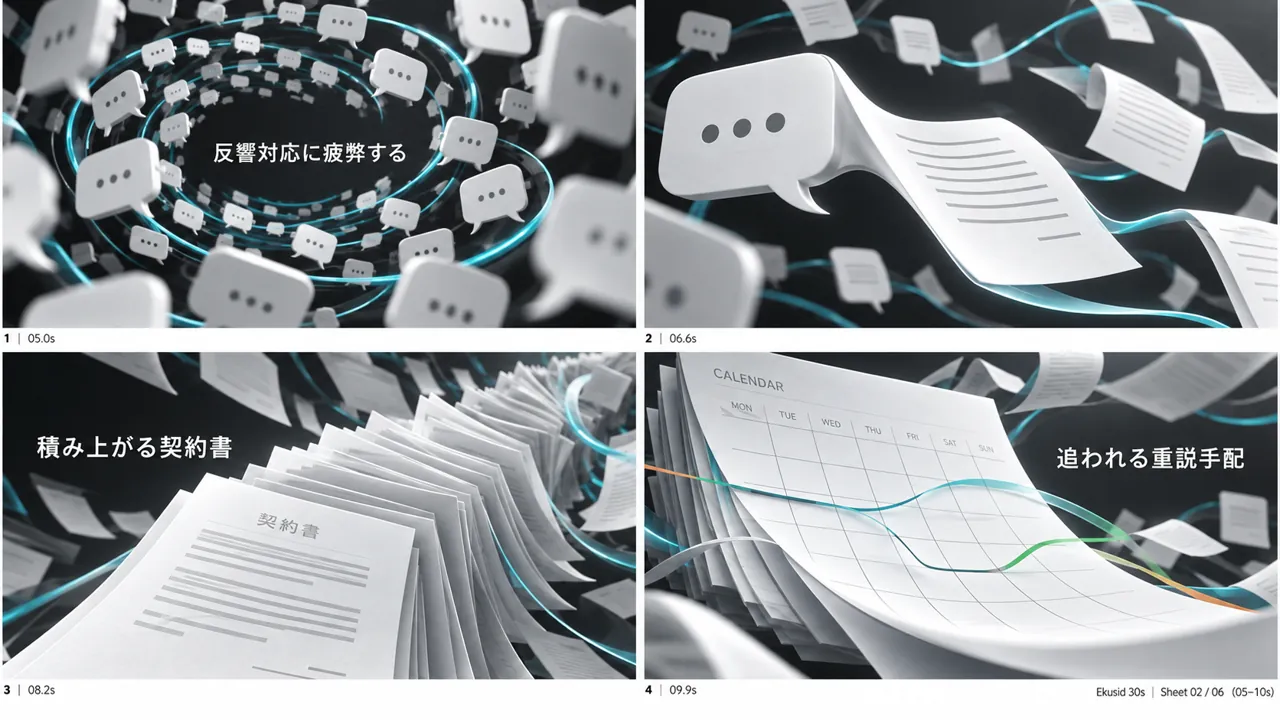
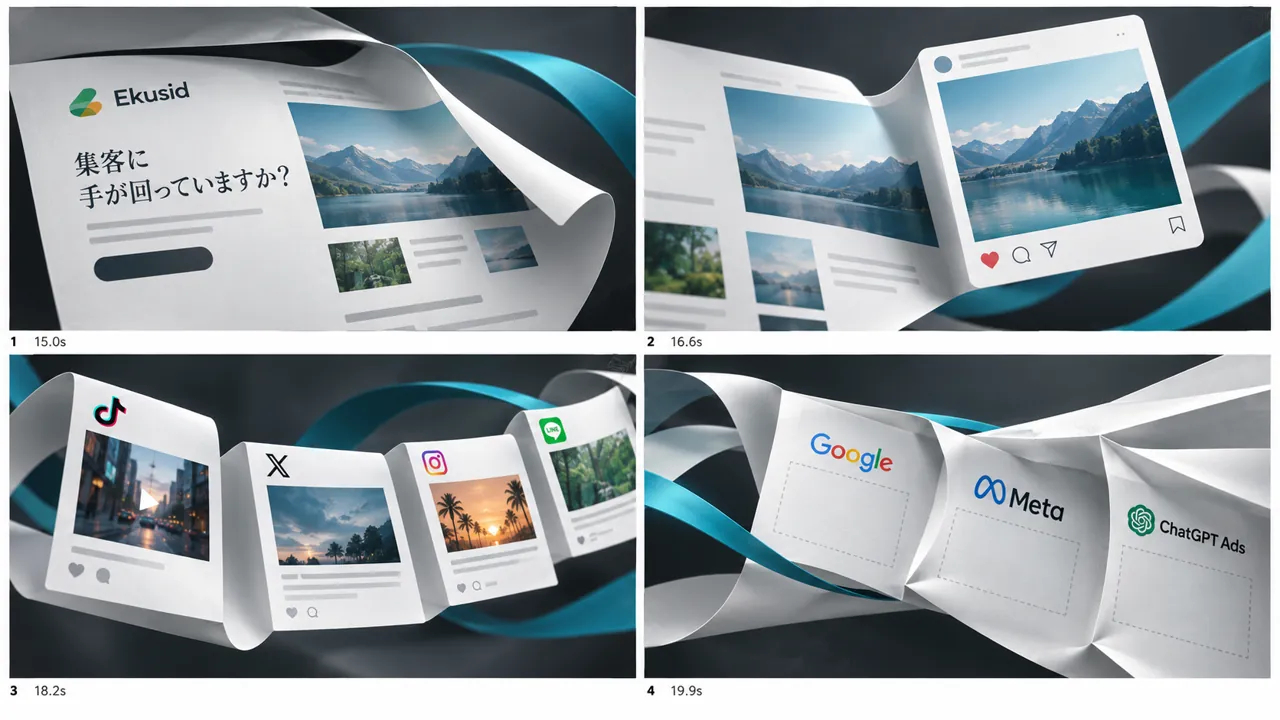
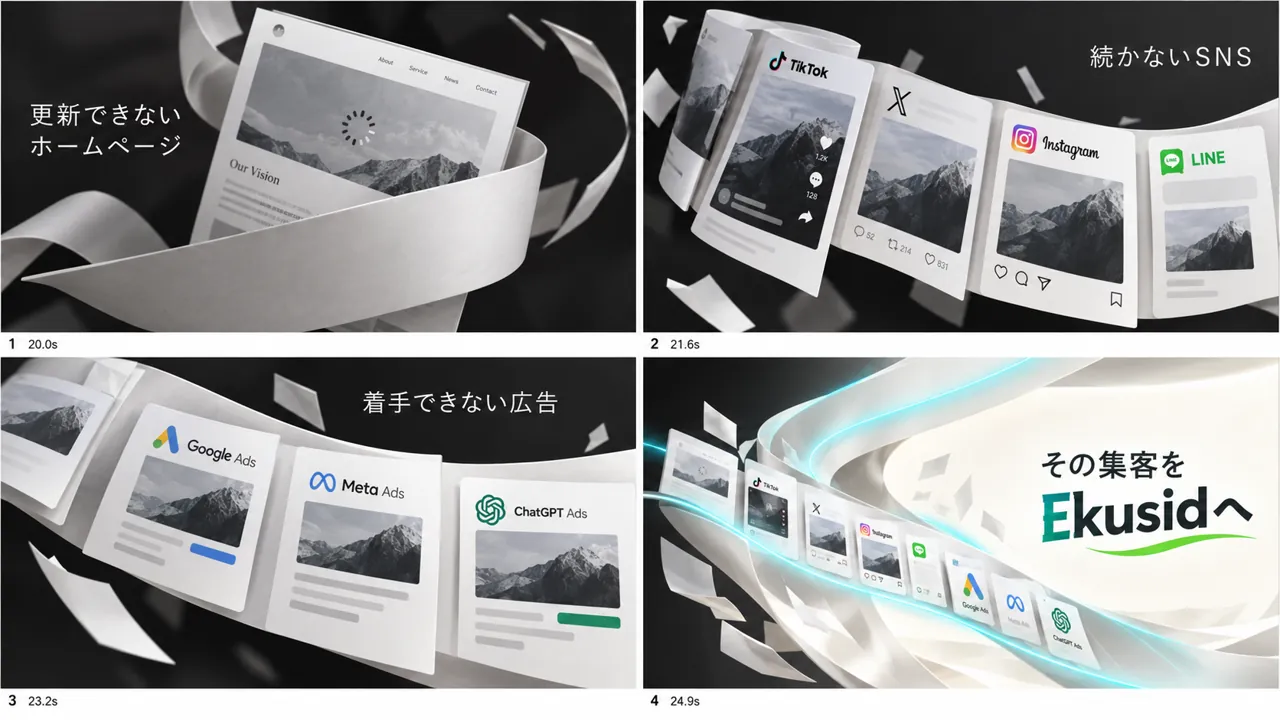
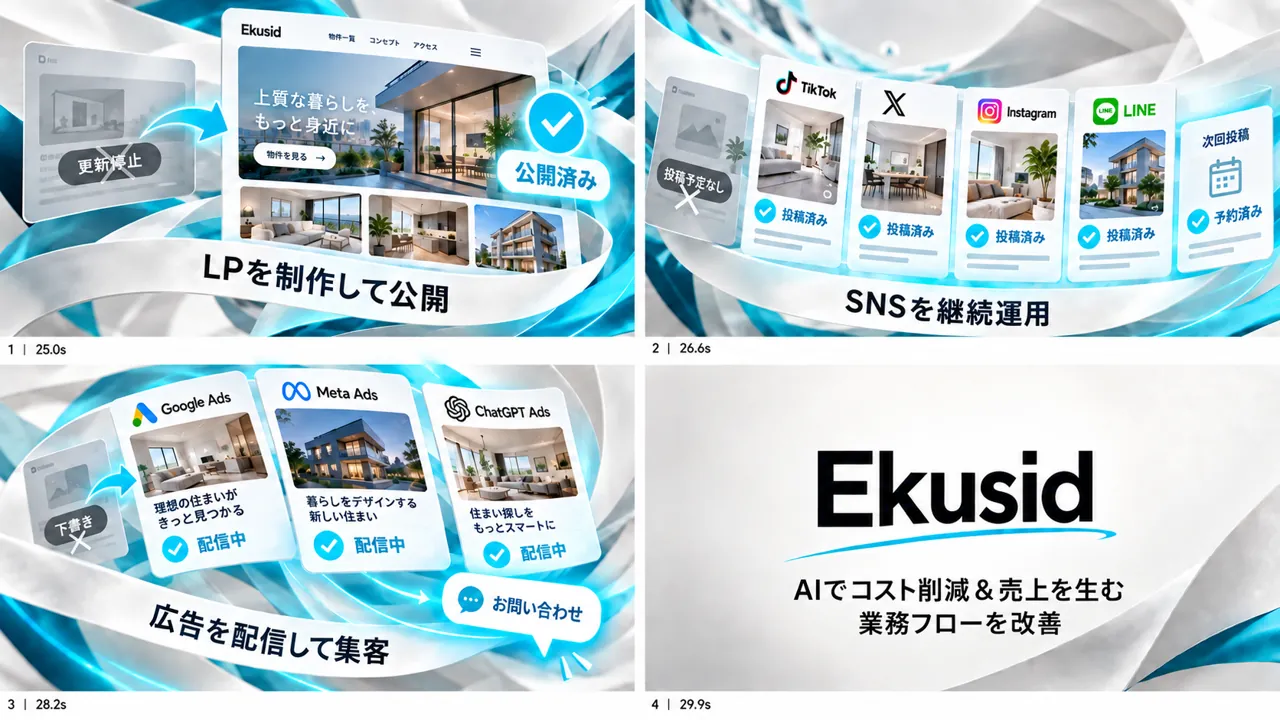
- 01Explore directions with three ideas featuring people
- 02Remove the people and settle on two 15-second halves
- 03Design the shape changes with a 24-frame storyboard
- 04Turn the 23 segments into video and join them into 30 seconds
- 05Finish the sound and voice and compress for delivery
Related articles

More work



Talk to us about your video
You don’t need a finished plan to get in touch.
Ask about a video like thisSee pricing and the production process