How an AI Video Gets Revised: From First Drafts to Final Cut
Using a 30-second video for Ekusid, a service for real estate agencies, we show how an AI video was revised stage by stage from first drafts to delivery.
AI video revisions go more smoothly when you check each stage in turn (structure, storyboard, motion, text, sound) than when you fix everything after the video is finished. Decisions made at an earlier stage are less likely to be undone at a later one.
This article uses a piece of FablessBridge client work, a 30-second service introduction video for Ekusid, an AI service that streamlines operations for real estate agencies in Japan, to show what was revised and how at each stage from the initial concepts to delivery. According to our records, it took about 3 hours from the instructions for the first three concepts to the delivery files (from between 10 and 11 p.m. on October 4, 2026 to just before 1 a.m. on October 5). The client has agreed to our publishing the production process.
Visit the Ekusid websiteekusid.com
Check AI video revisions in five stages
- 01Structure: who it is for and what to show, whether to include people, and what to say in how many seconds
- 02Storyboard: whether both the problem and the solution come across on screen
- 03Motion: whether the scenes look connected
- 04Text and logos: no garbled, missing or cut-off text
- 05Sound and voice: whether the sound matches the motion on screen
The Ekusid video is a 30-second piece inserted into a one-minute company overview presentation. The first 15 seconds show operational efficiency, and the last 15 seconds show support for attracting customers. Below we go through what was actually revised at each stage.
Setting the direction with initial concepts: from three with people to none
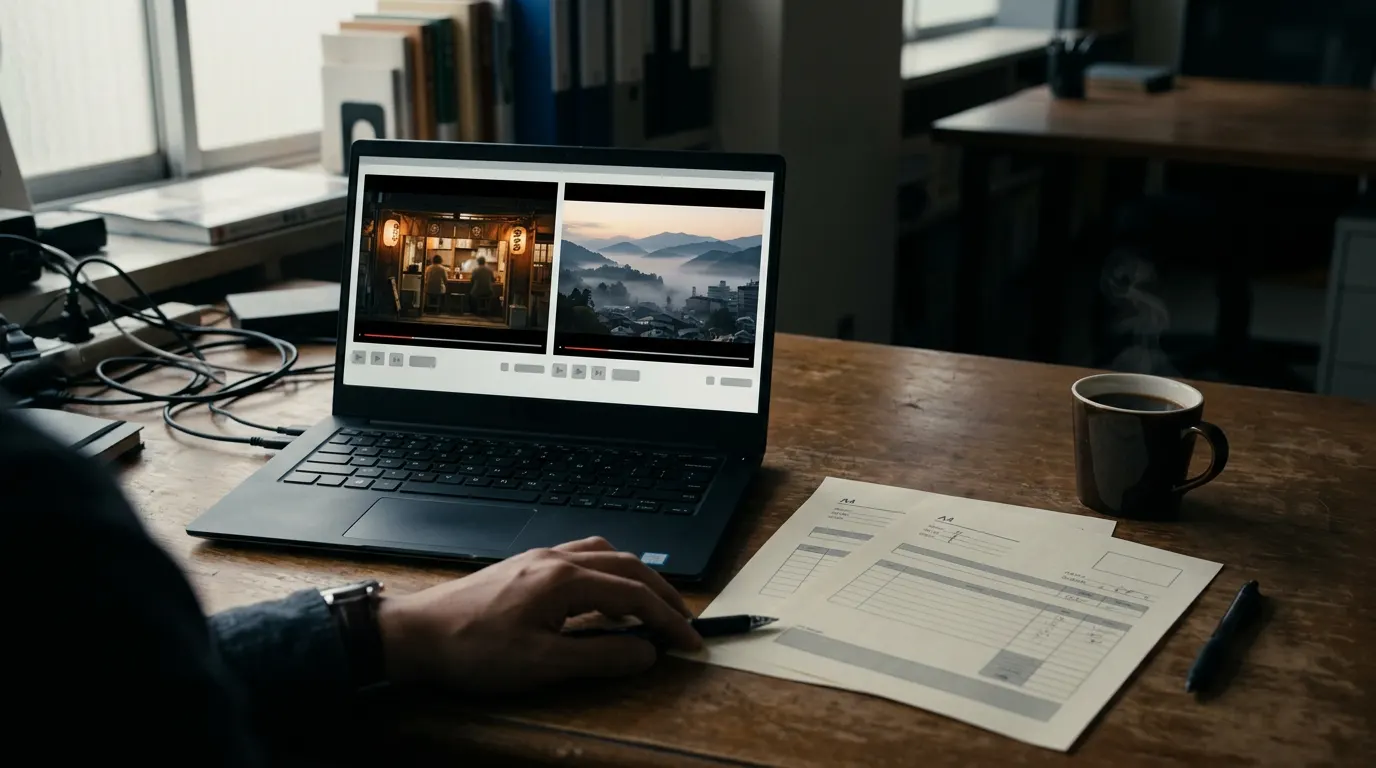
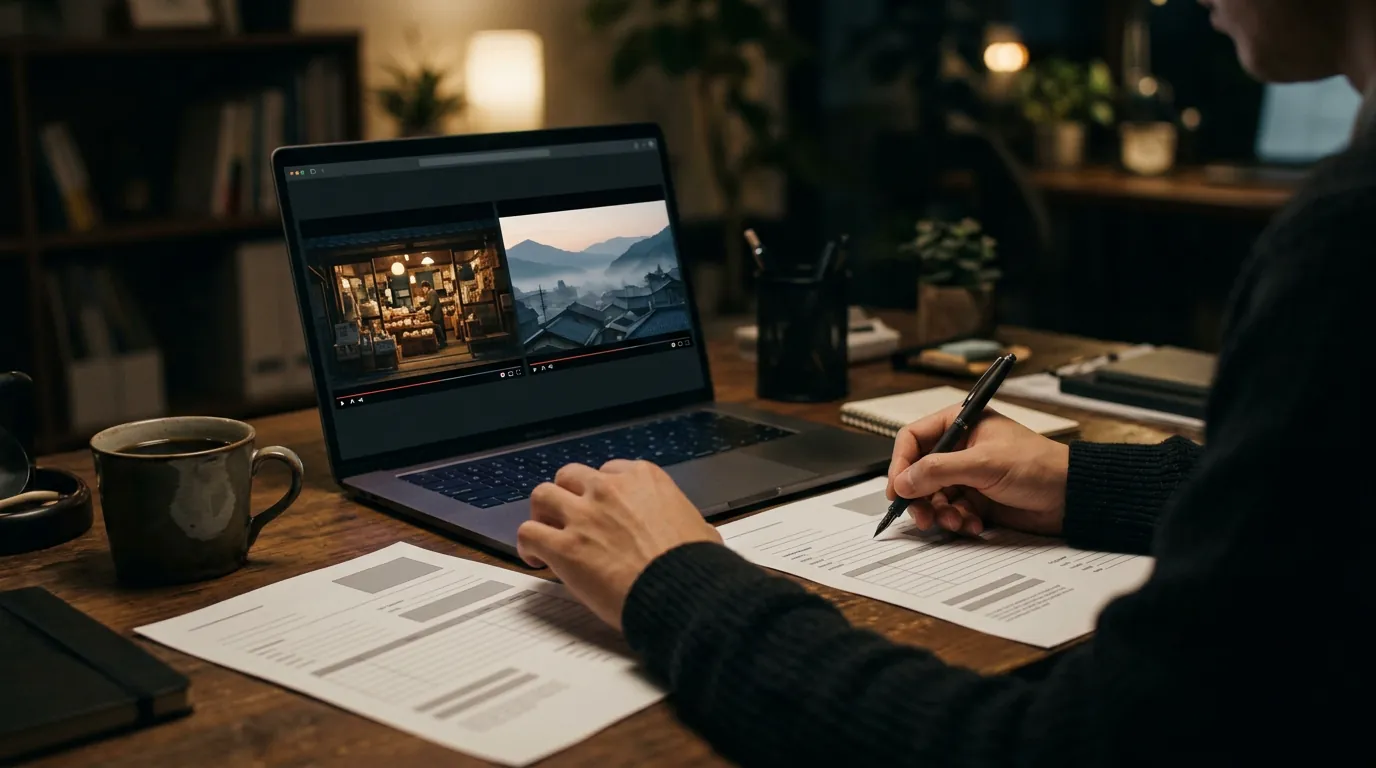
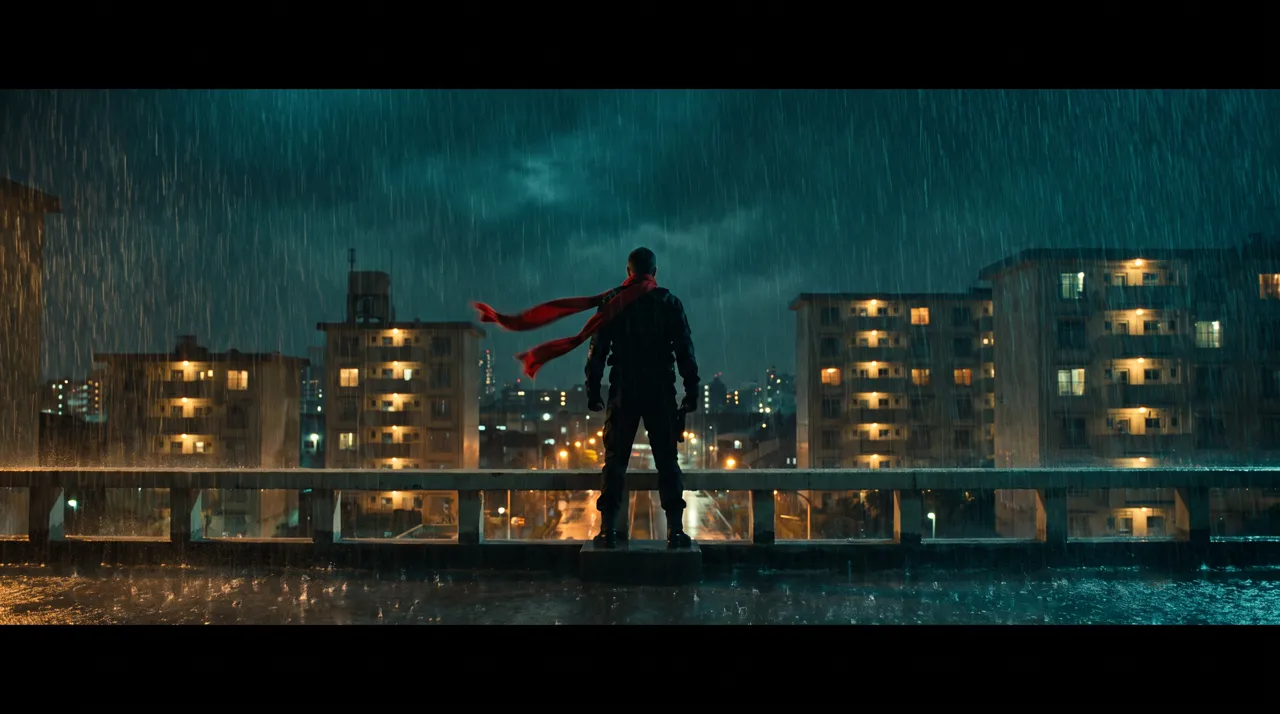
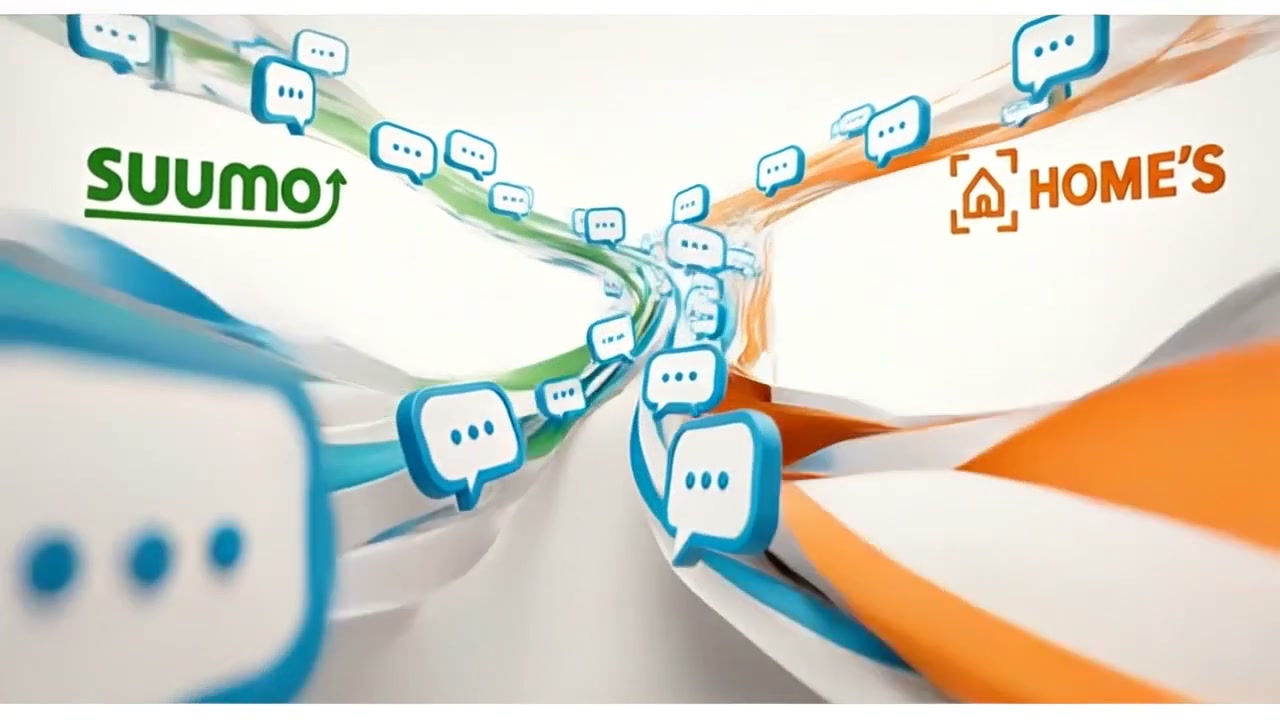
We first made three concepts for a stylish 30-second video with fast-changing visuals, using people. After comparing the three, the people-centered approach was dropped in favor of paper, speech bubbles, documents, calendars and web pages that change shape as they flow into one another.
Then, instead of two separate versions, a single video was split into two 15-second halves, each moving from question to problem to solution. The listing sites to name, such as SUUMO and HOME'S (major Japanese property portals), and the on-screen wording were also decided at this stage.
Whether to show people changes the look a great deal. Comparing several concepts early makes it easier to avoid a major rebuild after completion.
Adding the solved state to the storyboard
Once the 30 seconds were laid out as a 24-panel storyboard, this instruction came in:
"The question and the problem are in a good order, but I don't think it feels like anything gets solved."
The problem scenes stayed as they were, and only the storyboard panels for the solutions at 10–15 seconds and 25–30 seconds were replaced. The screens now show the state after the work is done: unanswered inquiries change to replied, and the arrangements for the contract and the important-matters explanation (a legally required disclosure in Japanese property deals) get a completed mark.
A storyboard is a set of still images made before anything becomes video, so fixing it here means no video has to be regenerated.
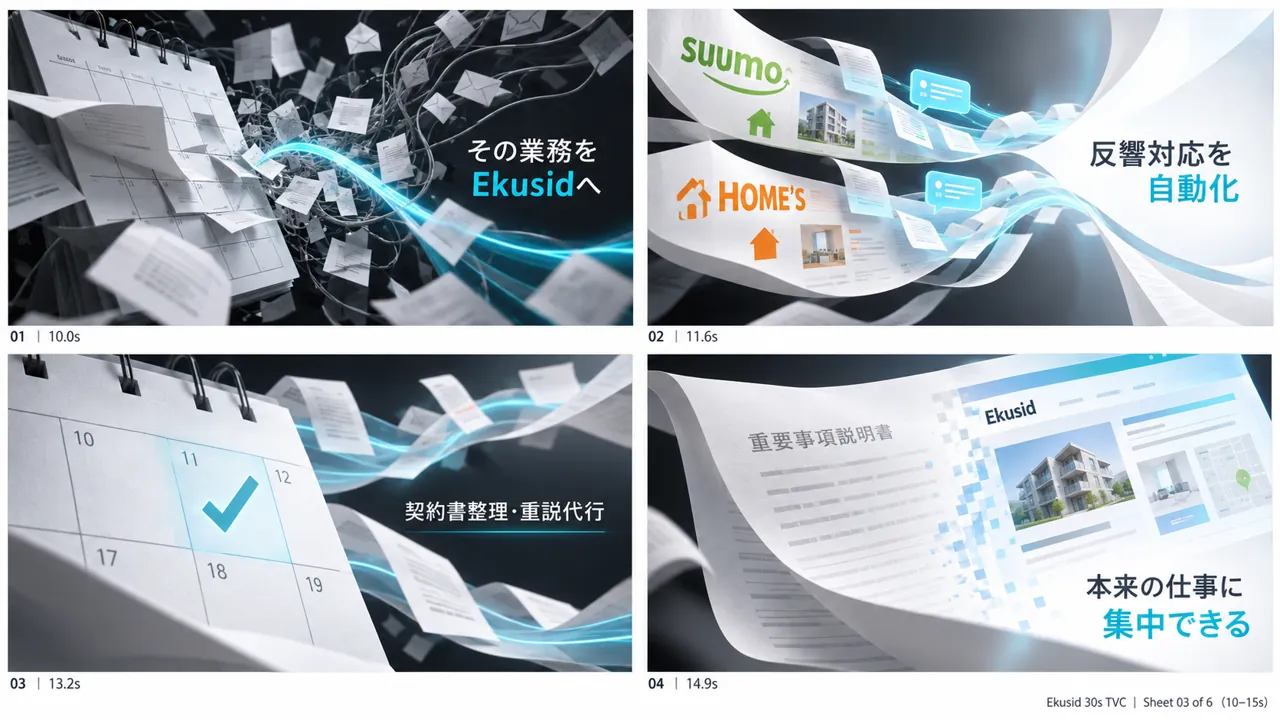 Before
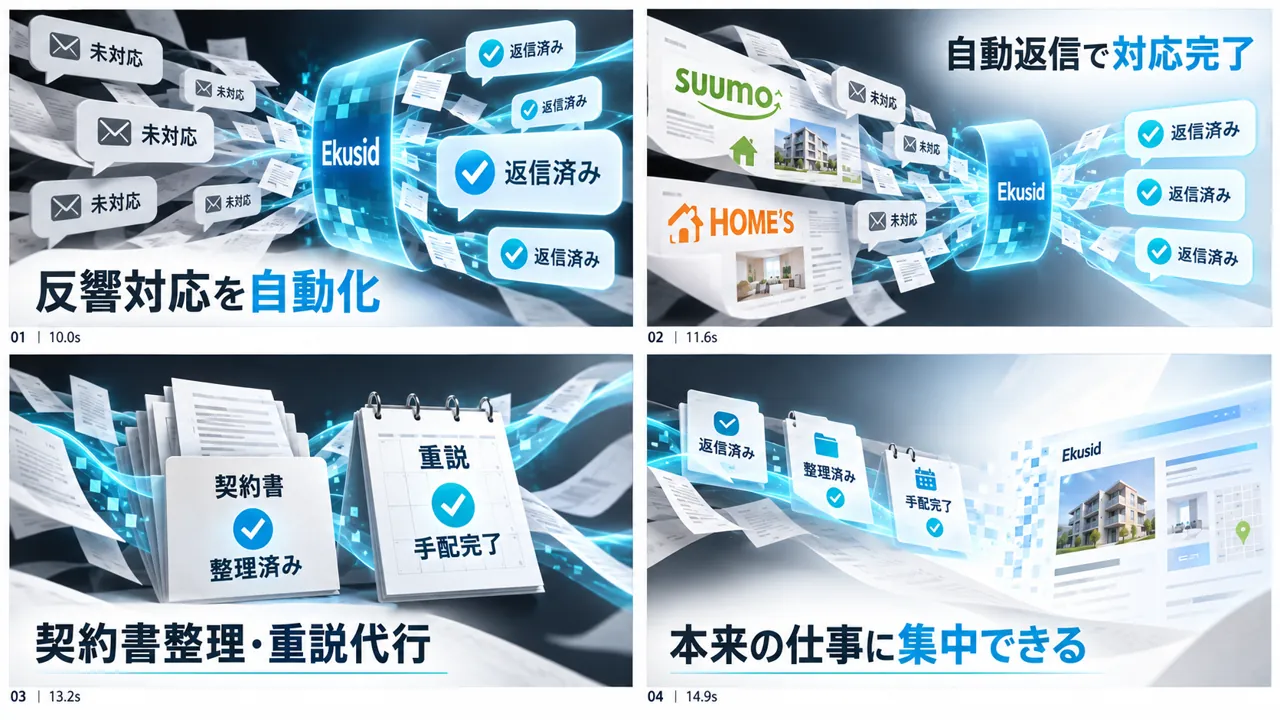 After
AfterTurning a sequence of stills into motion where shapes connect
To show text and logos accurately, we once made a version that strung fixed assets together into a video. The text was clean, but the version was not adopted because of these instructions:
"Just combining still images killed all the dynamic elements."
"I want it to feel like it moves smoothly without seams."
For the final cut, we split the 24-panel storyboard into individual panels and gave each pair of neighboring panels to a video generation AI (Kling v3) as start and end frames, generating 23 segments. These were joined into 30 seconds so that inquiries appear to flow while changing shape into documents and calendars.
Checking on-screen text and logos for distortion
Video generation AI can distort text and logos on screen. With Ekusid too, the first simple video showed garbled characters, distorted logos and text cut off at the edge of the frame.
Fixed assets make the text accurate, but as the previous section showed, the motion becomes weak. The final cut prioritized motion by giving the video generation AI storyboards that already contained the text and logos. Even this does not lock the text completely, so a separate check of the text and logos is needed in addition to checking the motion.
If the client provides the correct spelling of the company name, service name, logo and on-screen wording at the start, the standard for checking is clear.
Finishing sound and voice without remaking the footage
When the footage was locked, the sound was not yet tied to the motion. Without remaking the footage, we replaced only the sound and compared the results.
We made three background music options with generative AI (ElevenLabs) and compared them, then kept the original track because of this instruction:
"The original BGM is good because it keeps getting more up-tempo."
On top of it we added sounds of paper changing shape, notification sounds and completion sounds. Finally, at 28 seconds, where the Ekusid logo appears, we added a voice of about 0.9 seconds saying "exceed", and lowered the music and sound effects only while the voice plays. We also made three voice options and compared them.
What to decide before ordering to reduce revisions
Most of what was revised for Ekusid would have meant less rework later if it had been decided early. Sorting out the following before you place a request makes reviews smoother.
- 01Where the video will be used and how long it is (for Ekusid, 30 seconds within a company overview presentation)
- 02Whether to show people, or to tell the story through the motion of objects and screens
- 03After showing the problem, how you want the solved state to look
- 04The correct spelling of all on-screen text, such as the company name, service name, logo and media names
- 05Whether to include voice or narration, or use only music and sound effects
At FablessBridge, we lock the content in the script and storyboard before production starts. A revision that turns it into an entirely different video, such as changing the structure or switching from photorealistic to anime style, is called a major revision, and the basic plan includes one (as of October 2026). The earlier a difference in direction is found, at the initial concept or storyboard stage, the easier it is to fix.
Note that the Ekusid video is 30 seconds long, which differs from the basic plan's 60–90 seconds. What the price covers and what is quoted separately is explained in "AI video production pricing", another article in the Preparing Your Request category.
Talk to us about your video
You don’t need a finished plan to get in touch.
ContactSee pricing and the production process