How Product Photos Become Video Scenes: A 90-Second kucca Production Case
A 90-second client case showing how kucca product photos, a course handbook photo and the logo became connected problem-and-solution scenes, with fictional direction kept separate from the published material.

Decide what each product photo does in the video
When turning product photos into a video, counting the photos first can make quantity the goal. The number depends on the length, number of scenes, features to show, frame orientation and whether captions or sound are used. Decide each photo's role first so you can see which material is missing and which material is unnecessary.
For kucca, we selected product photos, a course handbook photo and the logo from images published on the official sites, then built a 90-second flow without filming or narration. This is a client case whose publication was approved. The parent, age, weight and search terms shown on screen are fictional direction, and no photos showing people were used.
Think of the placement as an opening, a comparison and a close. The opening quickly establishes what the product is, the comparison pairs a useful photo with explanatory text, and the close leaves enough space for the logo and URL to be read. For kucca, the order from a scene of uncertainty to an answer was decided before the photos were placed.
When adding motion that is absent from a photo, separate direction that changes the product's shape or color from transitions and moving captions. Check facts that must match the real product against the public site, and label fictional settings as on-screen direction so the review points stay clear.
Turn product photos into connected problem-and-solution scenes
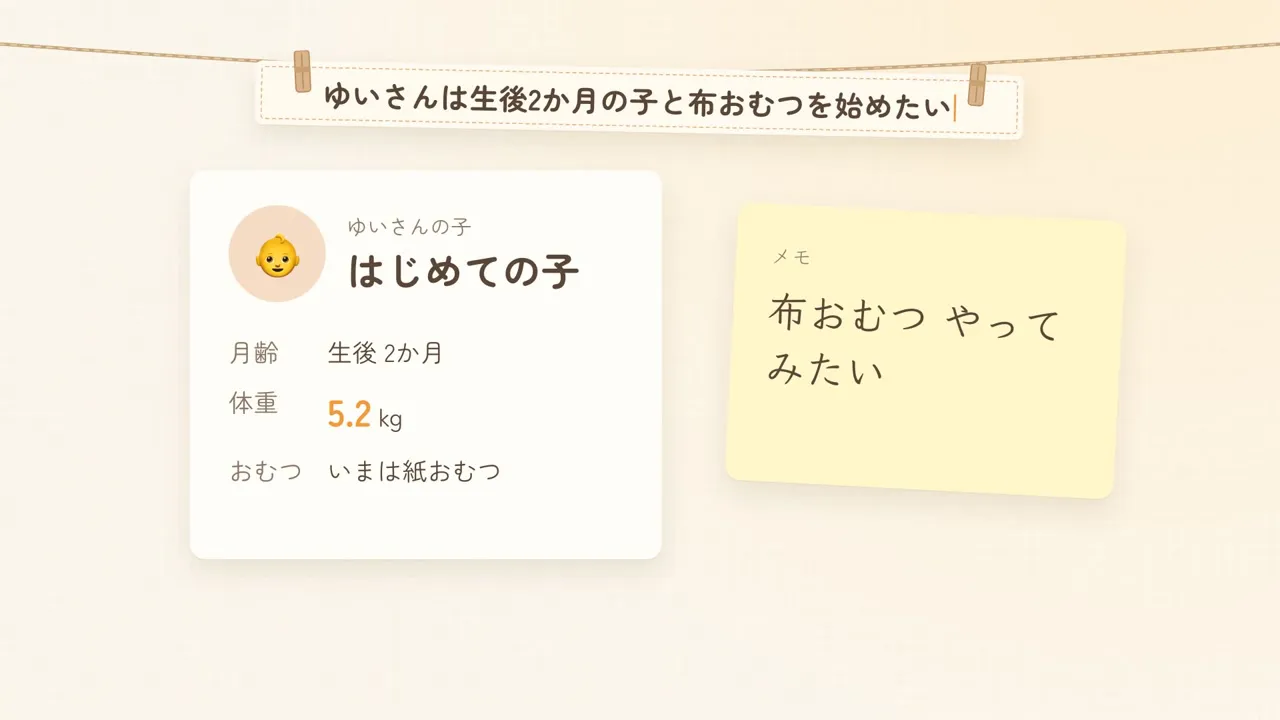
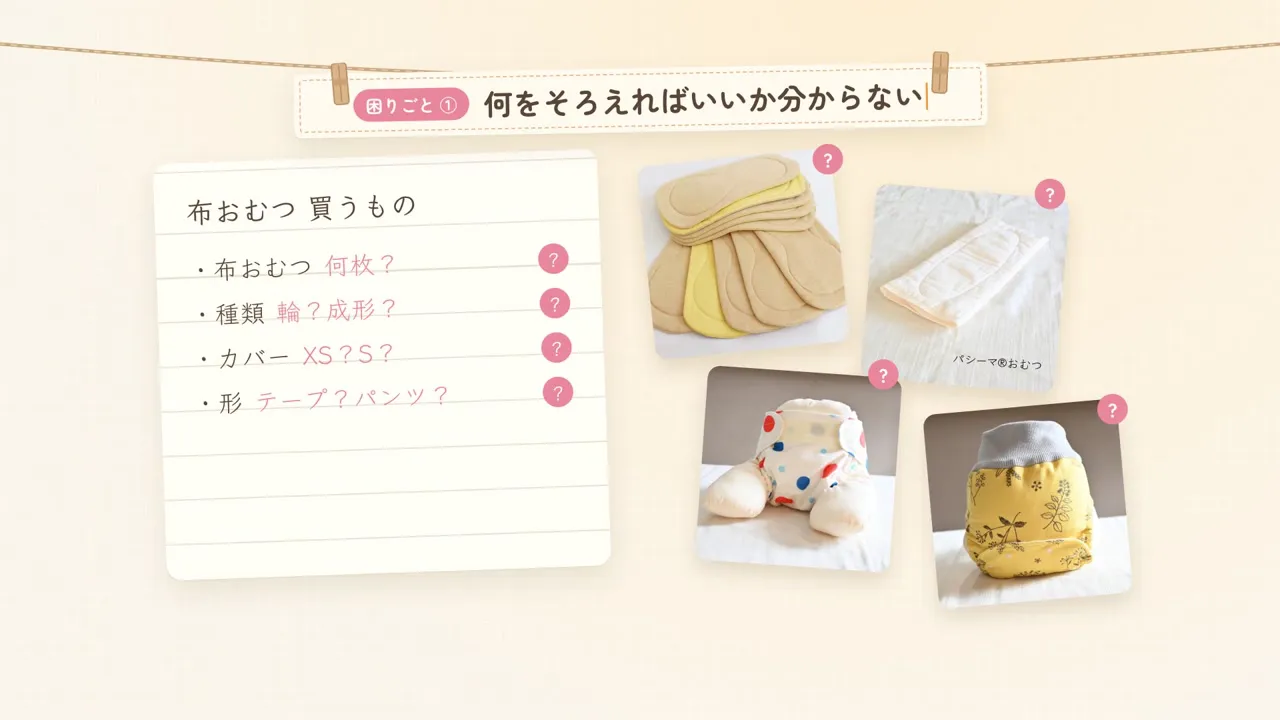
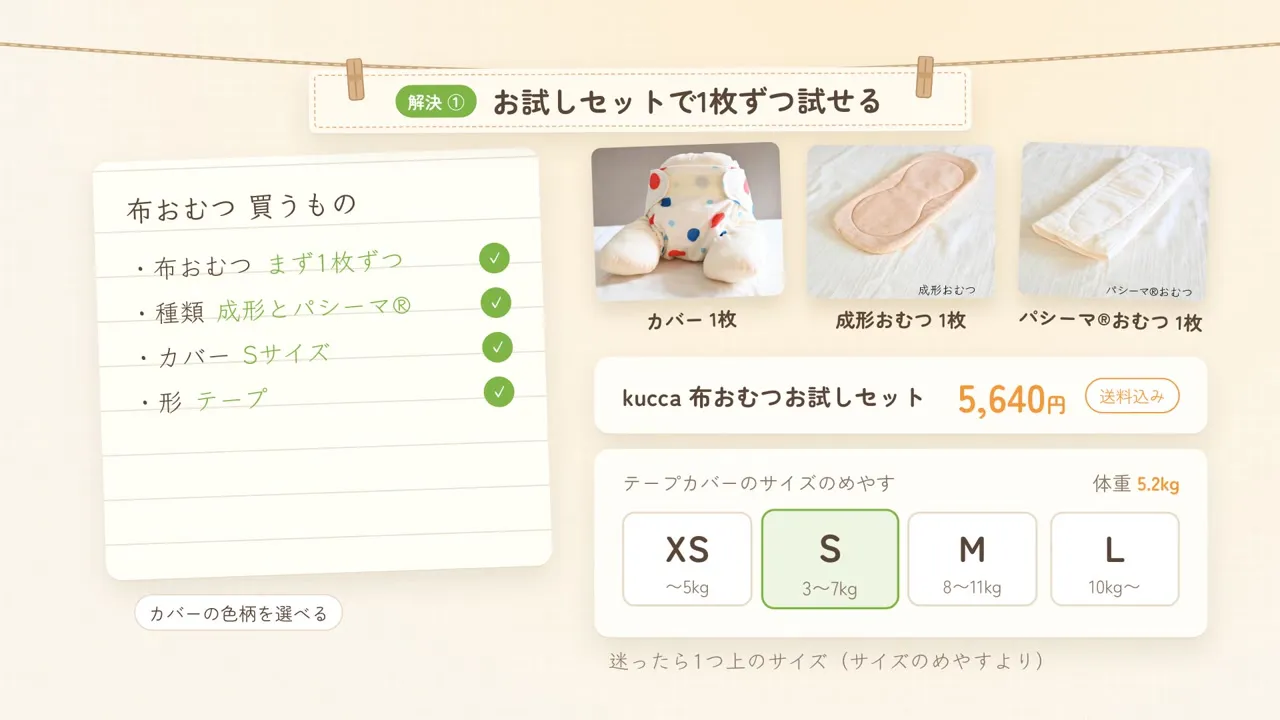
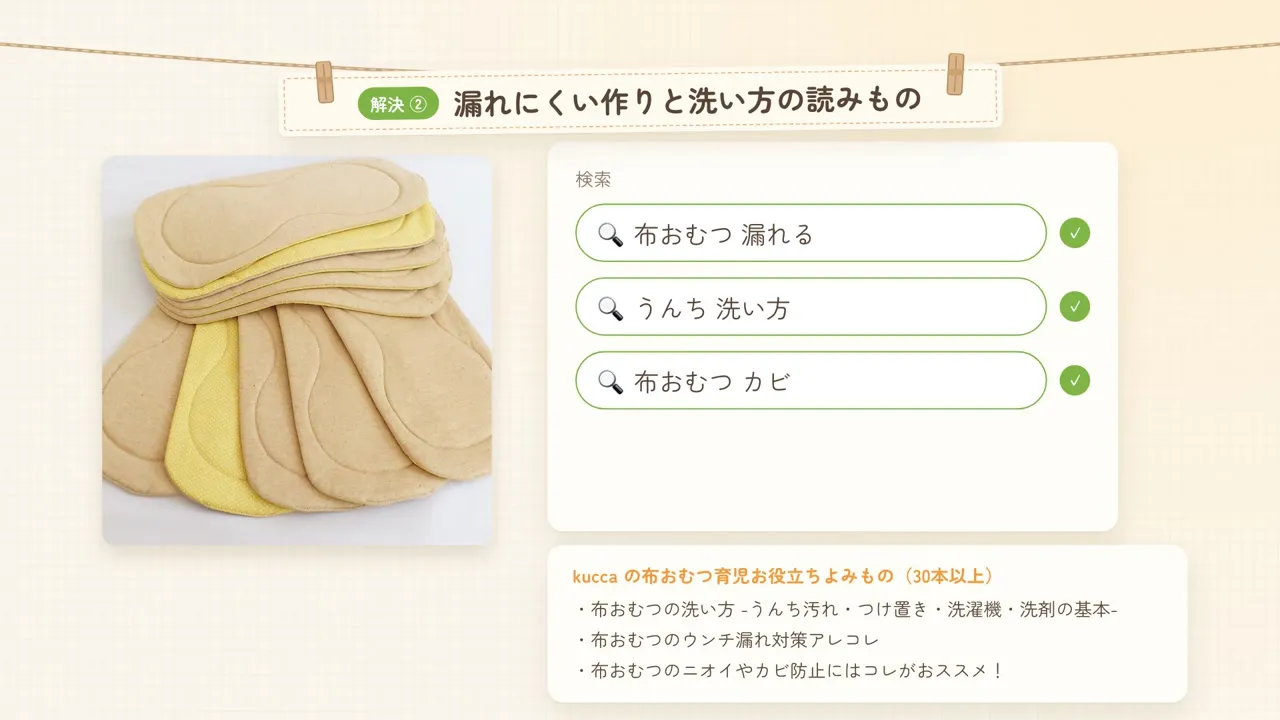


In the first 0–4 seconds, product photos hang on a washing line before the kucca logo introduces the shop and courses. At 36–48 seconds, the trial set and size guide sit beside the shopping list, turning the photos into an answer to what to choose. At 48–60 seconds, a photo of hand-sewn fitted diapers leads from search terms to articles. At 60–72 seconds, the course handbook photo introduces the course topics.
The same shopping list changes question marks into checks, search terms lead to articles, and conflicting answers are replaced by the course. The photos therefore do more than move: changes in the surrounding screen and captions connect each photo to the next point of understanding.
Keep client material separate from fictional direction
The product photos, handbook photo and logo used in the video are public images from the official sites. We gathered the products, prices, sizes and course details from the shop and course sites, then built the sequence. The parent card and search terms created for the video do not depict a real customer or user.
Even when the number of product photos is undecided, a product URL, intended placement and features that must be shown are enough to discuss whether a photo belongs in the opening, comparison or close. For a published video, keep the source of the material separate from the parts added through editing and direction.
Talk to us about your video
You don’t need a finished plan to get in touch.
ContactSee pricing and the production process