Making AI Videos with Claude Code: What to Delegate and Check
How we used Claude Code to produce a 76-second in-house sample video, what we delegated to Claude, and what a person still had to watch, hear and decide.
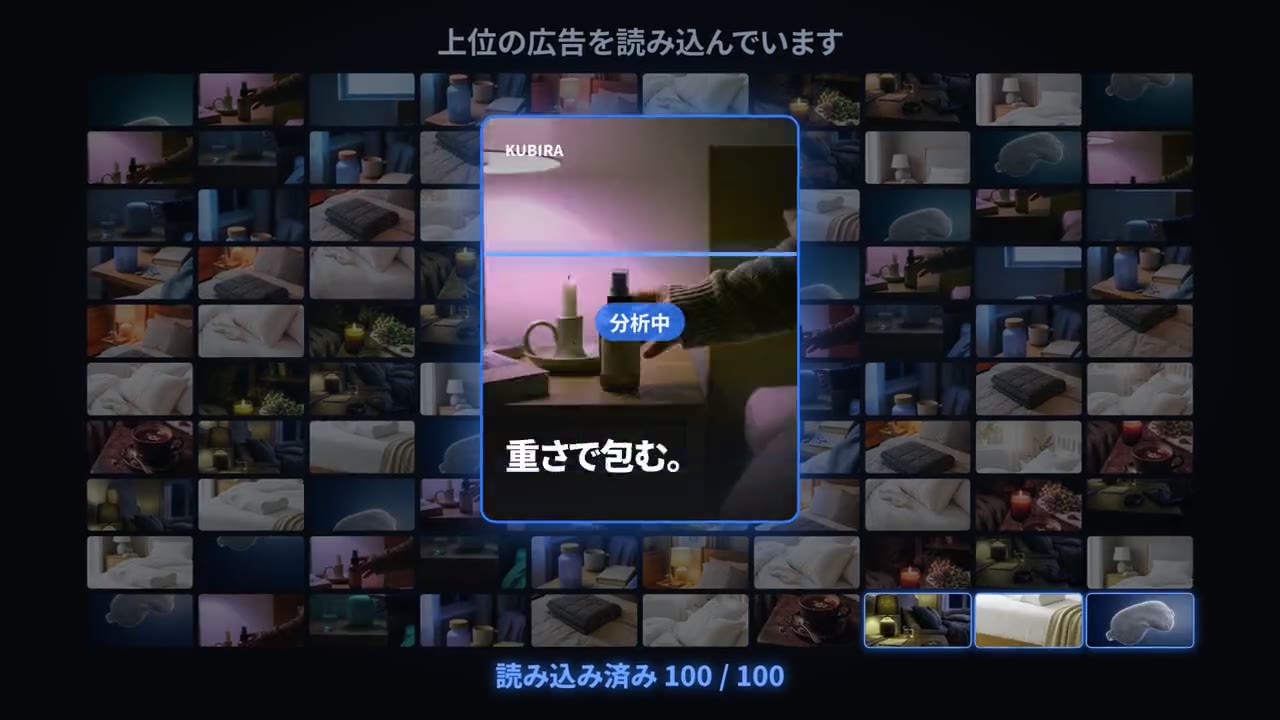
Claude is not an AI that generates video itself. At FablessBridge we use Claude Code, an AI coding assistant, to analyze reference videos, organize scripts and requirements, write scripts that call image and video generation AIs, build on-screen HTML, adjust audio and render the final file. A person watches the footage, listens to the sound and makes the decisions.
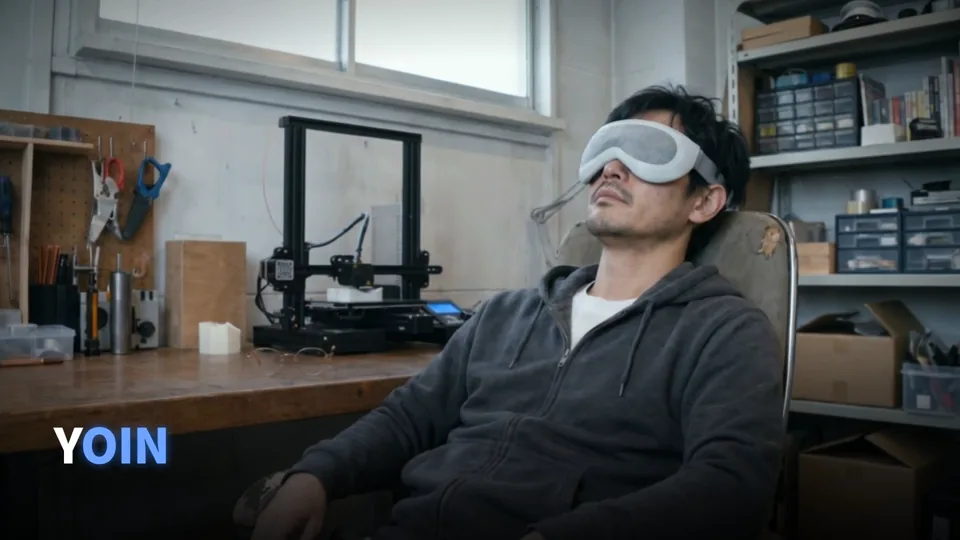
This article uses our exchanges with Claude Code while making Yoine, a 76-second in-house sample, to separate what we delegated from what a person checked. The full workflow and the tools we used are covered in our production note "How to make an AI video".
Dividing the work when making a video with Claude Code
- Delegated to Claude
- Measuring the reference video, organizing the script and requirements, calling generative AI, on-screen HTML, audio adjustment, rendering
- Decided by a person
- Story direction, scoring and feedback on each version, the budget cap, final checks of sound and motion
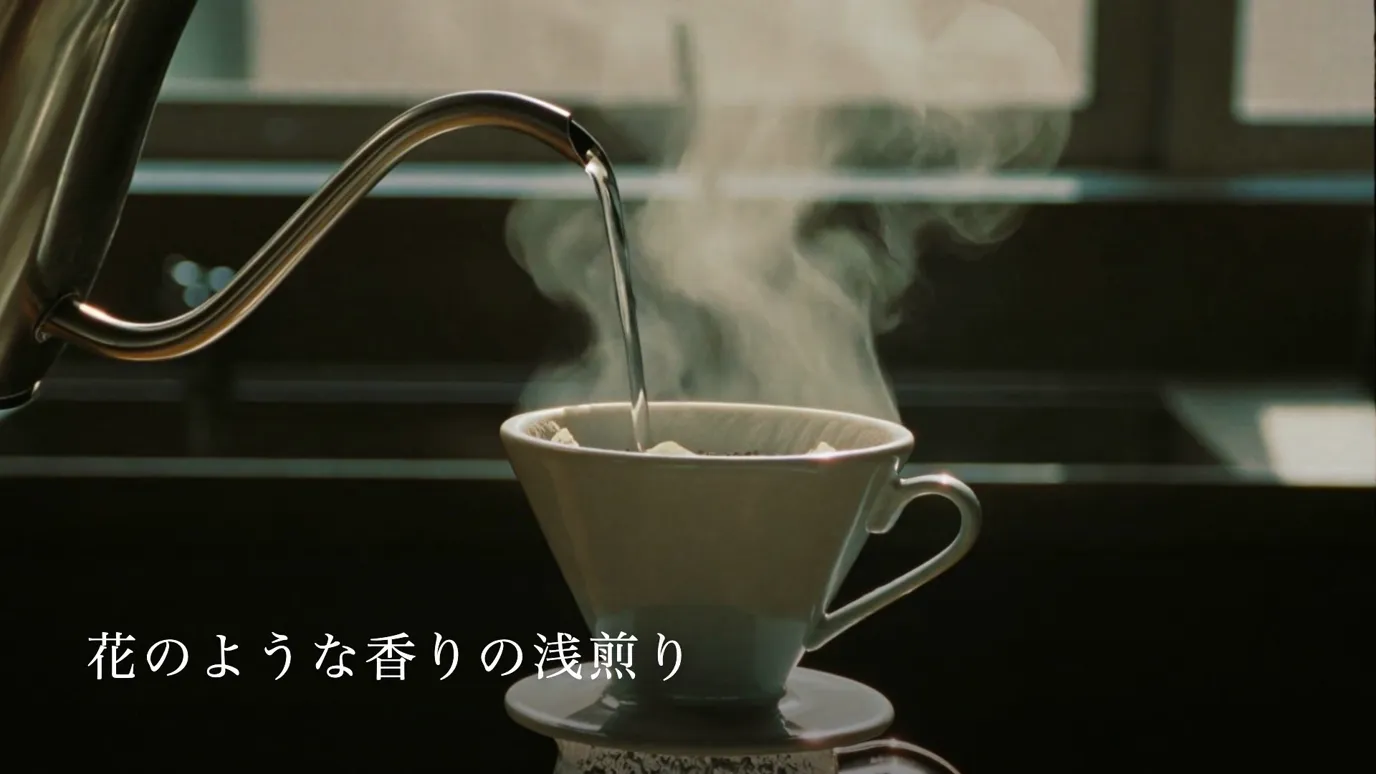
Images were made with an image generation AI, live-action-style shots with a video generation AI (Kling v3), and music and sound effects with an audio generation AI (ElevenLabs). Claude Code wrote and ran the scripts that call these tools, then edited the resulting assets into a single video.
We ran Claude Code on a local computer and worked inside the project folder. Files outside that folder sometimes cannot be read. With Yoine, the first reference video we provided sat in the Downloads folder and could not be opened. Moving assets into the project folder before handing them over makes things smoother.
Turning the reference video into numbers, then a script and requirements
We started by handing over a reference video and asking Claude Code to understand it and then make a new video. Claude Code extracted frames and wrote a script that measured the share of time the picture is static, the number of scene changes and the longest pause, so the videos could be compared by numbers. The reference ad was static about 4% of the time and changed scenes about 4.9 times per 10 seconds. We used these as target benchmarks.
Next, we had it read our preferences from earlier exchanges on videos in the same format and compile a requirements document. Who the video is for and what it shows, three aspect ratios, the workflow, numeric quality targets and the expected cost all ended up in one file. Whenever a decision was needed, Claude presented options one question at a time with a recommendation, and the author chose.
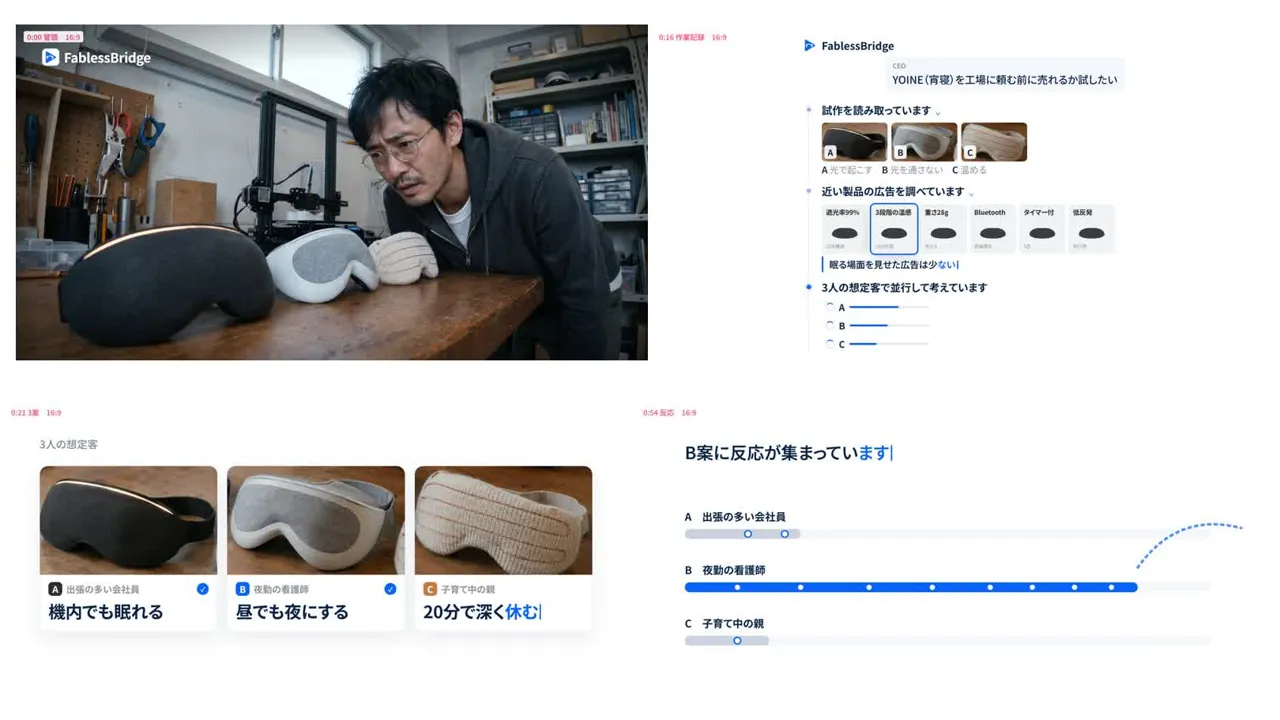
The script comes back as a table, second by second, noting whether each moment is shown as live-action footage or as a product screen. Send back the timestamp of a line you want changed and only that line is rewritten.
Wrapping video generation calls in a script with a budget cap
Image, video and audio generation all run on paid APIs. Before generating anything, we had Claude Code create a plan file listing the number of items and a cost cap for each, and the script stops before running if the plan's total exceeds the cap. It does not automatically regenerate over and over when something fails.
Each time feedback led to more regeneration, Claude estimated the extra items and cost, and the author decided whether to proceed within the cap. For Yoine we raised the cap to $25 partway through, and the estimated generative AI cost came to about $23 in total.
Stacking old and new versions and giving feedback by timestamp
For each new version, Claude Code built a comparison page that plays the previous version on top and the new one below at the same time, served on a local server. Playback drift between the two is kept within 0.05 seconds.
We gave feedback as a timestamp plus what to change, for example that the 22-second ad was too ordinary, or that versions B and C of the 53-second cut were jittery. Claude organized the notes into the requirements table and confirmed the extra cost with us before moving to the next version.
Investigating causes can also be delegated to Claude. The jitter at 53 seconds came from re-sorting the screen layout on every frame. In the vertical version, the nurse's face was cut off because the crop center sat too far right and the face drifted left as the camera pushed in. Claude identified and fixed both causes.
A person watches and listens for what Claude cannot check
Claude Code checks video as frame images and numbers. Its report for each version includes a section called "Not yet verified". For Yoine it listed points such as these.
- 01How the notification sound and gunshots sound was checked only by numbers, not by ear
- 02Please check at normal speed whether the difference in brightness and color between left and right at the moment the box is handed over looks natural
Measured numbers getting closer to the targets does not by itself make a good video. The author scored the third version 30 points. It was not bad overall, but it looked like a copy of the reference video, and the effect of icons and diagrams moving constantly to the music was judged unnecessary. The final calls were made by watching the whole video at normal speed and listening to the sound.
Have Claude write down its reading of ambiguous instructions first
Short feedback given by timestamp sometimes includes instructions that can be read more than one way. In feedback on version 5, the author wrote "Japanese on the left of the top row, English below the top row". Claude wrote out its interpretation, that it would proceed with English on the left of the bottom row, and asked whether it could move on to the next version if that was correct.
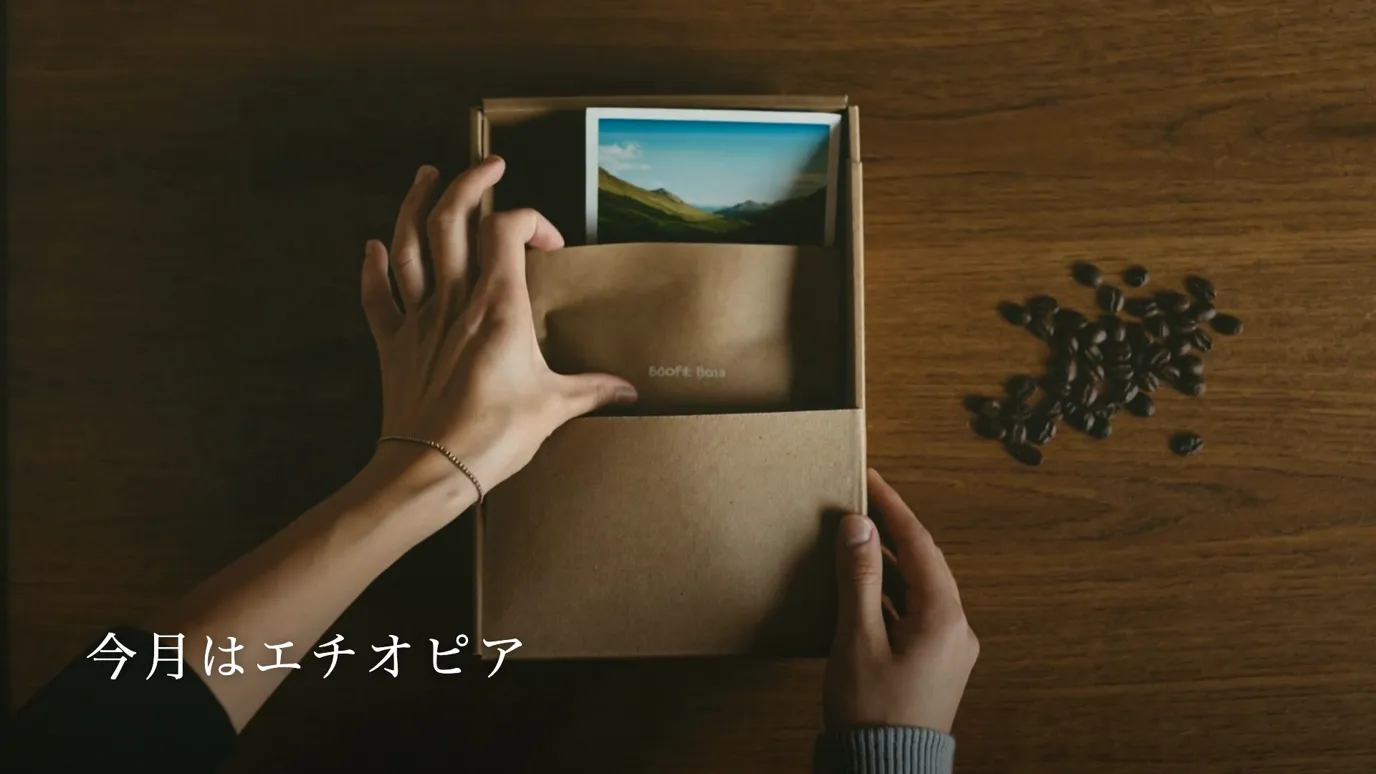
When the same scene keeps failing, asking for proposals is faster than letting the work continue. The box handover scene was revised many times from version 4 onward without working, so we told Claude to think carefully and propose a fix. Its proposal was to generate images for the start and end of the split screen and turn them into a video. That finally made the same box appear to cross the boundary.
How to give instructions when delegating video production to Claude Code
- 01Put assets in the project folder before handing them over
- 02Hand over a reference video and have Claude decide what to compare by numbers
- 03Have requirements, script and feedback saved to files so each version can be reviewed again
- 04Before generating, have it state the item count and cost cap, and stop any plan that exceeds it
- 05Stack old and new versions to compare them, and give feedback as a timestamp plus what to change
- 06Have it write "Not yet verified" every time, and have a person watch and listen to those items
Claude Code is a tool that runs commands and rewrites files, so the person using it has to decide and manage how generative AI API keys are handled and what the budget cap is. The full Yoine video and comparisons from version 3 to the final cut are available in the case study below.
Talk to us about your video
You don’t need a finished plan to get in touch.
ContactSee pricing and the production process