How to Use Higgsfield: Generate, Select and Regenerate
How we used Higgsfield to generate image candidates, pick them, animate them and redo a shot, with real selection reasons and costs from a 30-second sample.
Higgsfield is a service that gives access to several image generation and video generation AIs in one place. At FablessBridge we use it in a set order: settle the look with images first, then turn them into video. Comparing candidates at the cheaper image stage keeps the cost of failures down compared with jumping straight to video.
This article walks through how we made five shots for Traveling Bean Box, a 30-second in-house sample made on October 14, 2026 for a fictional coffee bean subscription. We generated 15 images and 6 videos, and the estimated total cost was about $5.1. How the finished video was assembled is covered in "Assembling a video with Remotion".
Models and costs we used on Higgsfield
- Images
- Soul 2 (about $0.006 per image)
- Video
- Kling 3.0 Pro (about $0.84 per 5-second clip)
- Generated
- 15 images, 6 videos (including 1 regeneration)
- Total cost
- About $5.1 (cap of $10)
This time we called it through the API rather than the web interface. The API has an estimate function that returns the cost before generating, and we used it to check the price of each request before running it. We set a cost cap of $10, and the script stops before running any generation that would push the total over the cap. To avoid resending the same request without knowing its result, we also logged every request we sent.
Making three image candidates per shot and comparing them
For each of the five shots, we made three images using the same prompt with only the random seed changed. The prompts were in English, described the scene, light and texture, and ended with "no text or logos".
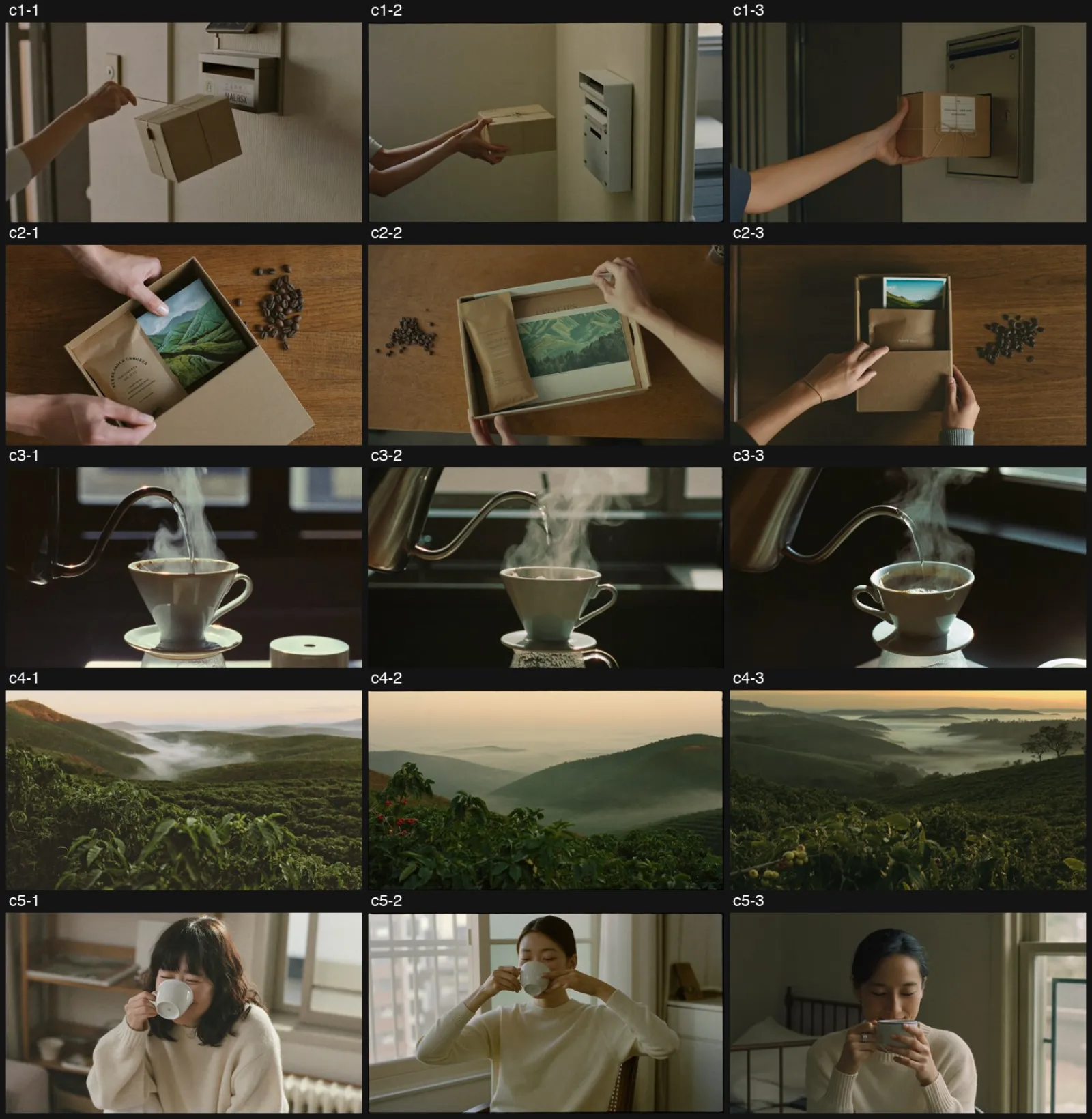
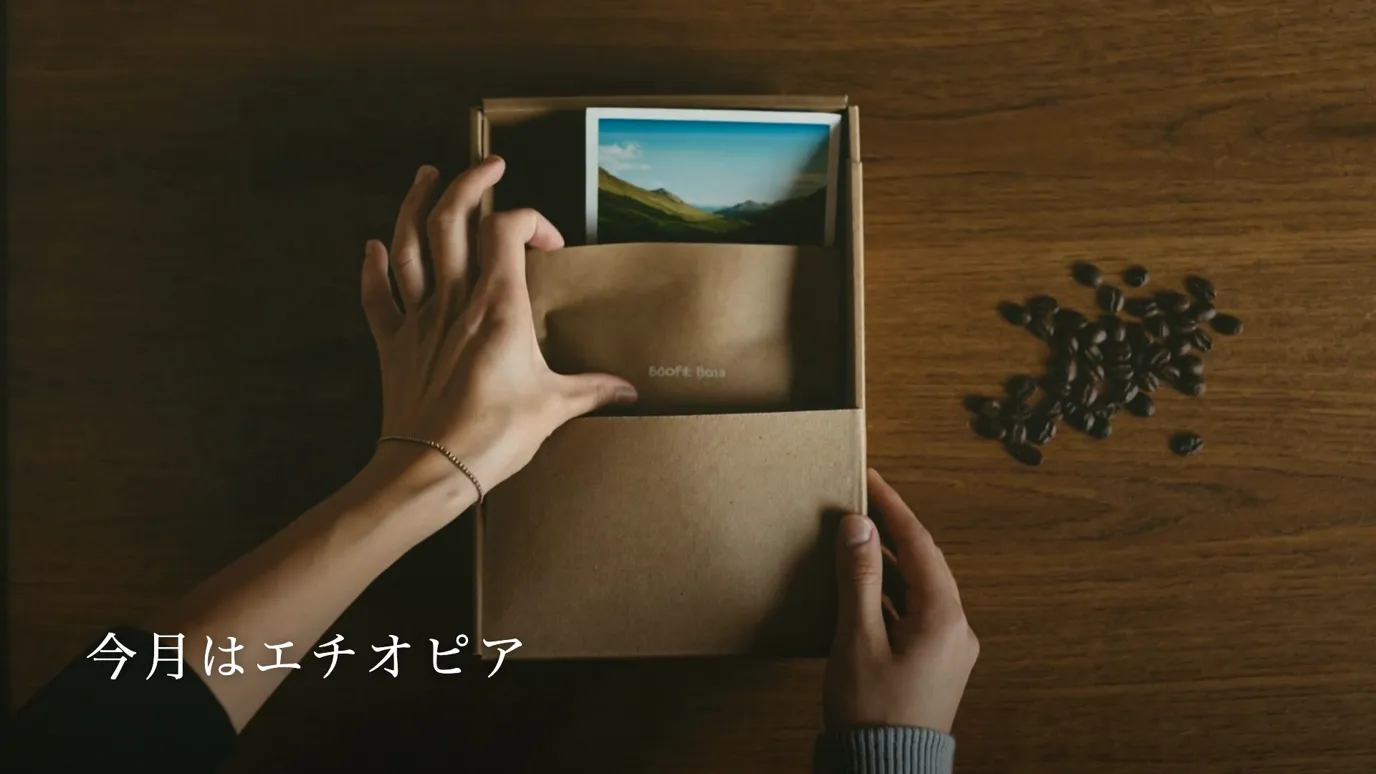
Even with "no text" specified, some candidates showed unreadable English-like letters on the box or the bean bag. We dropped candidates with garbled text and picked one per shot from the rest for the following reasons.
- 01Mailbox: dropped a candidate where the box floated in midair and one with garbled text on the box label
- 02Hands opening the box: all three had text on the bag, so we picked the one where it stood out least
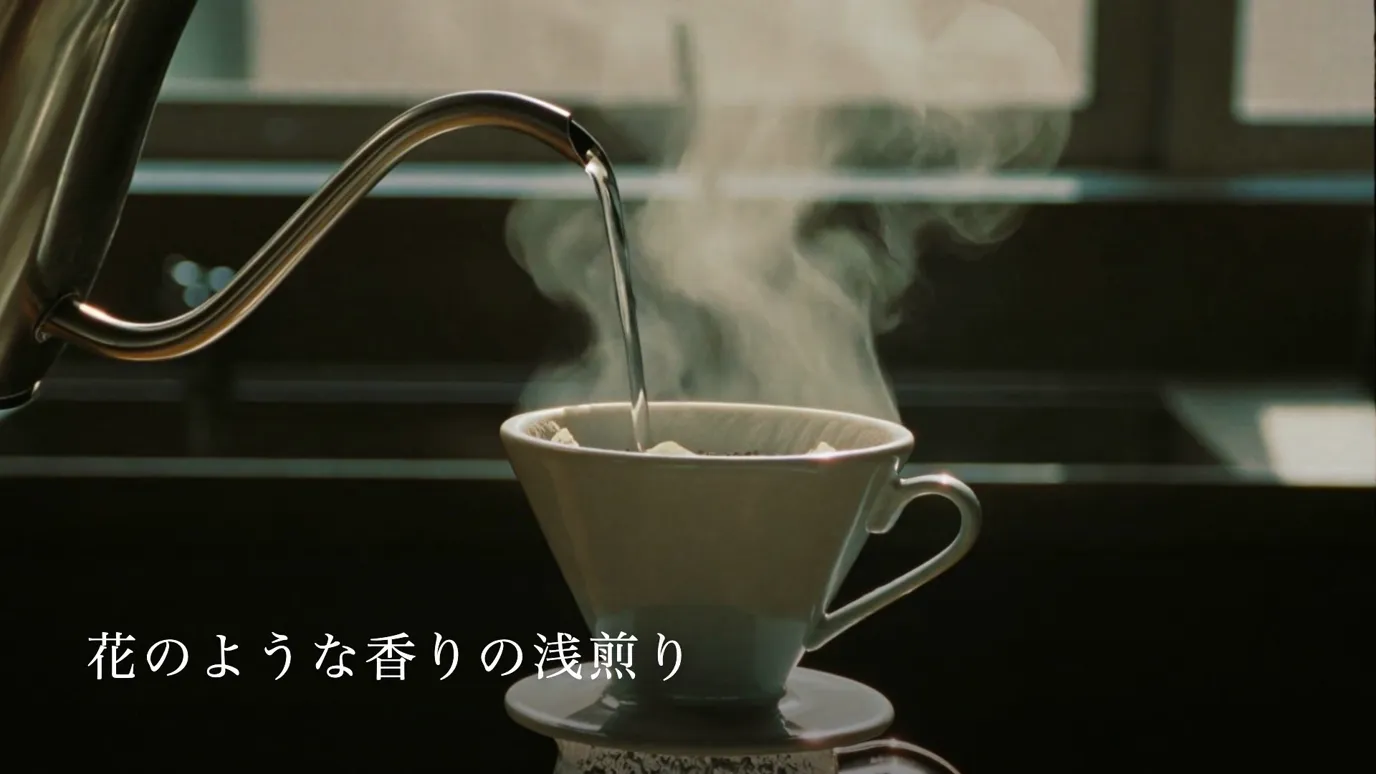
- 03Pour-over: dropped a candidate where the dripper turned into a cup with a handle
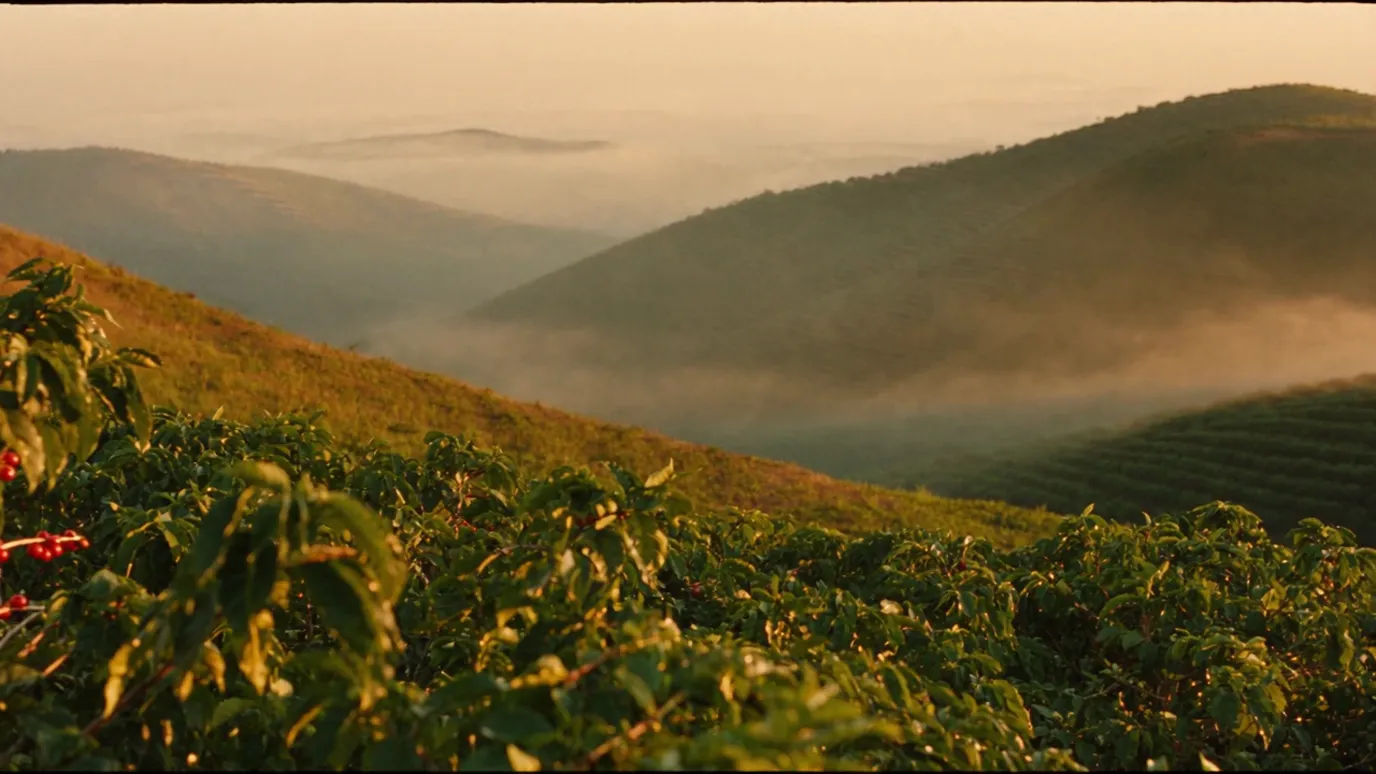
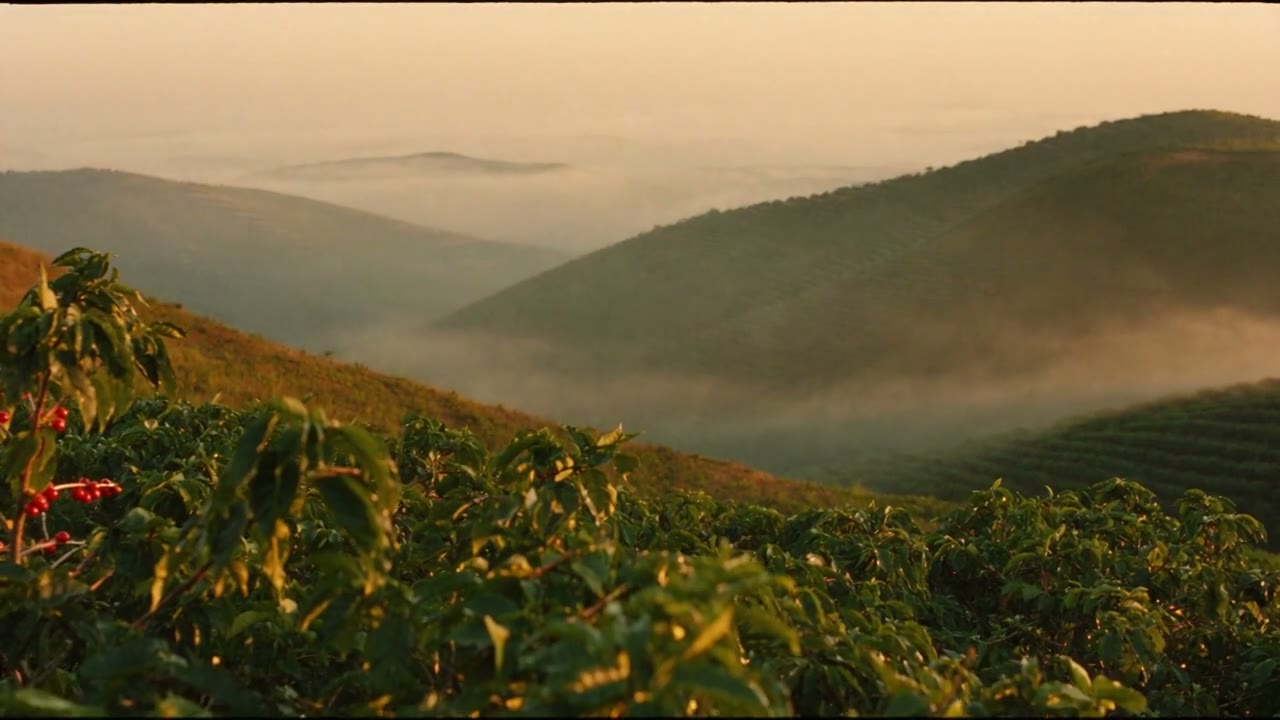
- 04Highland farm: the third had the best light, but its cherries were green and did not match the "ripe red cherries" spec
- 05Sip by the window: dropped a candidate where bangs hid the expression and one with an awkward hand-on-chin pose
Animating the chosen images with a video generation AI
We gave the five chosen images to Kling 3.0 Pro and made 5-second videos. Since the images already fix the look, the video prompt only describes motion and camera. For the pour-over, for example, it said: "Hot water pours slowly in a spiral from a gooseneck kettle, steam rising against the backlight. The camera pushes in very slowly."
The resulting videos were 1920×1080 at 24fps. We extracted frames from the start, middle and end of each shot and checked the shape of hands and fingers, faces and any text on screen. Four of the five could be used as they were.
Regenerating a shot where the motion went backwards
The opening shot was meant to show someone taking a box out of a mailbox. In the first video, though, the hand pushed the box into the mailbox, so it looked like someone sending a package.
The regeneration prompt stated the direction clearly: "As if taking out a delivered package, pull the box away from the mailbox and carry it to the left of the frame. The box keeps moving away from the mailbox until the end." The second attempt fixed the direction, but from around 3.8 seconds the hand disappeared, the box floated in midair and garbled text appeared.
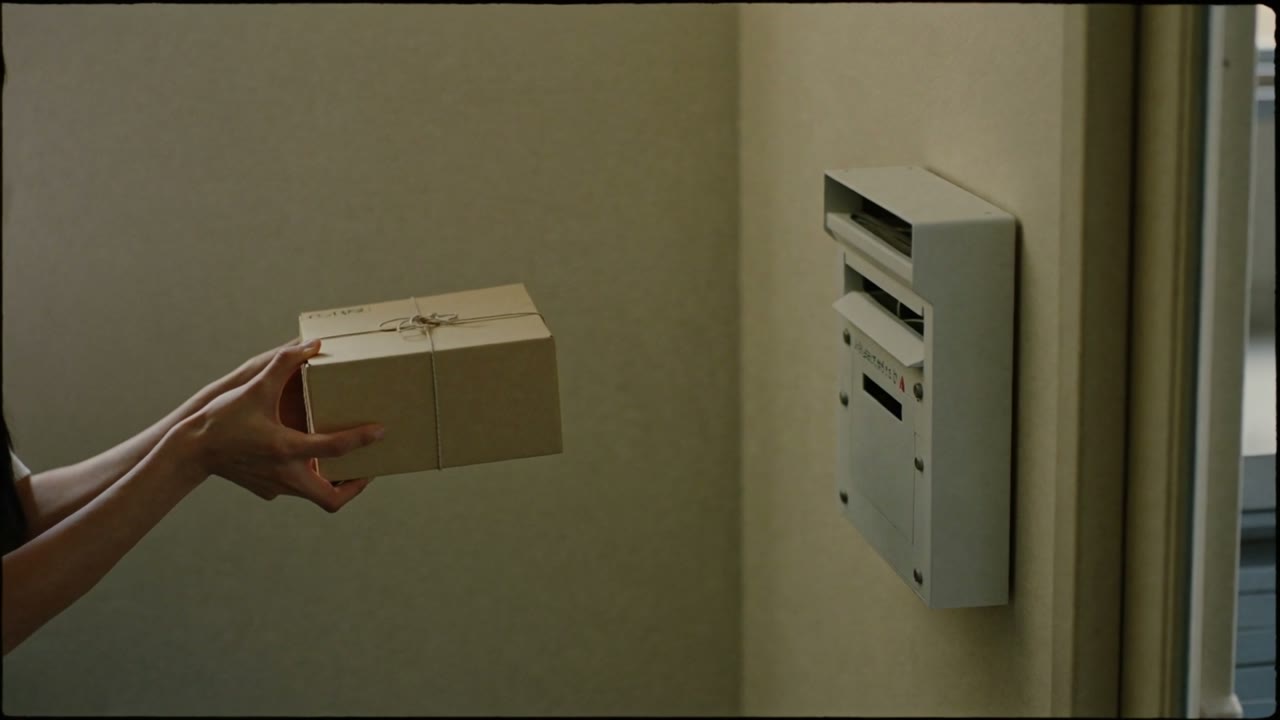 Second 2
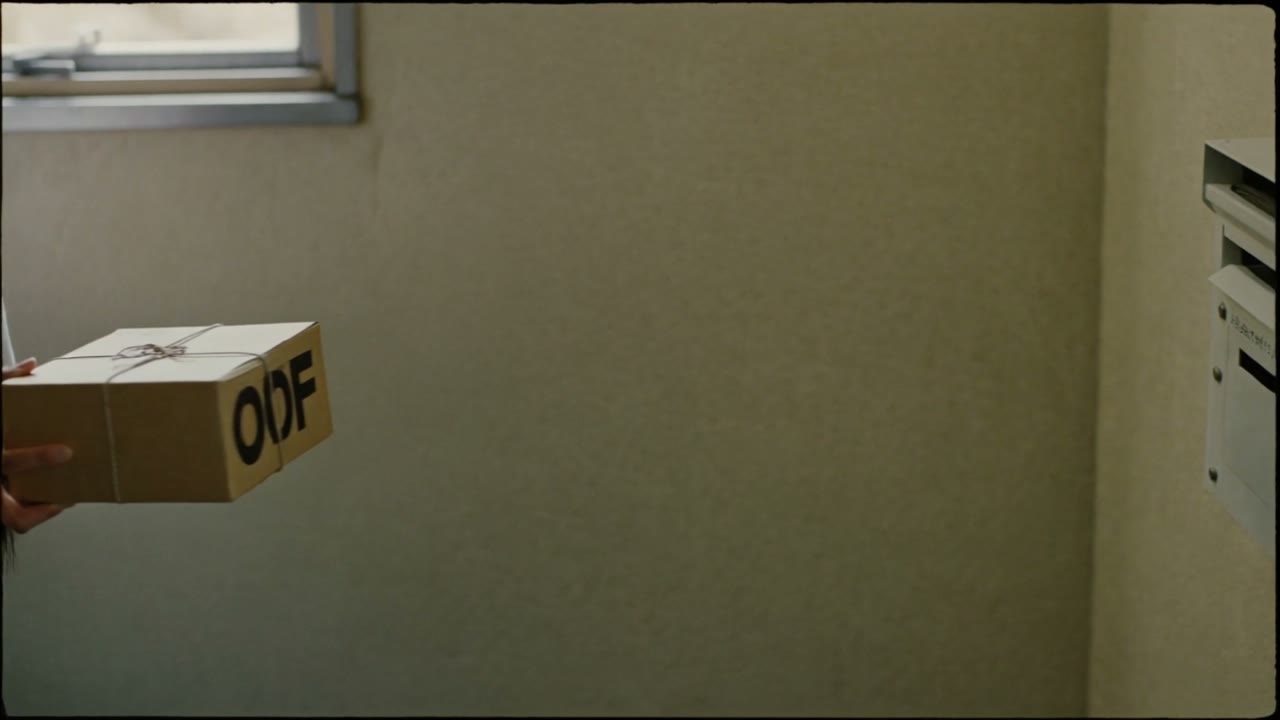 Second 4.6
Instead of generating a third time, we used only the first 3.6 seconds before it broke down and slowed it slightly in the edit to fill 5 seconds. When there is enough usable footage, trimming costs less money and time than regenerating.
Why we do not make on-screen text with Higgsfield
Of the 15 images, at least 4 had unreadable text on the box or bag. Even after conversion to video, garbled text appeared in the regenerated opening shot. Text that must be accurate, such as product names, taglines and place names, is more reliable when overlaid in the edit than drawn by generative AI.
In this sample, captions such as "From a different country every month", the map line from Ethiopia to Japan and the closing brand name are all drawn in Remotion code.
Summary: how to work with Higgsfield
- 01Set a cost cap first, and check each request's price with the estimate before generating
- 02Make three candidates per shot at the image stage, and choose by garbled text, the shape of hands and objects, and mismatches with the spec
- 03In video prompts, describe only the direction of motion and the camera, in concrete terms
- 04Extract frames at several points in each video to check hands, faces and text
- 05Before regenerating, consider whether the part before it breaks down is usable on its own
- 06Do not generate text that must be accurate; overlay it in the edit
Talk to us about your video
You don’t need a finished plan to get in touch.
ContactSee pricing and the production process