How to Choose a Video Generation AI: Costs and Results Compared
How we pick a video generation AI, with Kling and Seedance compared on the same image and per-5-second costs by route as of October 2026.
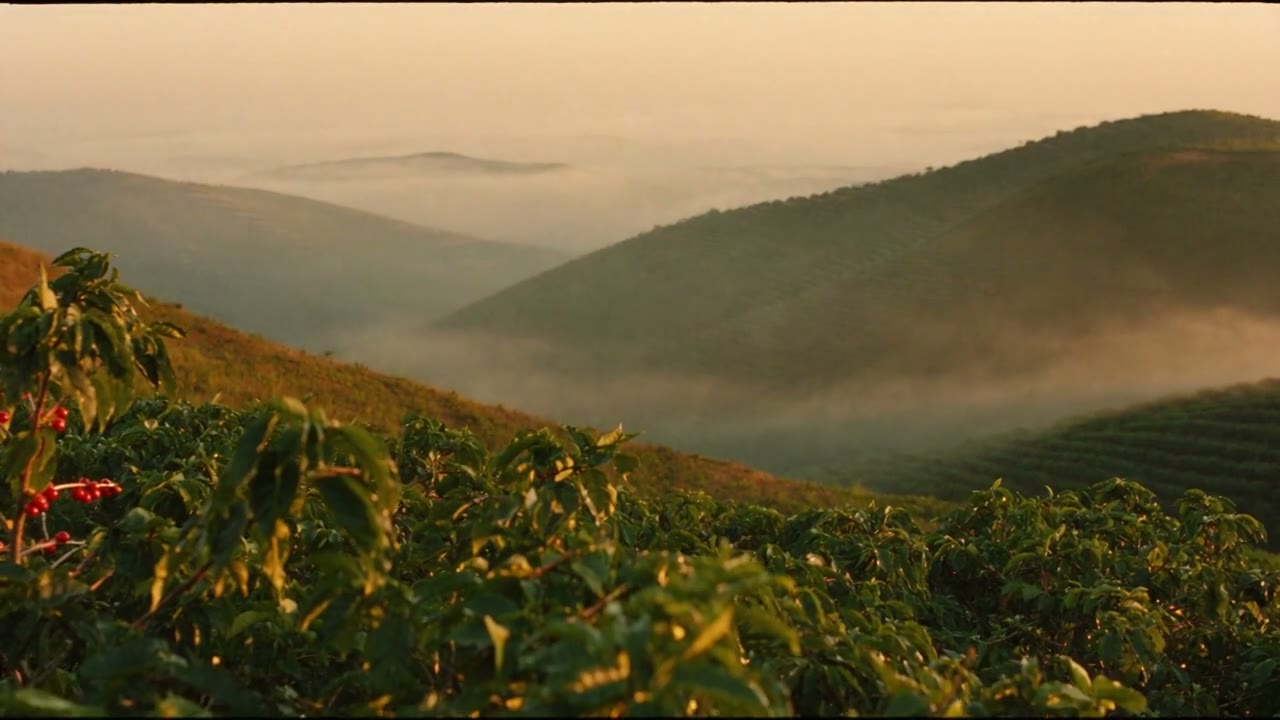
The most reliable way to choose a video generation AI is to narrow the field to two or three models that suit the scene you need, test each one once with the same image, and then compare prices on the route you will use. The same model can cost about twice as much per 5 seconds depending on the service (route) you access it through.
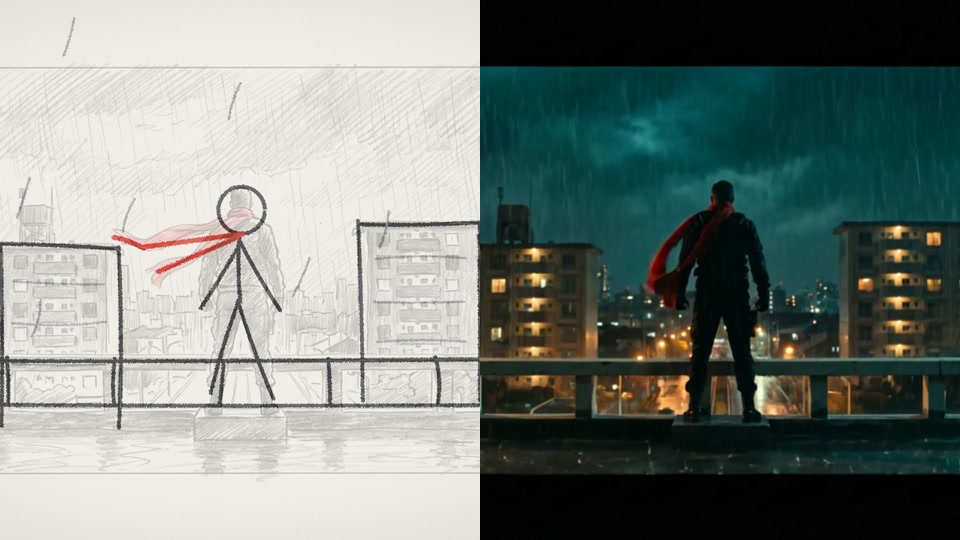
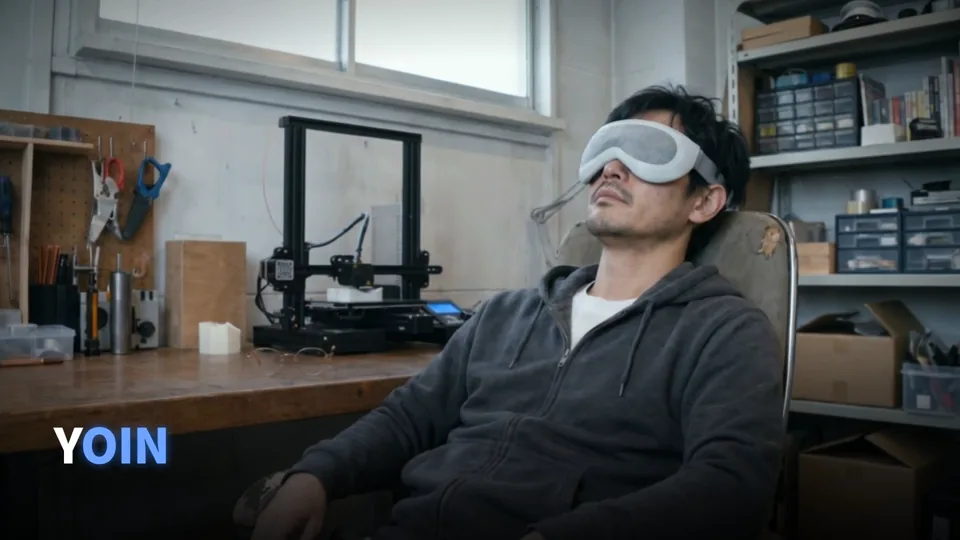
This article covers the differences in results between the models FablessBridge has used in real production, and the cost per 5 seconds we checked on October 14, 2026. Of the 10 video production examples published on our site, 7 use Kling v3 for their photorealistic shots.
The video generation AI models FablessBridge has used in production
- Kling v3
- 7 of our 10 published examples. Photorealistic shots of people, hands and objects in motion
- Seedance 2.5
- Compared with Kling in an October 2026 sample
- MiniMax
- An RPG-style example that animated a pixel-art storyboard
- Images and sound
- Images with Nano Banana Pro, GPT Image and Soul 2; music and sound effects with ElevenLabs
For photorealistic video we do not start from a text prompt. We first decide how the people and scenes look with an image generation AI, then animate those images with a video generation AI. Comparing candidates at the image stage costs less than remaking videos. On-screen text and logos are never generated; we add them in editing.
Kling vs. Seedance on the same image
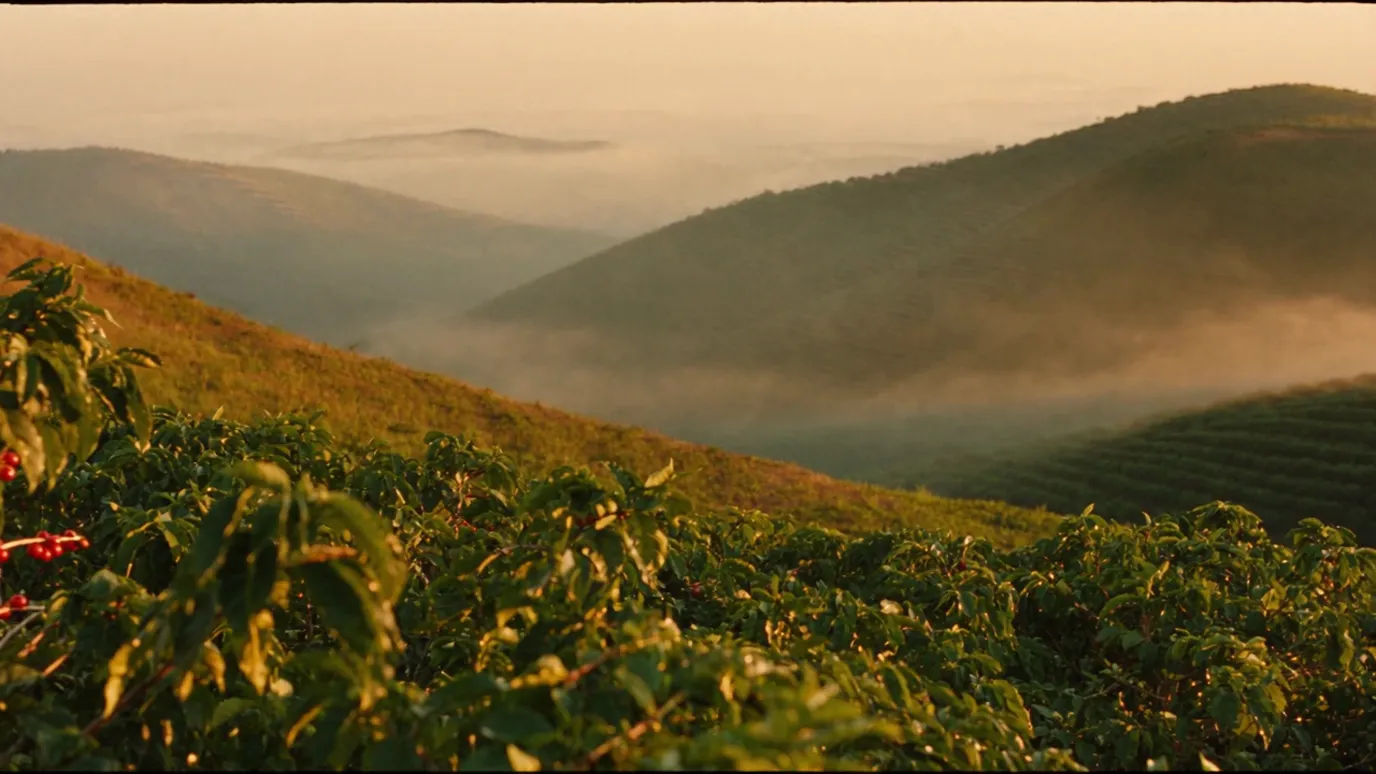
We took an image of a highland coffee farm, gave it the same instruction ("the camera slowly moves forward, mist flows through the valley, the morning sun gradually grows stronger"), and made a 5-second video with Kling 3.0 Pro and with Seedance 2.5.
Seedance followed the instruction about the sunrise: the light turned warmer, and the red coffee cherries in the foreground stayed in frame to the end. With Kling the camera moves forward, so the red cherries leave the frame partway through. On the other hand, Kling 3.0 Pro rendered at 1920×1080 and cost less than Seedance at 720p.
This was a single run of each, so it does not show that one model is always better. Even with the same prompt, the motion changes every time you regenerate. In actual production we test one clip with each candidate model and choose per scene.
Video generation AI costs depend on the model and the route
The same model is priced differently depending on whether you use it through the official API, fal, Higgsfield, Runway or another service. Below are the costs for one 5-second 16:9 clip, as checked on October 14, 2026 on each company's official pricing page and with the price-check function available on FablessBridge's accounts (excl. tax, in US dollars).
- 01Kling 3.0 Pro (image to video): Runway $0.60 (no audio), fal $0.70, Higgsfield $0.84
- 02Kling 3.0 Standard (image to video): Kling official $0.42 (no audio, 720p), Runway $0.45 (no audio), Higgsfield $0.63
- 03Seedance 2.5 (720p): ByteDance official API $1.16, Runway $1.50, fal and Higgsfield $2.31
- 04Veo 3.1 (with audio): $2.00. Veo 3.1 Fast is $0.50 on the Gemini API (720p). The Gemini API preview versions are scheduled to end on October 22, 2026 (see the next section)
- 05Wan 3.0 (720p): Higgsfield and Runway $0.50
- 06Runway Gen-4 Turbo: $0.25
For Seedance 2.5, ByteDance's official API cost about half as much as fal or Higgsfield. However, the official API may not be usable until you complete steps such as enabling the model in the console. Available settings, wait times and terms of use also differ by route, so before switching to a cheaper route we test one clip to check the result and the conditions.
The amounts here come from price lists and estimates and have not been checked against actual invoices. Prices change often, so check the pricing page at the time you use a model.
Sources
August to October 2026: news that affects which model to choose
New video generation models launch and old ones shut down within months. From the official announcements made between August and October 14, 2026, we have listed the ones that affect model choice.
- 01OpenAI Sora: the video generation API ended on September 24, 2026. No successor model has been named
- 02Google Veo 3.1: three preview models on the Gemini API are scheduled to end on October 22, 2026 at the earliest, with Gemini Omni 1.1 Flash named as the migration target. Gemini Omni became generally available on August 27, and all of its output carries a digital watermark (SynthID)
- 03Seedance 2.5: became available on BytePlus in August. Generation from material containing a real person's face is technically restricted and allowed only with that person's verification and consent. Output carries a visible watermark and C2PA data (information showing where the content was created)
- 04Kling 4.0: announced on September 30. Kling says it generates up to 30 seconds in one run and supports Japanese speech, but as of October 14 we could not confirm general availability
- 05Wan 3.0: up to 30 seconds, and can make videos that reference documents (PDFs, slides and so on). Priced at $0.10 per second at 720p
- 06Runway: from August to October, instead of new in-house models, Runway added other companies' models (Seedance 2.5, Wan 3.0, Kling and others) and worked on integrations with editing software
Relying on one model or service can halt production when it shuts down or changes its terms. At FablessBridge we keep the ability to test the same scene on several models, and we record the model name and route in our production records.
Rules on real people and watermarks also differ by model. For videos that show people or will be used in ads, we check the model's restrictions and watermark handling first.
In Japan, in August 2026, broadcaster TV Asahi and beverage maker Suntory aired a TV commercial whose footage was made entirely with generative AI. They announced that generative AI was used only for the footage, not for on-screen captions, audio or narration. Making the footage with AI and finishing text and sound separately is the same approach FablessBridge takes.
Sources
Choosing a video generation AI by the scene you need
Within what we have tested in FablessBridge's production work, we use the models as follows.
- 01Facial expressions, hands and handling objects: Kling, the model we have used most. Check each clip for distorted hands and fingers
- 02Scenes where changes in the environment, such as light or mist, must follow the prompt: add Seedance as a candidate and compare on the same image
- 03Test clips only for checking motion direction or camera work: use a cheaper model or a lower resolution, and regenerate once the shots are decided
- 04Scenes where you want audio generated too: models that generate audio (Veo 3.1, Kling 3.0 with audio, and so on). If you will make music and sound effects separately, specify no audio
- 05Text that must be accurate, such as product names, prices and logos: do not generate it with any model; add it in editing
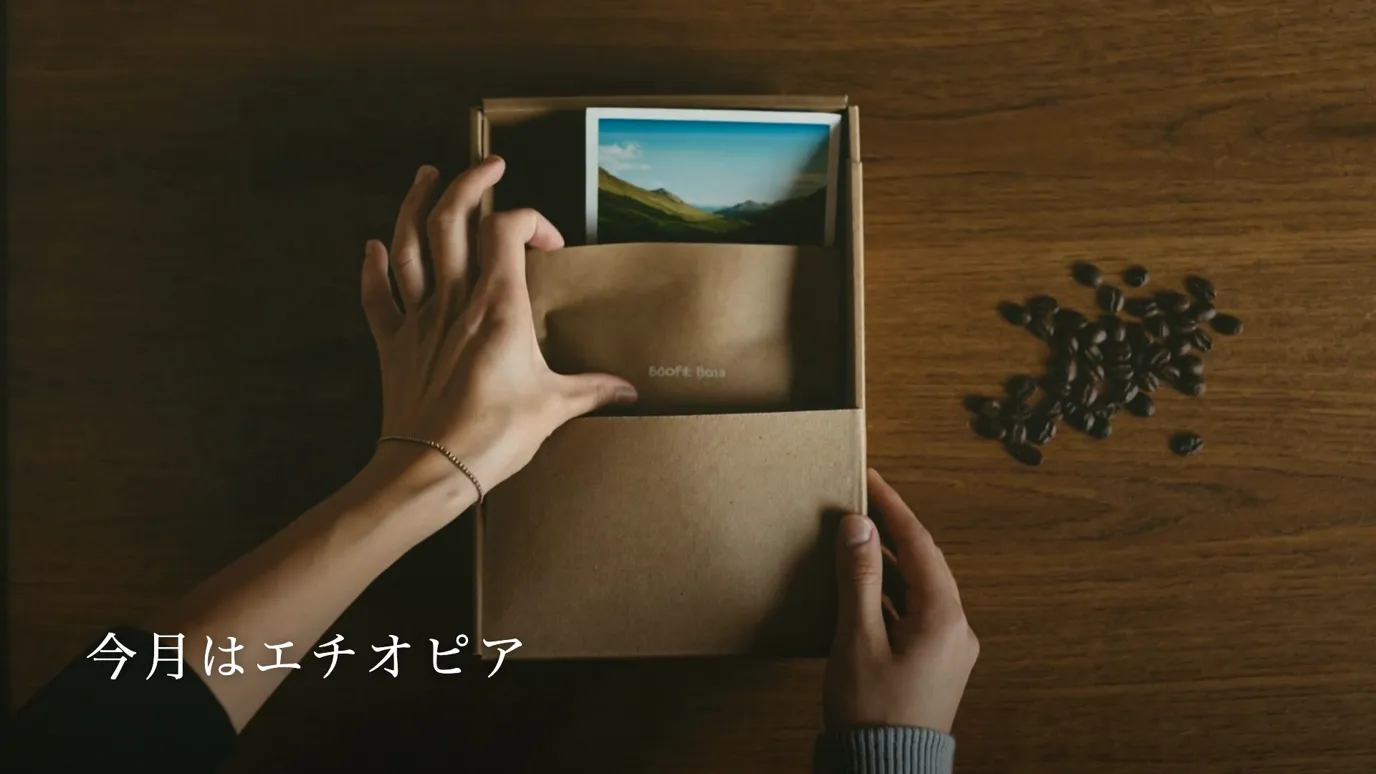
Every model sometimes draws text or emblems you did not ask for, or gets the direction of motion wrong. For Yoine (an in-house sample for a fictional smart sleep mask) we generated 37 clips with Kling v3 including regenerations, and for the coffee sample we regenerated the opening shot once. When choosing a model, budget for the number of regenerations as well as the price per clip.
What to ask about models when you commission an AI video
When you hire a production company to make an AI video, the video generation AI they use also affects the result and the cost. Asking these questions before you order makes companies easier to compare.
- 01Which image, video and audio generation AI they will use
- 02Whether the terms of use of those models allow the finished video to be used in ads and on social media
- 03How much regeneration the price covers if it becomes necessary
The generative AI tools FablessBridge uses are listed under AI we use on the service page and in the FAQ. The scope of regenerations and revisions is covered in the article "AI video production pricing".
Talk to us about your video
You don’t need a finished plan to get in touch.
ContactSee pricing and the production process