Seedance API in Practice: Requests, Wait Times and Costs
We made three 5-second image-to-video clips with Seedance 2.5 via API. The request, wait times, cost by resolution and a comparison with Kling.
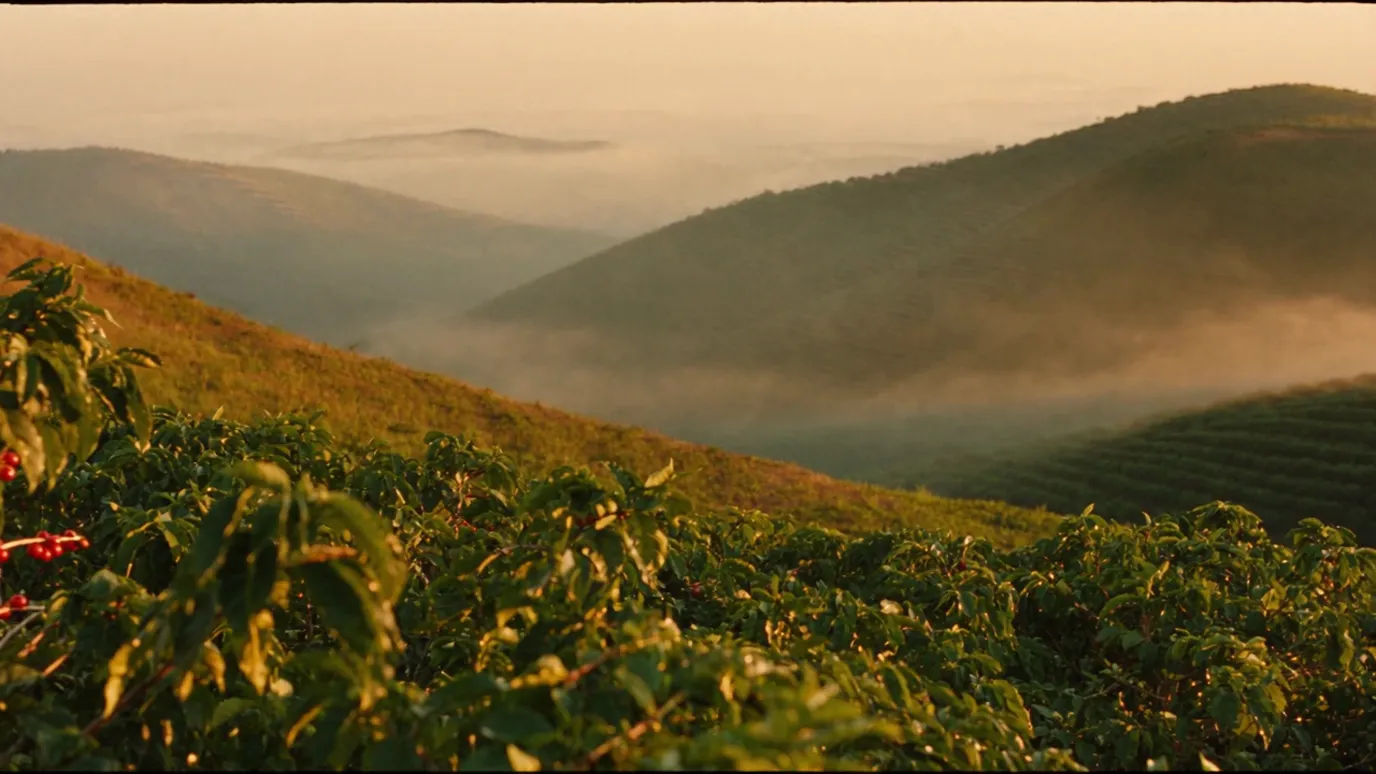
We called Seedance 2.5 through an API and made 5-second videos from single still images. Each clip cost about $2.31 at 720p and about $1.03 at 480p, and the three clips totaled about $5.65. From submission until the video could be downloaded took about 4 minutes for the shortest and about 14 minutes for the longest.
Using these three clips made on October 14, 2026, this article covers the request contents, how to wait for completion, how the cost is calculated, and the differences from Kling 3.0 Pro on the same image. The source images are the same ones used for the coffee sample in the production note "How to Use Higgsfield".
The route and pricing we used for the Seedance API
- Model
- Seedance 2.5 (image to video)
- Service used
- Higgsfield API (not ByteDance's official API)
- Price guide
- Per second, about $0.21 at 480p, about $0.46 at 720p and about $1.14 at 1080p
- Cost this time
- About $5.65 for 3 clips (cap: $8)
Seedance is ByteDance's video generation model, and several services offer it. This time we called it from the Higgsfield API by specifying the model name bytedance/seedance-2.5/image-to-video. Pricing, wait times and available settings differ by service, so the figures in this article apply to use through the Higgsfield API on October 14, 2026.
Request contents and audio handling
POST https://api.higgsfield.ai/bytedance/seedance-2.5/image-to-video
{
  "prompt": "Slow forward aerial drift over the coffee shrubs, mist drifts
             through the valleys, sunrise light slowly grows, realistic motion",
  "image_url": "https://.../c4.png",
  "duration": 5,
  "resolution": "720p",
  "aspect_ratio": "16:9",
  "output_format": "mp4",
  "generate_audio": false
}Because generate_audio was false, the resulting videos have no audio. The Kling 3.0 Pro video made from the same image came with an audio track, so we muted it in editing. If you plan to make music and sound effects separately, specifying no audio from the start makes the clips easier to handle.
Calculating Seedance costs from the estimate formula
The Higgsfield API has an estimate function that returns the cost before you generate. For Kling 3.0 Pro it returned an amount directly ($0.84 for 5 seconds), but for Seedance 2.5 it returned a description of the pricing formula instead of an amount. So we used the formula in the description to calculate the amount before sending.
import math
SIZE = {'480p': (854, 480), '720p': (1280, 720)}

def usd(res, seconds=5):
    w, h = SIZE[res]
    tokens = math.ceil(h * w * seconds * 24 / 1024)
    return tokens / 1000 * 0.0214

usd('720p')  # 2.311
usd('480p') # 1.028We recorded each calculated amount, and the script stops any generation before sending if the total would exceed the $8 cap. The videos returned were 1280×720 for 720p and 854×480 for 480p, the same dimensions used in the calculation.
Waiting from submission to completion, and actual wait times
Right after submitting, a request_id and a status_url come back and the status is queued. Until the video is ready, we check the status_url about every 20 seconds, and once the status changes from in_progress to completed, we download the video from its URL.
status = call(receipt['status_url'])
if status['status'] == 'completed':
download(status['video']['url'])- 480p hand drip
- About 4 min 24 sec
- 720p hand drip
- About 7 min 53 sec
- 720p highland farm
- About 14 min
- Failures
- All 3 completed on the first attempt
Wait time is measured from submission to the check that confirmed the video was available, so it carries an error of up to one polling interval (about 20 seconds). Even for the same 5 seconds at 720p, it varied between about 8 and about 14 minutes, probably depending on load. The waiting process has a time limit, and if it does not finish in time, the same generation is not resent.
Keeping records so a generation is never resent
Each video generation costs money, so automatically resending when the connection drops partway can mean paying twice for the same video. This time we kept records as follows, and the script never resends a generation whose outcome is unknown.
- 01Before sending, create a record with the model, request body and calculated amount
- 02Attach a unique key (Idempotency-Key) when sending
- 03Save the returned request_id and status_url immediately
- 04For a generation that has a record but no receipt, check its status instead of resending
Differences from Kling 3.0 Pro on the same image
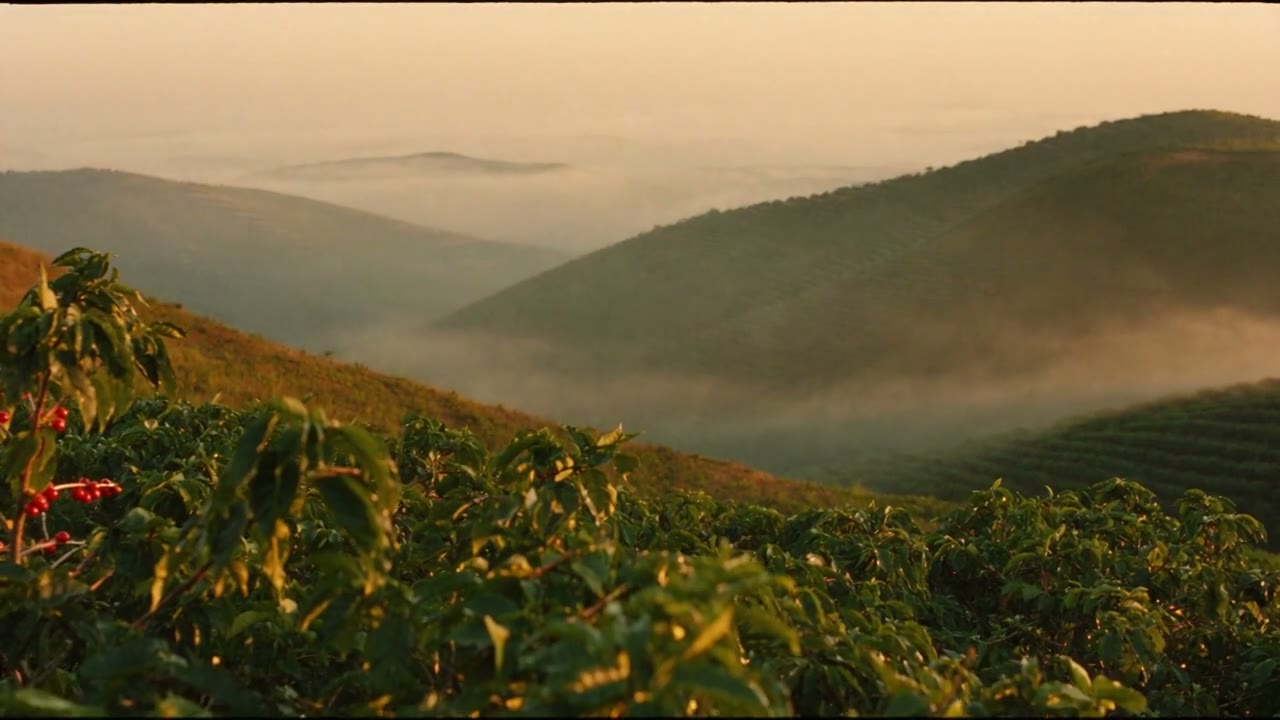
We gave the same motion instruction for the highland farm image to Kling 3.0 Pro and Seedance 2.5 and compared them. Seedance followed the instruction that "the morning sun gradually grows stronger": the light turned warmer, and the red cherries in the foreground stayed in frame to the end. With Kling, the camera moves forward and the red cherries leave the frame partway through.
On the other hand, Kling 3.0 Pro cost $0.84 for 5 seconds at 1920×1080, while Seedance 2.5 cost about $2.31 for 5 seconds at 1280×720. Under these conditions, Seedance followed the instruction more closely, while Kling had the edge in resolution and cost.
Seedance at 480p vs. 720p
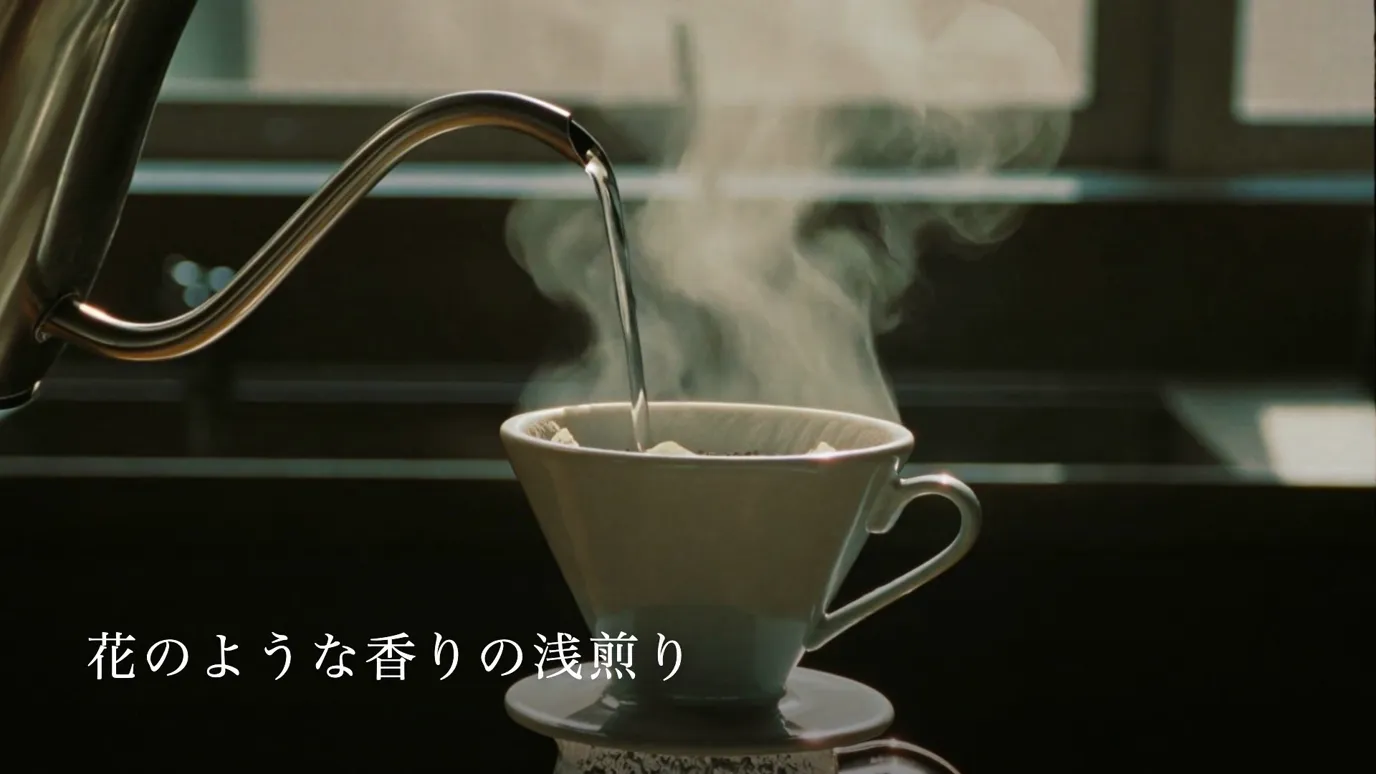
We made the hand-drip image at both 480p and 720p. The motion was almost the same; at 480p, details such as the steam and the ceramic look softer. The 480p clip cost less than half as much as the 720p clip and took less time.
When you are checking motion direction and camera work, making clips at 480p and regenerating at 720p once the shots are decided keeps costs down. However, the motion changes every time you regenerate, even with the same prompt, so the motion you settled on at 480p will not necessarily be reproduced.
What to check before using the Seedance API
- 01Which service you use it through. Pricing, wait times, settings and terms of use differ by service
- 02The pricing unit. Seedance is billed in tokens calculated from frame size and duration
- 03Whether to generate audio
- 04Wait times range from a few minutes to over ten minutes. Put a time limit on waiting, and do not resend
- 05Check the conditions for commercial use of generated videos in the terms of the service you use
How to join generated videos and overlay text and sound is covered in "Assembling AI Video in Remotion".
Talk to us about your video
You don’t need a finished plan to get in touch.
ContactSee pricing and the production process