What AI Video Can Do Without a Shoot: A Doodle Becomes a Film
A 37-second in-house sample where a child's stick figure turns into cinematic scenes, showing what AI video can do without filming and what we checked.
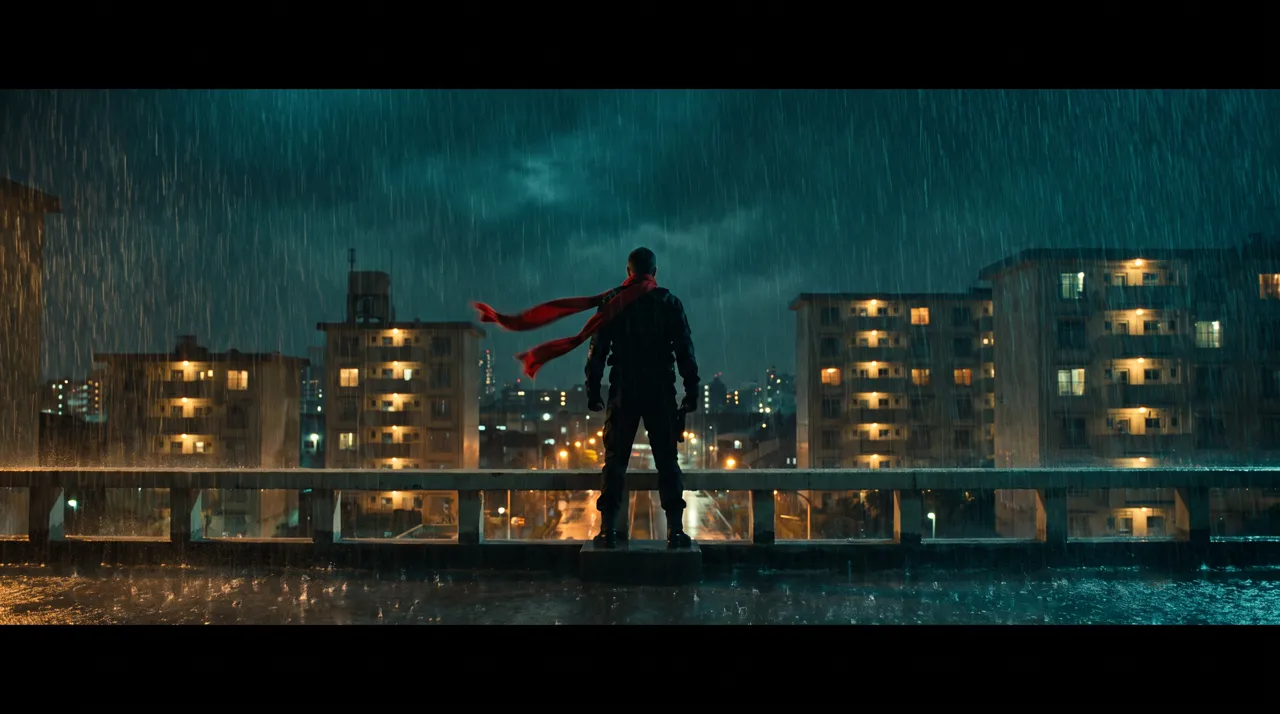
Even without a shoot, AI video can move between line drawings, pencil drawings and live-action-style footage while keeping the same composition. With no camera footage at all, deciding the composition first and then generating images and video keeps the link between drawing and film intact.
This article uses "A Notebook Doodle Becomes a Film", a 37-second in-house sample made by FablessBridge, to explain which materials we combined and where we checked that nothing resembled real people or existing works. The characters and story are fictional, and our records show about four hours from the first instruction to rendering the final cut.
Four kinds of material combined in shoot-free AI video
- Line drawings
- The stick figure's lines in the notebook are drawn one stroke at a time in code
- Stills
- Cinematic scenes and pencil-shaded drawings with the same composition (Nano Banana Pro)
- Motion
- Stills animated with a video generation AI (Kling v3)
- Sound
- Music and sound effects made with generative AI (ElevenLabs)
A child writes "night, rain, explosion!" in a notebook, and the stick-figure hero grows bigger through a rooftop, a car chase, a monster and outer space, before ending back at the dinner table. It was made as a landscape video for posting on social media such as X, with no narration, subtitles or logo.
Moving from line drawing to live-action style in the same composition
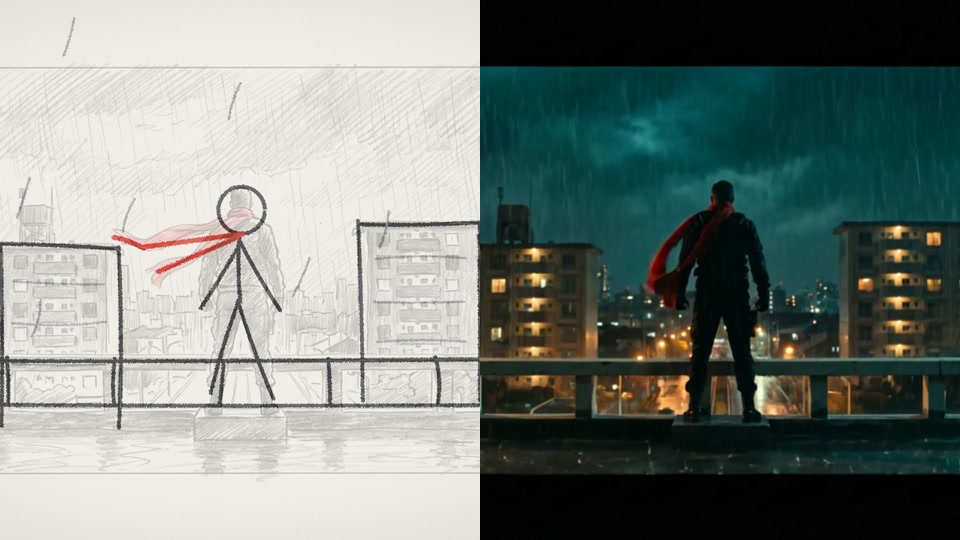
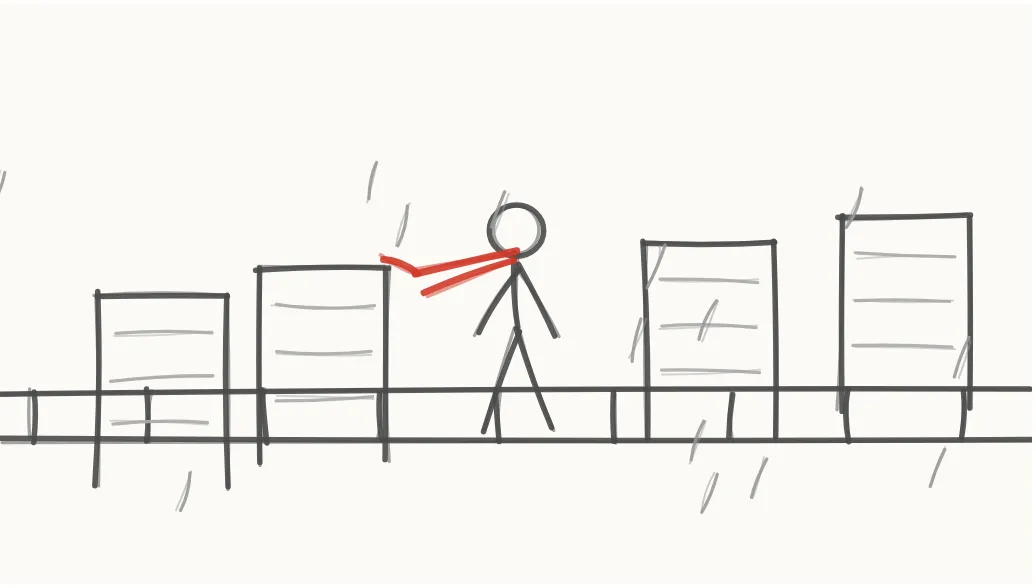
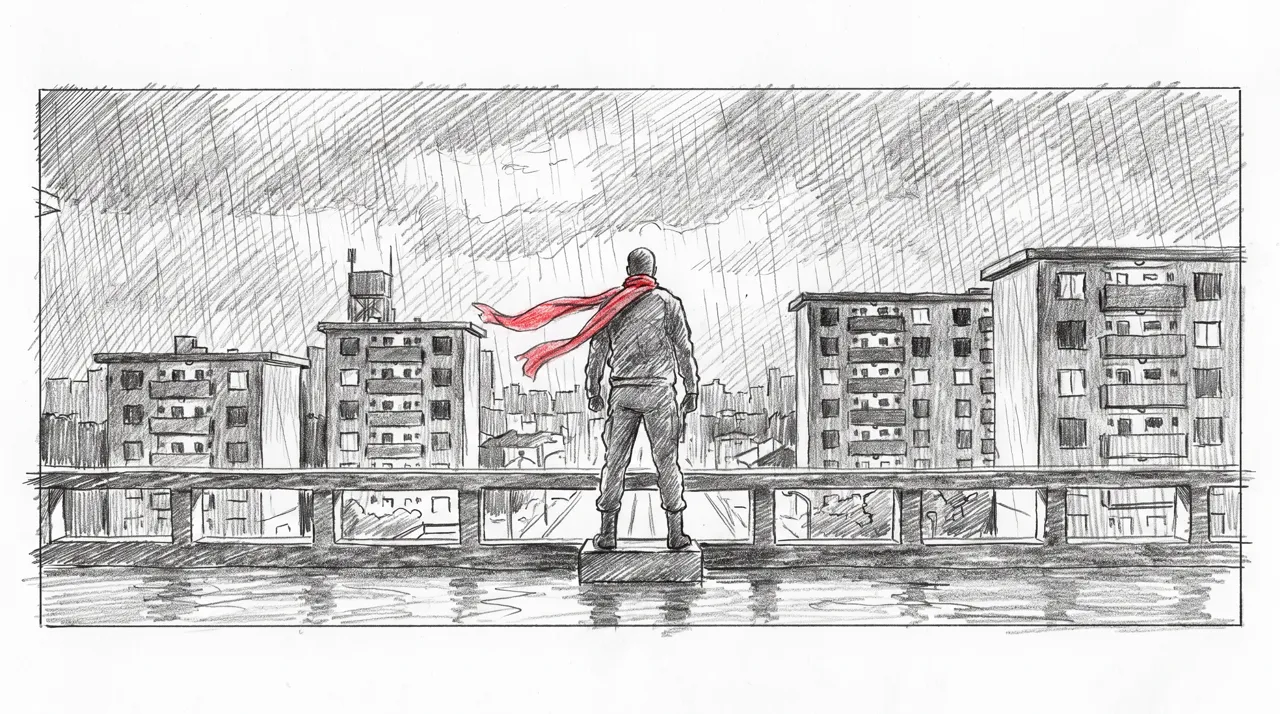
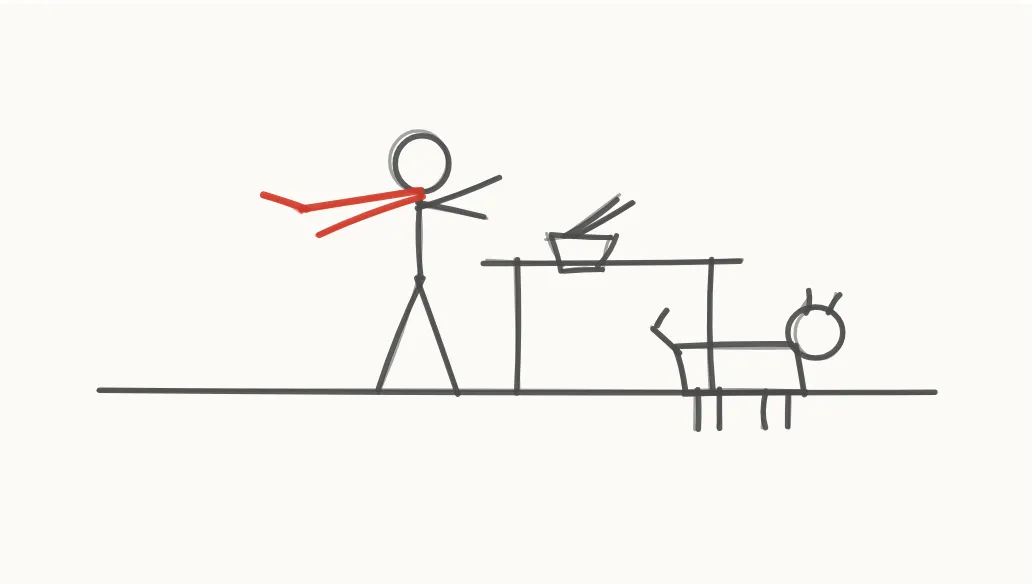
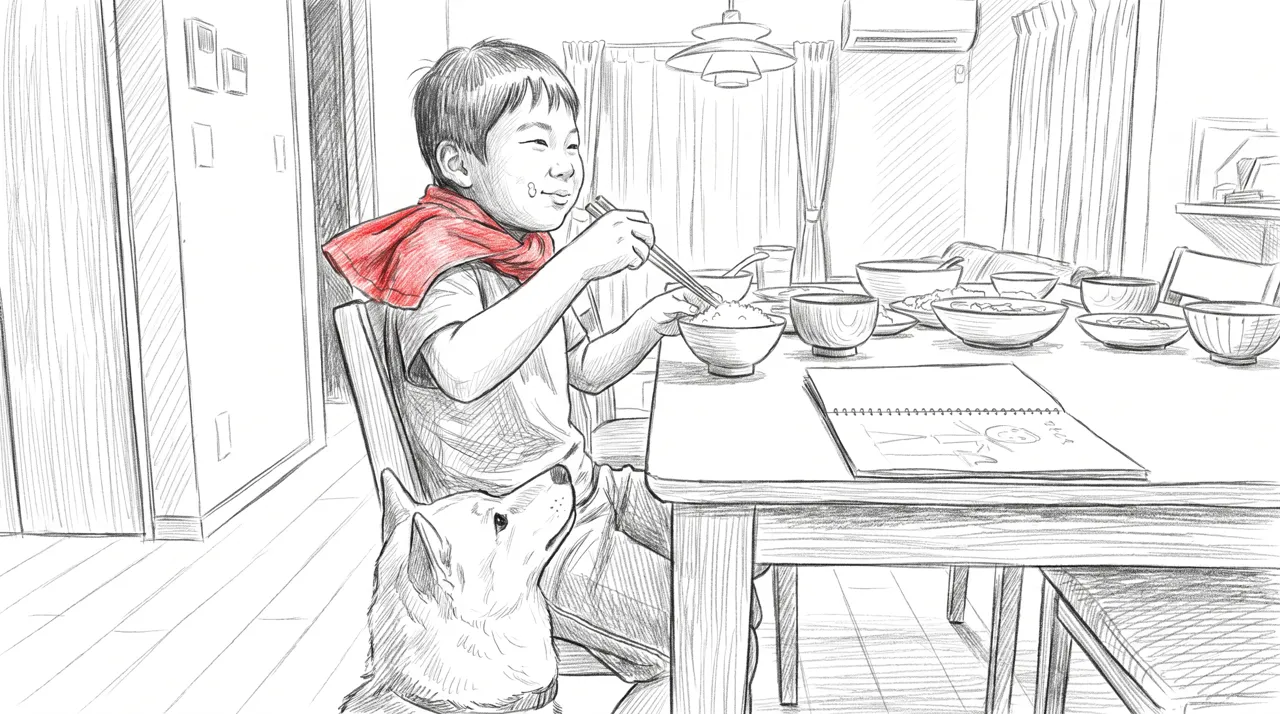
We first set the flow with stick-figure panels, then used each panel as a composition reference to generate a live-action-style scene. We then redrew each live-action-style scene as a pencil-shaded drawing, so the line drawing, pencil drawing and live-action-style version share the same composition.
When the compositions match, the edit can shift step by step from drawing to footage and it still reads as the same scene. Doing this on a shoot would mean matching the camera position to the storyboard. With generation, using the first panel as a reference does the matching.
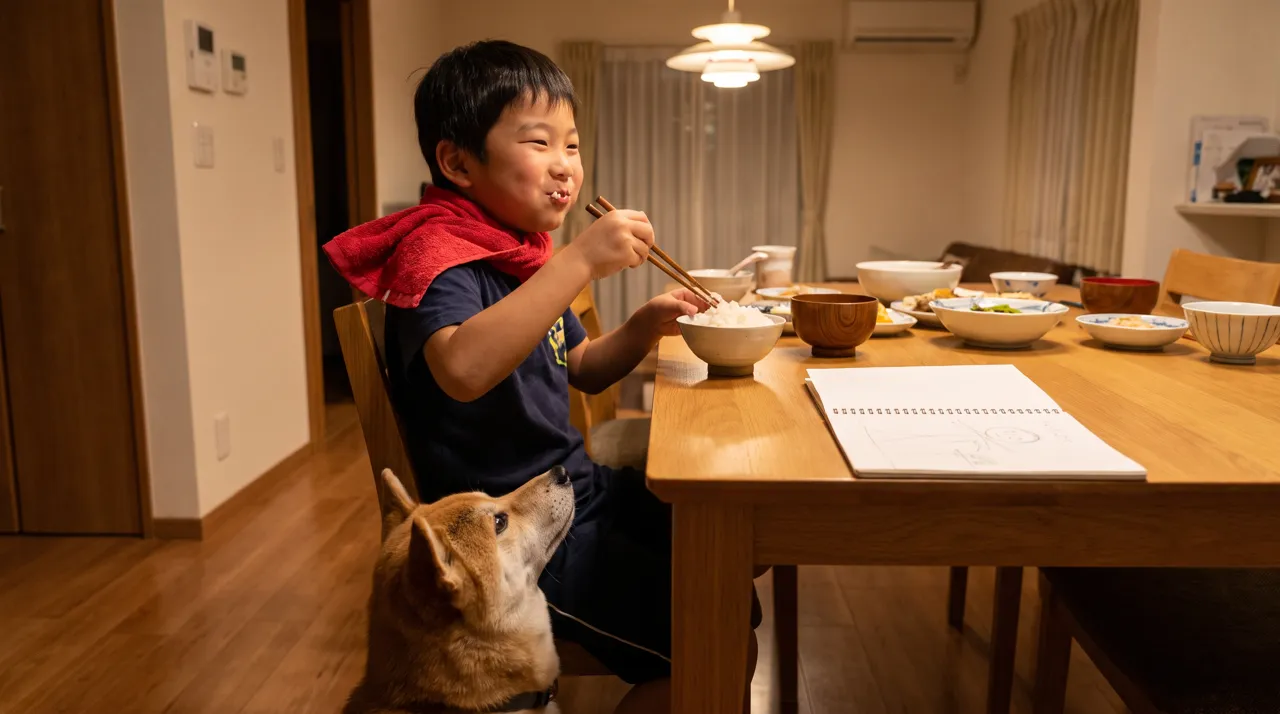
Swapping what is inside a single shot by redrawing
In the car chase, every time the child erases the pursuer in the notebook and redraws it, the pursuer changes from a police car to a UFO to a giant robot to a Shiba Inu. Filming this would require vehicles and large props. With generation, only the contents change while the road composition stays the same.
The pursuer was originally a Tyrannosaurus. During production we received the instruction "I want to change the Tyrannosaurus to another creature, for example an alien", so we changed it to a UFO lighting up the road with a beam. The notebook line drawing, the cinematic scene and the sound effects were all swapped together.
Reviewing so nothing resembles real people, brands or works
Without a shoot, what appears on screen is decided by the generated images. Before turning them into video, we reviewed 25 test images and fixed the following.
- 01In two images where the hero's face was visible (jumping from a helicopter and running from an explosion), we regenerated them with the face sunk in shadow
- 02A real carmaker's emblem appeared on a car grille, so we removed it
- 03A monster that resembled an existing monster was redrawn with an original design
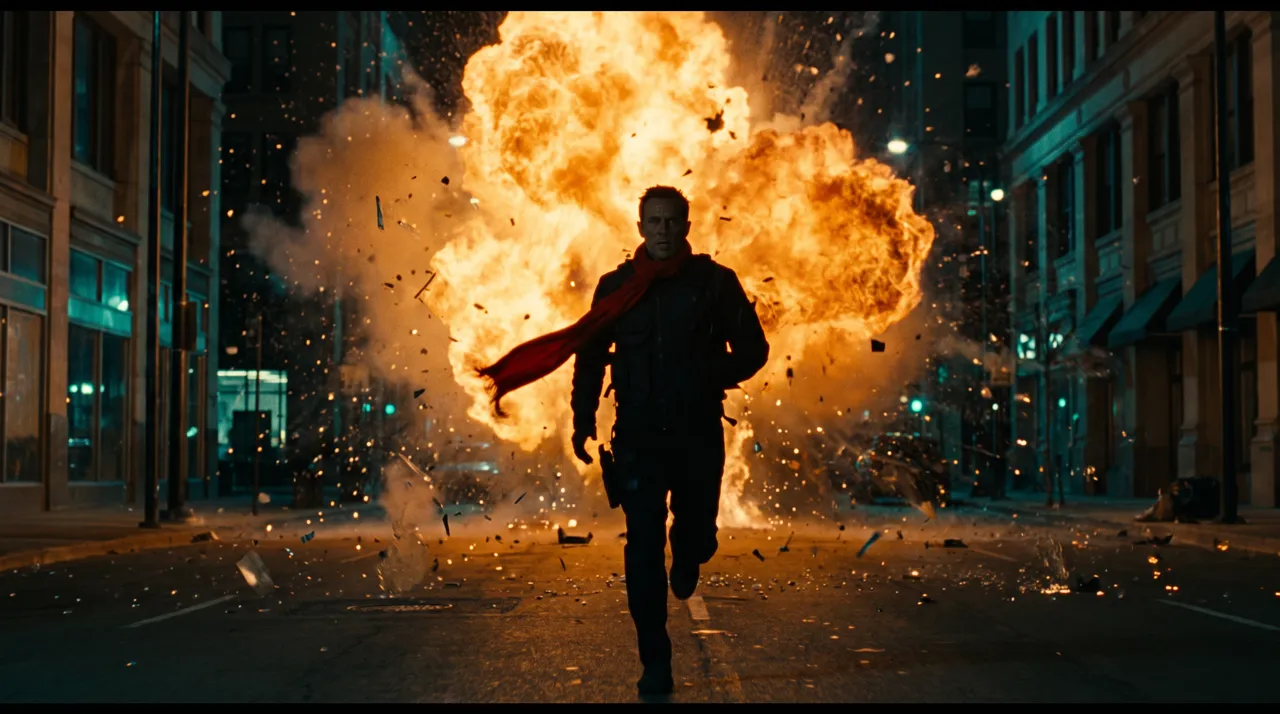 Before
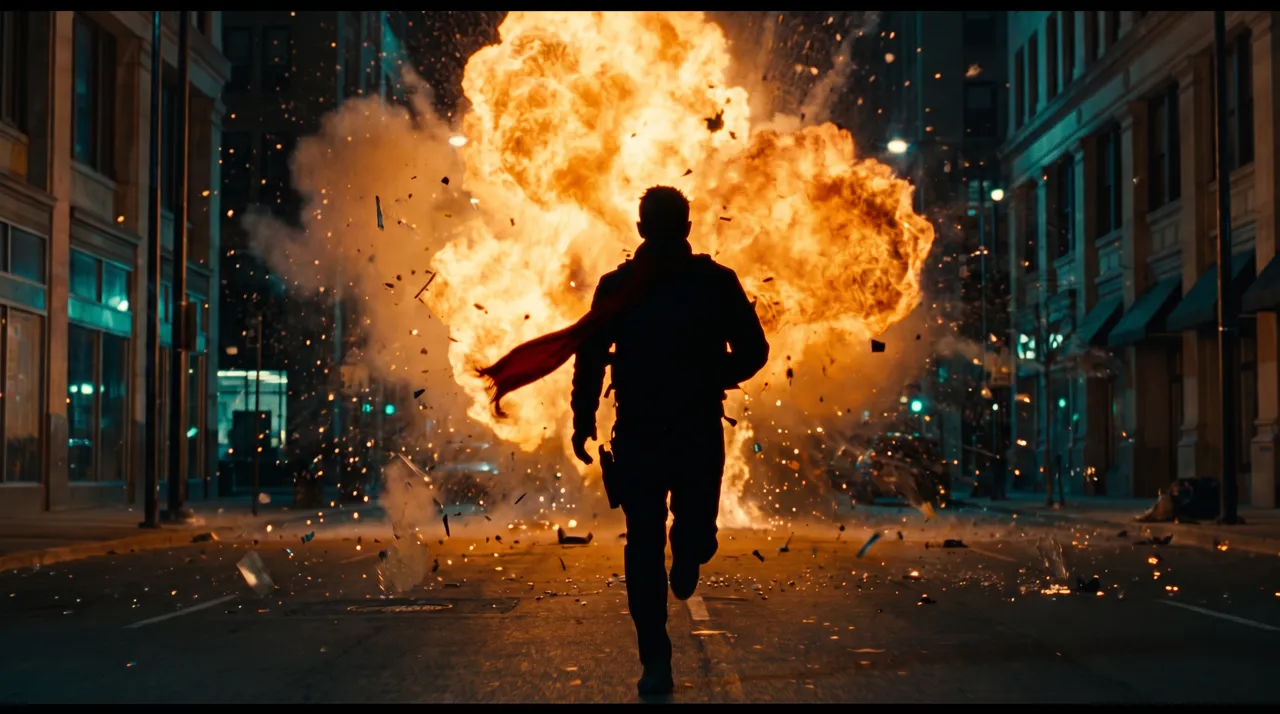 After
AfterInstead of showing the hero's face, the red scarf tells viewers it is the same character. Generative AI sometimes draws emblems or well-known shapes you never asked for, so reviewing at the still-image stage, before making video, cuts down on regeneration.
What we fixed after it became video
After turning the images into video, we kept fixing scenes based on instructions that specified timestamps.
For the instruction "Make the 'night, rain, explosion' text at 0:04 stay one second longer. I want to look at it a bit more", we extended the notebook scene to 2 seconds and shifted all footage, music and sound effects after it by 1 second. The whole video went from 36 to 37 seconds.
In the scene where the pursuer becomes a Shiba Inu, a white car was left behind the dog. The dog image had been redrawn from the police car image, which left a trace, so we redrew the dog on an image of the road with no pursuer and regenerated the shot from first and last frames without the car.
What this style suits, and what to tell us when you order
Moving between drawing and footage suits brand films and social posts where you want to show a world rather than explain it in words. For videos that walk through product features in order, a structure built on screens and text is a better fit.
When ordering, telling us the following makes the first draft easier to create.
- 01Where it will be used (social media, ads, landing page, etc.) and the screen orientation
- 02Approximate length
- 03Reference videos or the mood you want
- 04Anything you do not want shown (people's faces, things that resemble specific brands or works, etc.)
- 05Whether to include narration or subtitles
This video is 37 seconds long. At FablessBridge, videos of 31–59 seconds cost the same as 60–90 seconds, $1,000 per video (excl. tax, as of October 2026), and for the same content we deliver in as few as 5 business days. What the price covers is explained in our article on "AI video production cost".
Talk to us about your video
You don’t need a finished plan to get in touch.
ContactSee pricing and the production process