
Finished video
RPG-style brand movie about a startup raising funds
A 60-second pixel-art RPG story in which value that feature explanations failed to get across to an investor is finally conveyed through a launch video
Narration and on-screen text are in Japanese. The sections below describe the video in English.
How it was made: Pixel-art storyboards drawn with image generative AI (GPT Image) were animated with video generative AI (MiniMax), and the background music was also made with generative AI (MiniMax Music). Sound effects were synthesized in code, dialogue-box text was overlaid in editing, and the two closing lines were drawn as pixel lettering with image generative AI and composited (no filming or narration)
A video like this$1,000 (excl. tax) · As few as 5 business days60 seconds, landscape | Pricing
Overview and production conditions of the RPG-style brand movie
- Having finished development, a founder takes on a pitch battle with an investor.
- Neither the feature pitch nor the demo works, and what the founder obtains is a launch video.
- The challenge of conveying the value customers receive is told as an RPG adventure.
- Structure
- 60 seconds in 15 segments. The founder loses with the pitch and the demo, wakes up at the inn, fights again with a launch video found in a treasure chest, and the investor joins the party
- Approach
- A 16-bit-style pixel-art RPG. Lines and situations are shown through game dialogue boxes and commands, with no narration
- Sound
- Two background tracks, battle and victory, were made with generative AI, and the inn track is the victory track slowed down. Selection and attack sounds were synthesized in code
- Production time
- About 1 hour on record from starting storyboard generation to exporting the final cut (8:39 to 9:40 p.m., October 6, 2026)
The 60 seconds, scene by scene
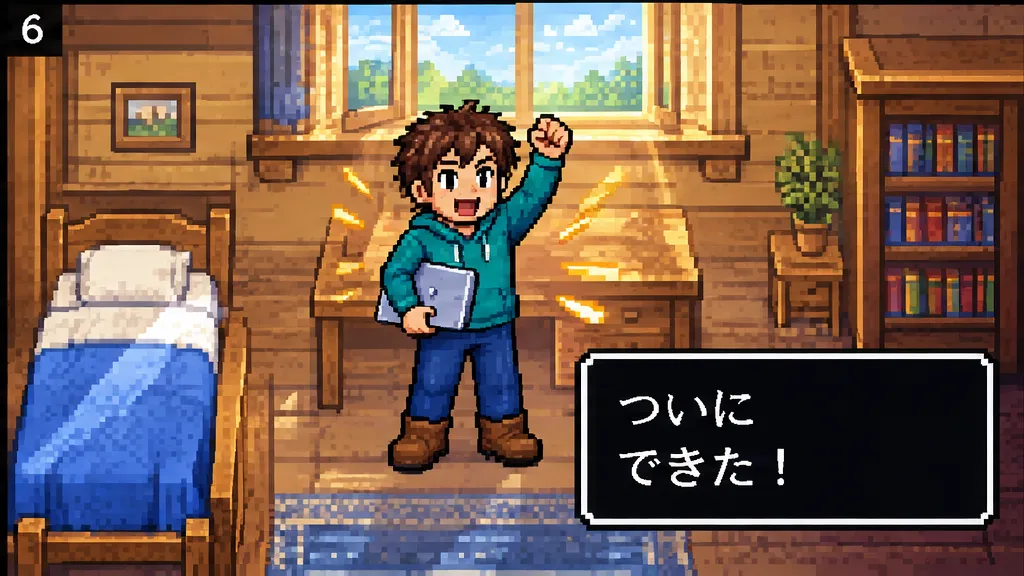
0–4 s: At night in an inn, the founder works at a laptop, and at dawn: "At last, it's done!"
4–7 s: The founder enters a cave and heads deeper. "An investor appears!"
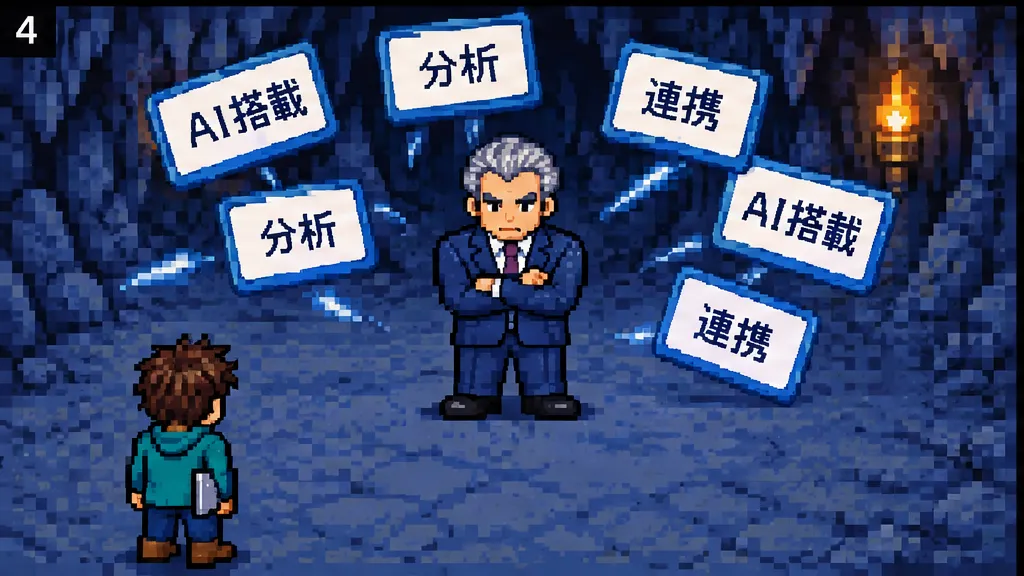
7–12 s: The founder chooses "Pitch" from the commands and shows one feature card after another, but the investor stays arms crossed: "I don't get it at all."
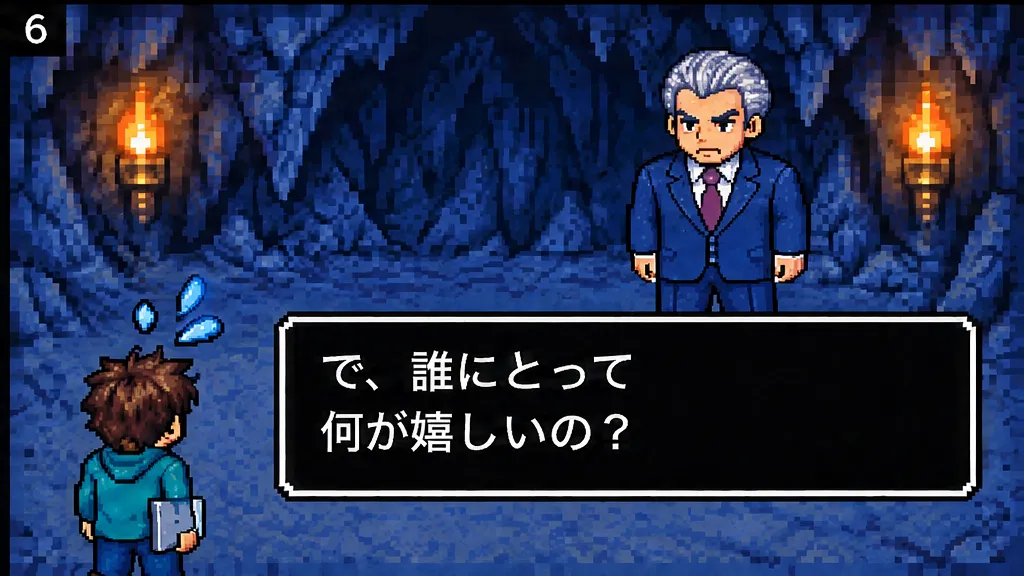
12–18 s: Choosing "Demo" to show the admin screen only brings the question "So who benefits, and how?"
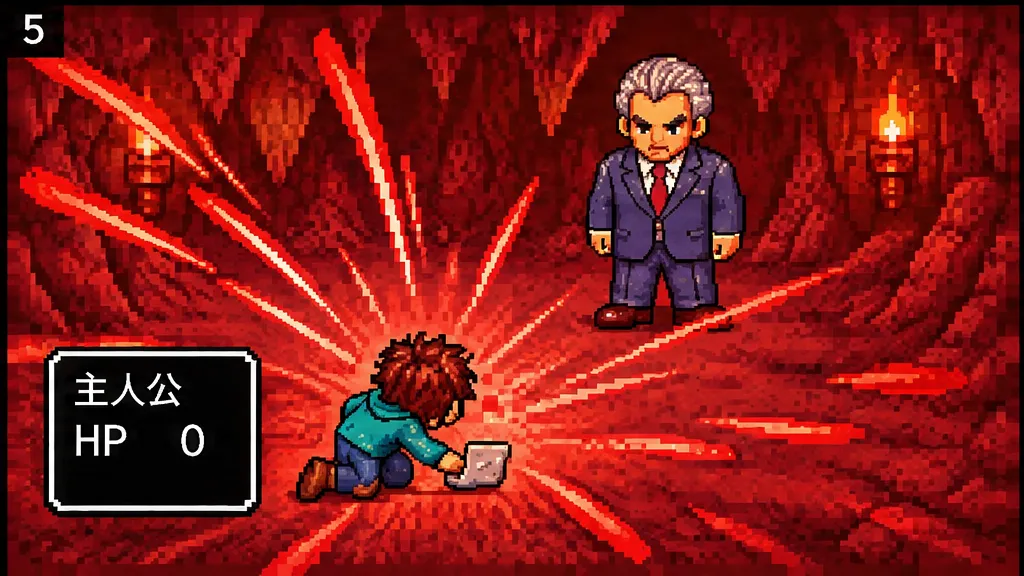
18–22 s: The founder tries to run: "But you were cut off!" Attacking questions bring HP to 0, "The party has been wiped out..." and the screen goes dark.
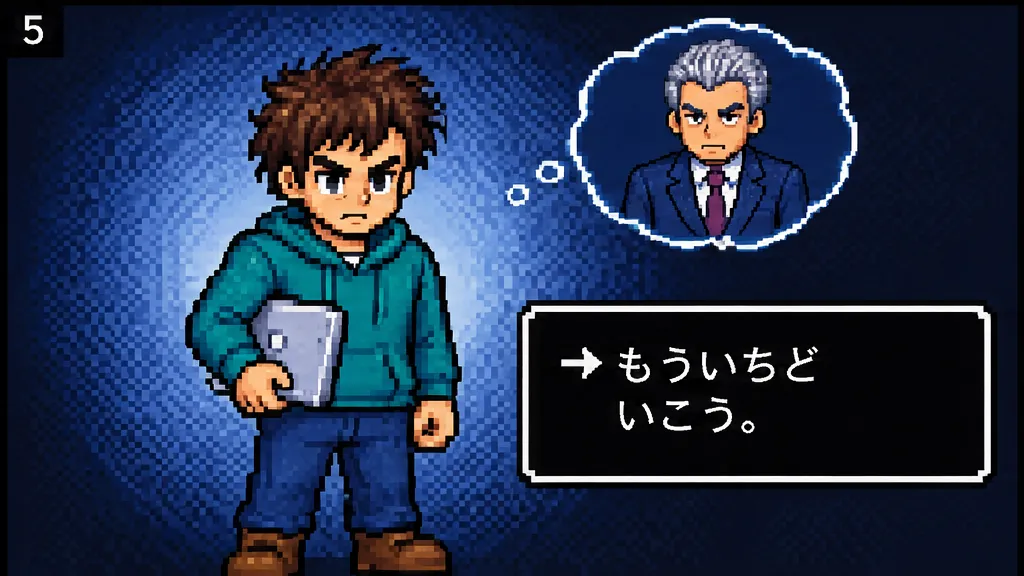
22–25 s: The founder wakes in a bed at the inn, says "Let's try again." and heads out.
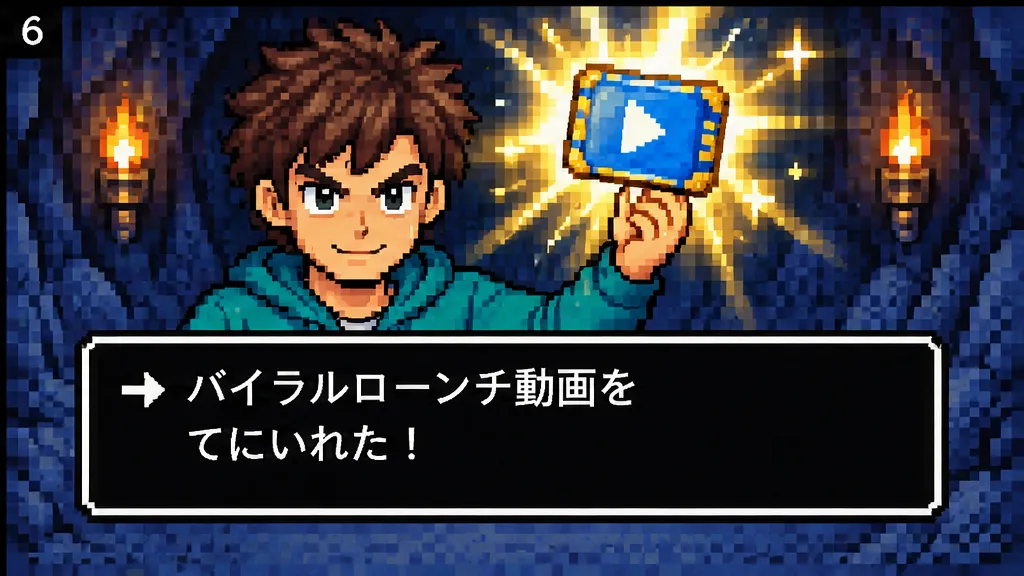
25–33 s: Opening a treasure chest in a side passage of the cave: "Obtained a viral launch video!"
33–36 s: In the rematch with the investor, the founder chooses the new command "Launch video".
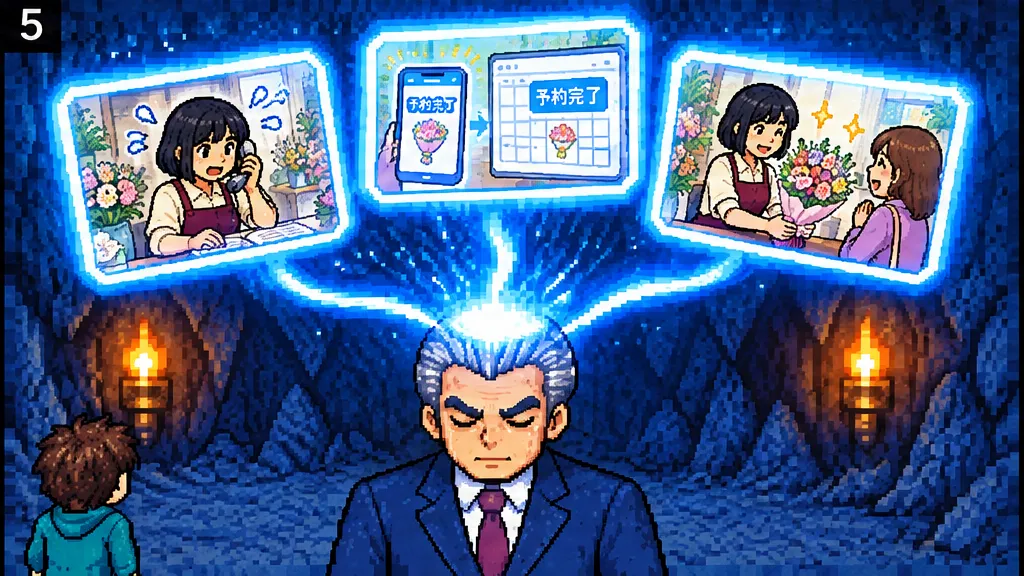
36–43 s: In the projected footage, a flower shop owner swamped by phone calls and a reservation book gets back to serving customers once smartphone bookings sync automatically, and hands a customer a bouquet. The three scenes turn into light and flow into the investor's head, and the investor places a hand over the heart.
43–46 s: "It's super effective!" The investor goes down.
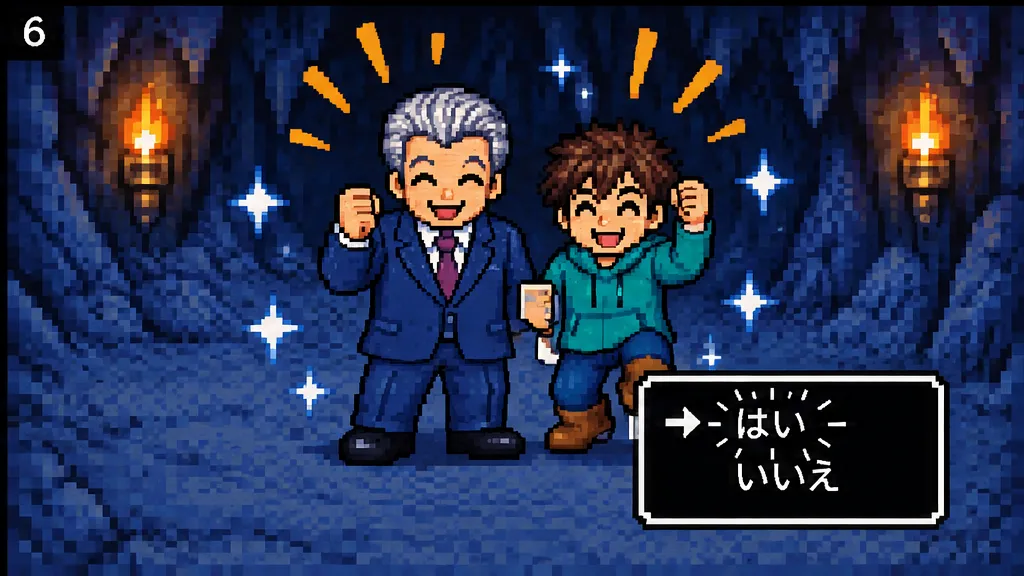
46–56 s: The investor gets up holding a wad of cash. "The investor is looking at you, wanting to join your party." To "Add to party?" the founder answers "Yes", and the two leave the cave and walk across a grassy field.
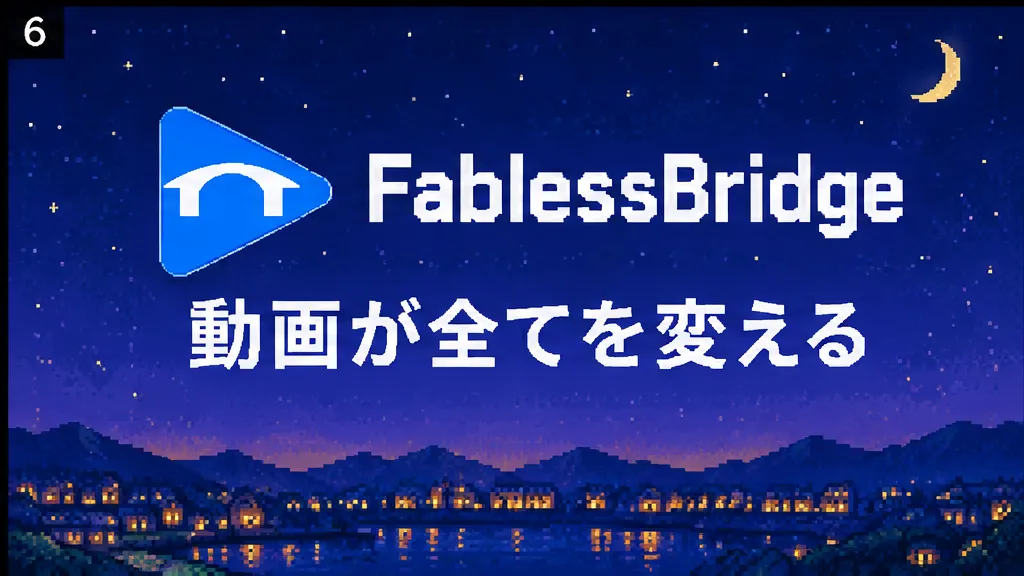
56–60 s: It closes with the FablessBridge logo against a night cityscape and two lines, "O lost lamb" and "May God's blessing be upon you".
First cut vs. final cut
At the storyboard stage we redrew what the projected footage shows, and after the first cut we fixed the scene entering the cave, the on-screen text and the two closing lines. Apart from the scenes we fixed, the footage and audio are the same as in the first cut.
Full video
Shifting the focus of the projected footage from the founder to a customer
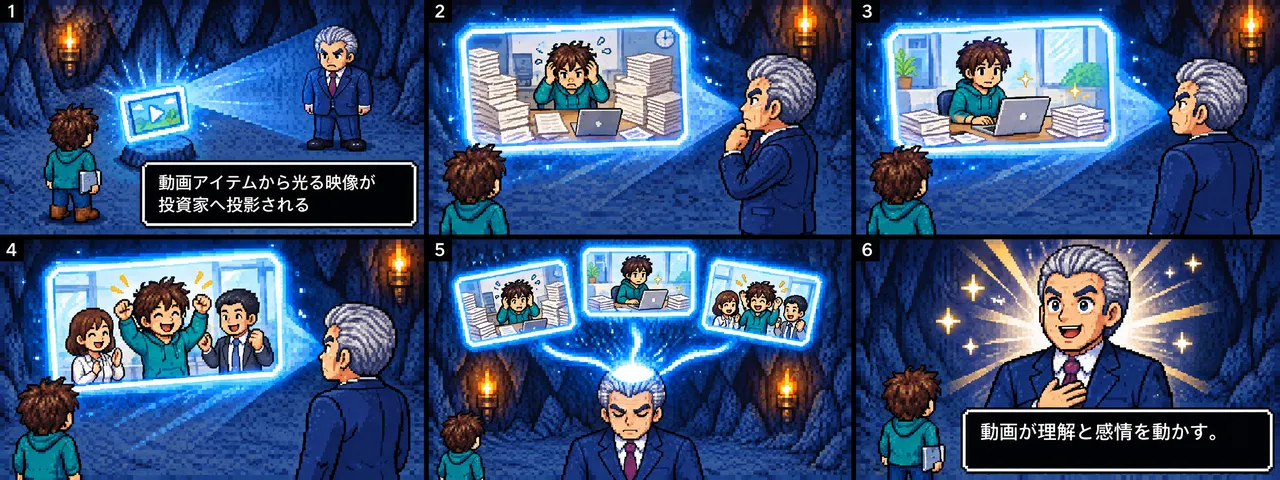
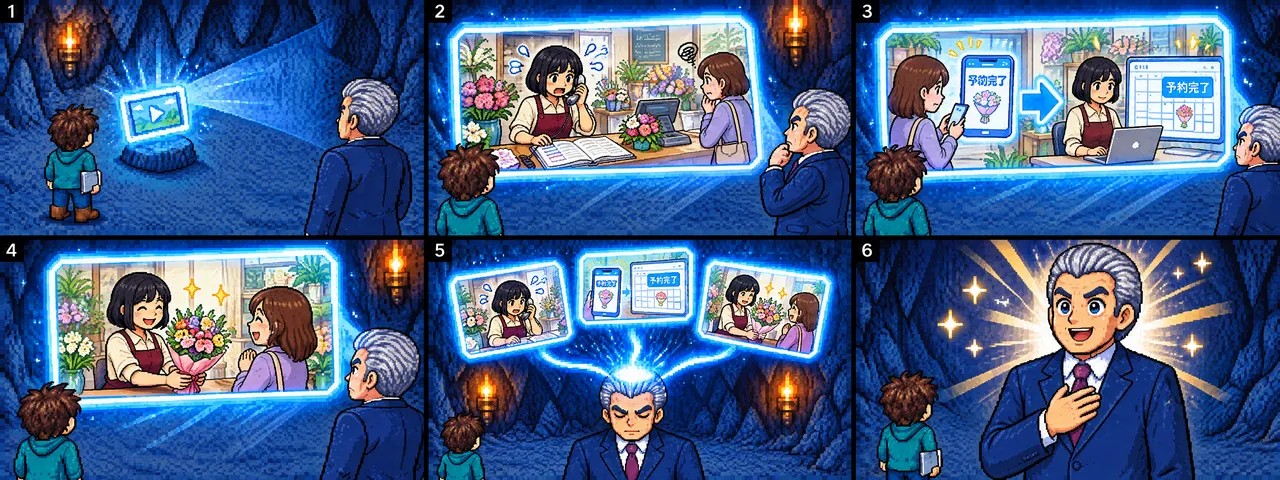
- Aim
- Answer the investor's "So who benefits, and how?" by showing whose problem gets solved and how
- Instruction during production
- "The footage the investor is watching is about the hero's struggles. Instead, it should show a scene of software solving someone's problem."
- Adjustment
- Before animating, redraw only the 36–43 s storyboard as three scenes: the owner swamped by phone calls and a reservation book, smartphone bookings appearing in the calendar with "Booking complete", and the owner smiling while handing over a bouquet
Rebuilding the scene entering the cave
- Aim
- Show the way from the field to meeting the investor deep in the cave as one continuous sequence
- Instruction during production
- "This one also goes to the investor without entering the cave."
- Adjustment
- Regenerate just one 3-second clip of passing through the entrance and down the passage with video generative AI (MiniMax), trim it to 1.9 s and join it to the existing 1.1-second encounter scene. Merge the overlapping dialogue boxes into one
Fixing garbled text on the generated screens
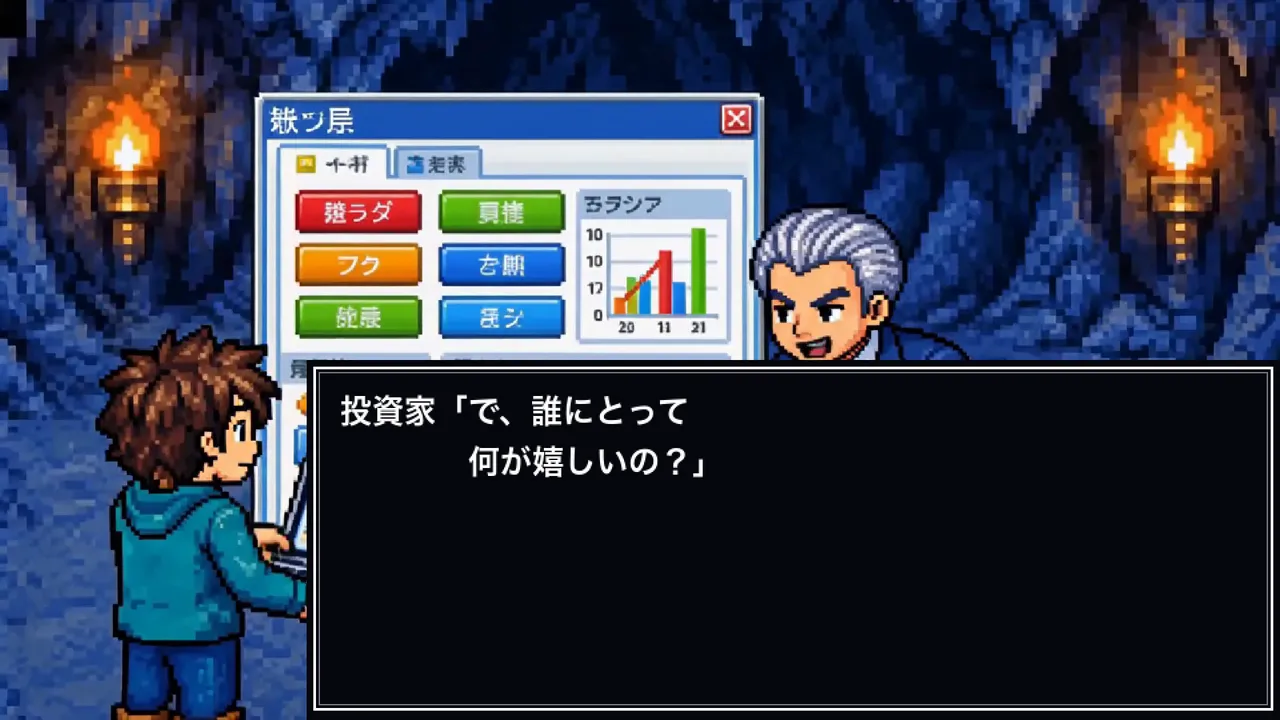 Before
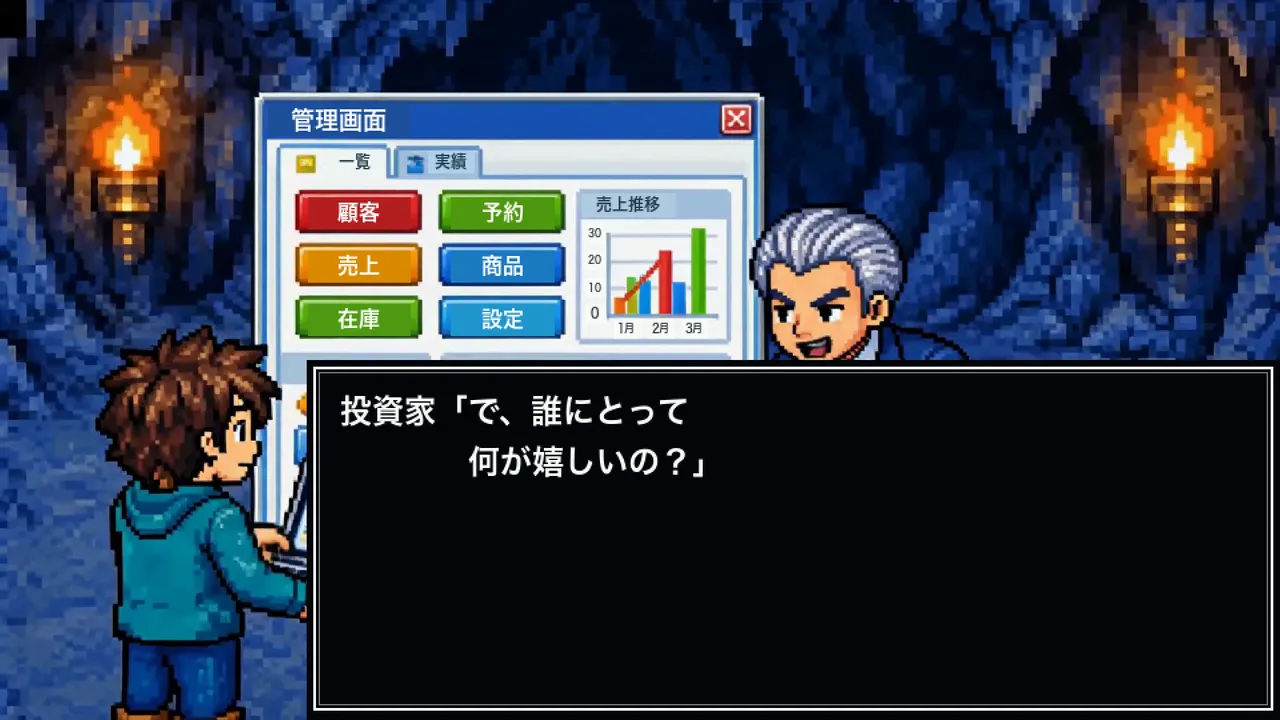 Final cut
- Aim
- Turn on-screen text that broke during video generation into readable Japanese
- Instruction during production
- "The text on the slides shown in the pitch is garbled."
"Absolutely do not change anything else." - Adjustment
- Replace the pitch slide heading with "Features" and the demo screen labels with "Admin", "Customers", "Bookings", "Sales", "Inventory" and so on, and overlay "Booking complete" on the devices on both sides of the flower shop footage. People and motion stay as in the original footage
Replacing the closing words and rendering them in pixel lettering
 First cut
 Final cut
- Change
- Replace the closing words "Video changes everything" with two lines: "O lost lamb" and "May God's blessing be upon you"
- Instruction during production
- "The text is too clean. Make it rough to match the pixel art."
"We can change the ending just by editing the image, right? Without generating video?" - Adjustment
- Redraw the two lines as blocky pixel lettering with image generative AI and composite only the text area onto the original footage. The logo, the background and the first 56 seconds stay as they were
Pixel-art storyboards and the production process
- 01Draw a 90-frame storyboard in 15 segments with image generative AI
- 02Fix command arrows and extra people with four partial edits
- 03Animate each segment with video generative AI and overlay dialogue boxes
- 04Generate background music, synthesize sound effects and join everything into 60 seconds
- 05Remake only the flagged scenes for the final cut
More work
Talk to us about your video
You don’t need a finished plan to get in touch.
Ask about a video like thisSee pricing and the production process