
Finished video
Motion graphics video depicting an invoicing SaaS launch
A 78-second video that uses a fictional invoice management tool to show, through moving text and screens, how a feature announcement becomes a story about accounting staff getting home on time
Narration and on-screen text are in Japanese. The sections below describe the video in English.
How it was made: Screens and text animation were built in HTML and rendered frame by frame as motion graphics, and the product demo uses screen recordings of screens we built ourselves. The phone post footage comes from an earlier in-house sample made with image generation AI and video generation AI (Kling v3), and the video wall uses our own past videos. Music and sound effects were made with generative AI (ElevenLabs) and finished in the edit (no filming, no narration)
A video like this$1,200 (excl. tax) · As few as 5 business days78 seconds in three formats (landscape, portrait and feed 4:5) | Pricing
Overview and production conditions
- Announcements that list features don't get an invoicing SaaS's value across.
- We turn "automatic reconciliation" into a story about accounting staff getting home on time.
- The video shows the process of trying the product, interviewing the founder and making the intro video.
- Where it runs
- A 78-second landscape 16:9 video for the FablessBridge landing page. From version 5, feed 4:5 and Reels 9:16 versions (78 s and 33 s) were also made for Meta ads
- Structure
- Opens with the frustration of feature-list announcements scrolling past and disappearing, then moves through the introduction, demo, highlight, track record, what we can make and the close
- Approach
- No narration, only music and sound effects. On-screen text is typed one character at a time with a cursor. The frustration is shown on dark screens and the demo on white screens
- Production time
- About 2 hours 15 minutes on record from the first request to version 5 (just before 11 pm on October 6, 2026, to just after 1 am on October 7)
The 78 seconds, scene by scene
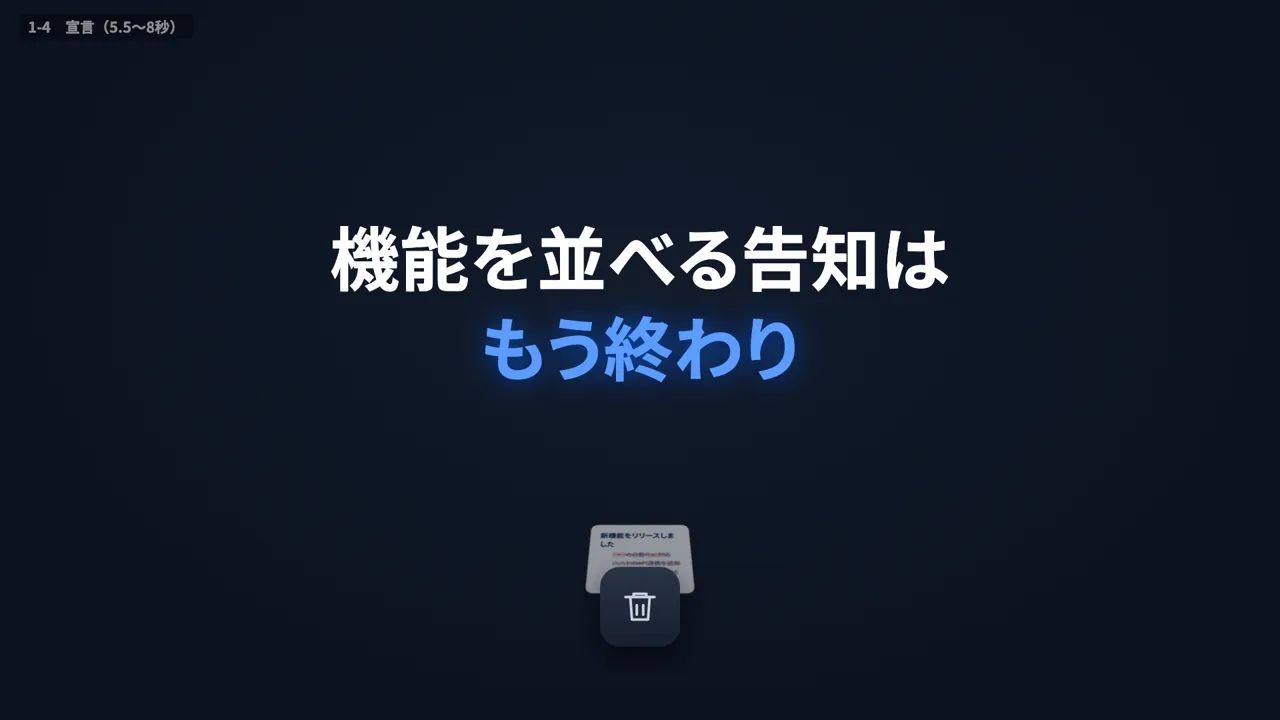
0–5 s: On a dark screen, "We've released new features" and a bulleted list of features are typed into a post field and posted. Three similar announcements line up, the feature lines are struck through, and they drop into a trash can.
5–8 s: "Feature-list announcements are over" is typed.
8–13 s: Under "Explaining features makes it long and hard", the announcement text keeps growing. "XX feature processing up to 3x faster!" pops out, followed by "That's not a reason to use it".
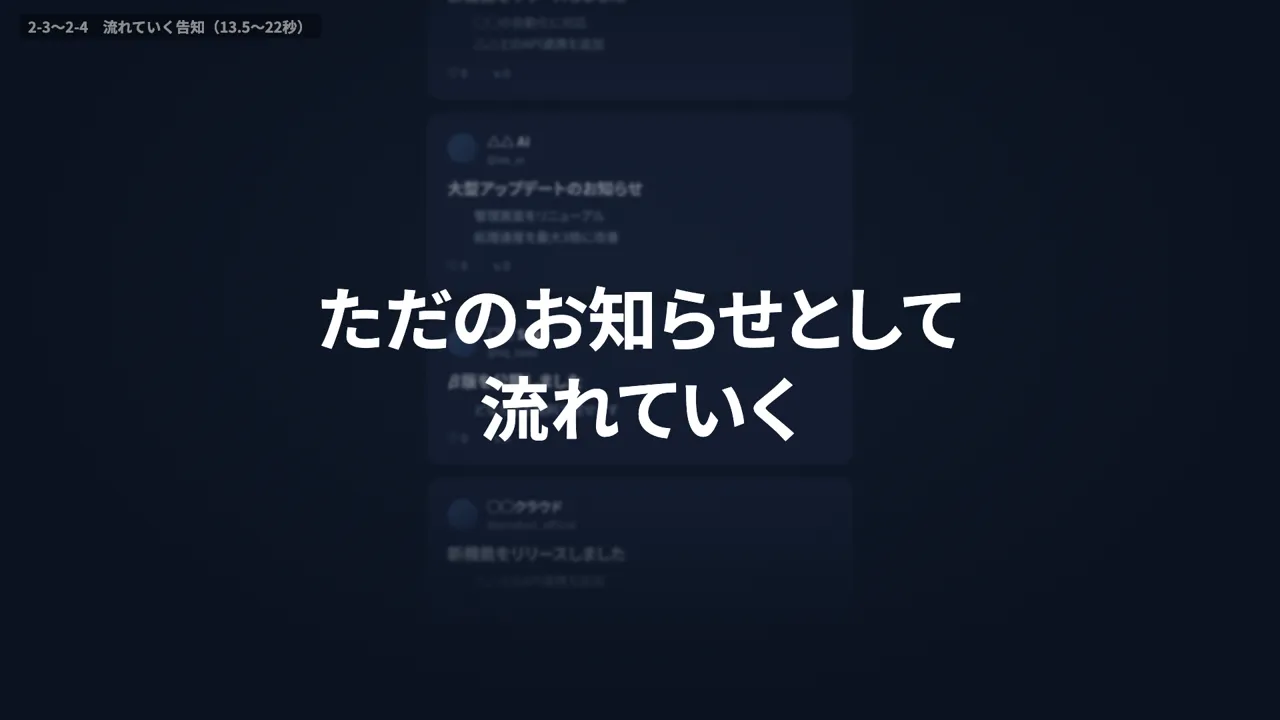
13–21 s: Similar announcements spring up all over the screen, pile up and get swept away. "Just another notice, scrolling by".
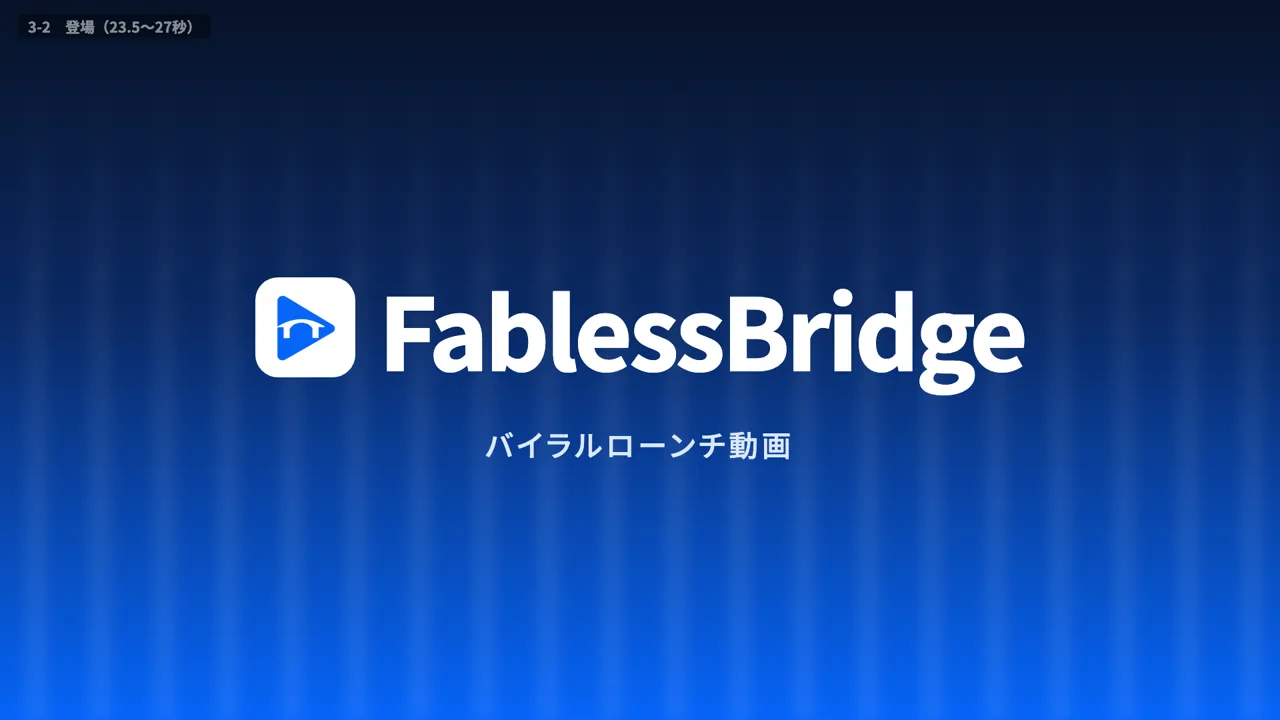
21–27 s: "So" appears next to a blue play icon. The FablessBridge logo and "Viral launch video" appear on a blue screen.
27–30 s: The screen turns white. The founder writes "I'd like to talk about a PR video" and "We're launching invoice management software next month", and the reply is "First we'll try the product and check how it's used".
30–34 s: "Trying the product". Screens from the invoice management software SUMI line up with operation counts, and a recording of payment reconciliation opens.
34–38 s: "We found that reconciling by hand causes overtime at month-end". On a video call, the founder says "Our accounting people can't go home at month-end", and the goal "Eliminate month-end overtime" and the target customer "Accounting staff at small and medium-sized businesses" are recorded.
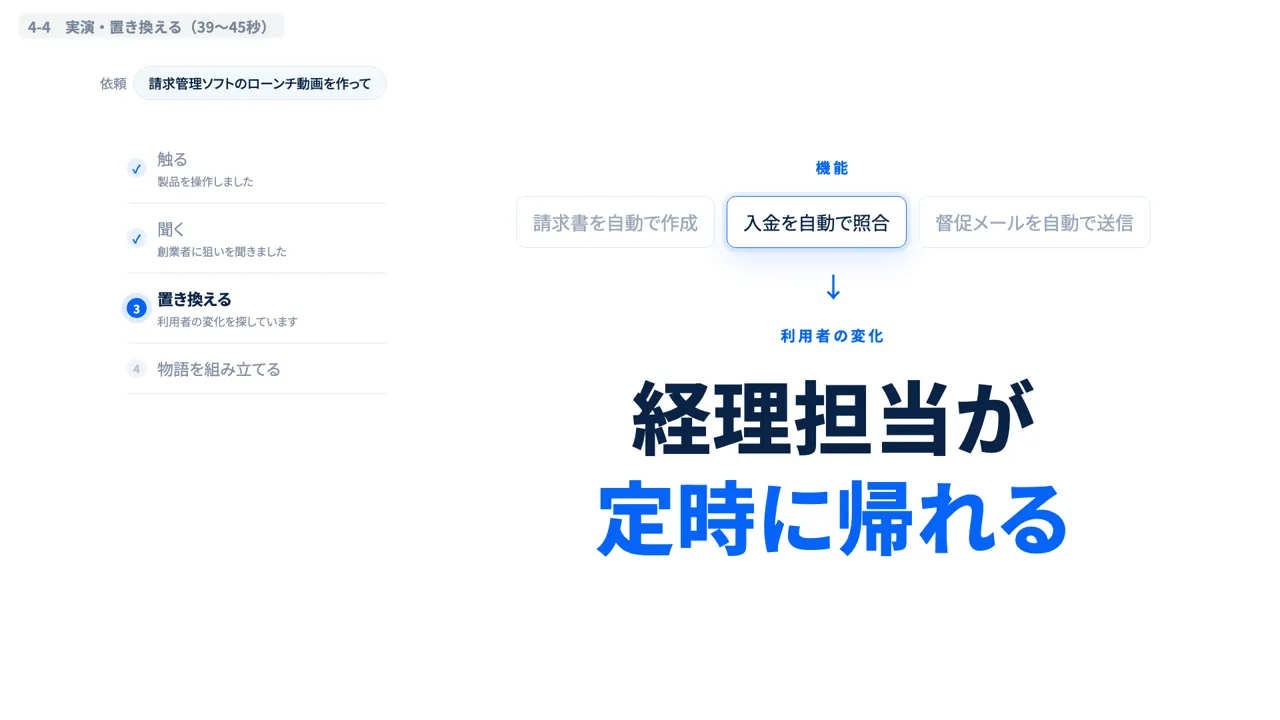
38–44 s: Three users, accounting staff, sales and the company president, are considered in parallel, and accounting staff are chosen. "Automatically reconcile payments" is retyped as "Accounting staff get home on time".
44–49 s: "Building the story". Twenty storyboard frames line up, and one is chosen, "A story where the month-end 'I'm heading out first' is turned around".
49–55 s: The chosen frame becomes footage of a woman leaving the office, which scrolls by as a post on a phone timeline. "On the timeline, thumbs stop. People want to tell someone." appears, followed by a SaaS founder's comment, "So that's what our product is about."
55–63 s: "From planning to production, handled by an engineer who understands both business and technology" is typed, and cards line up for the engineer, with 8 years running SaaS, $410 million in cumulative GMV and a background in sales at Hikari Tsushin.
63–70 s: Over a video wall that pulls back from 4 videos in the center to 16 and then 64, "New features", "Major updates" and "Concepts before development" are typed in turn, followed by "into stories".
70–78 s: "Videos that land tell a story". The FablessBridge logo and "Viral launch videos for startups" appear, "pr.fabless-bridge.ai" is typed and the screen goes black.
First cut vs. final cut
We revised the video from the first export, version 1, to version 5, which is now published. The demo became a work log that moves forward on its own, motion was added to sections that looked static, and all on-screen text is now typed.
Full video
Turn the strip of sample videos into an expanding video wall
- Goal
- Show at a glance the range of subjects that can be turned into stories
- Instruction during production
- "Start with 4 videos in the middle, then the view widens to 16, then 64, so all kinds of videos spread out."
- Adjustment
- We picked 64 tiles from 37 of our past in-house videos and timed the pullback from 4 to 16 to 64 to the moments when the words change
Turn the demo into a work log that finds information and moves forward on its own
- Goal
- Show the steps from trying the product and interviewing the founder to deciding on the change as if they move forward on their own
- Instruction during production
- "It doesn't show the feature in action yet (like the agent going off and finding information on its own), does it?"
- Adjustment
- Large headings shrink and settle into the log, and the screens tried, the founder's remarks and the results of considering three users in parallel flow in one after another. The SUMI screen recording opens in place within the log
Add motion to 14–18 s, where the announcements scroll by
- Goal
- Show announcements overflowing and drifting away without the motion stalling
- Instruction during production
- "There's no motion at 14 to 18 seconds, so that's something to improve."
- Adjustment
- After trying a finger-flick motion on each beat in version 3, version 5 spawns similar announcements on each beat, growing from 2 to 6, then stacks 40 at the end and sweeps them away with motion trails
Make all on-screen text keyboard input
- Goal
- Make headings and dialogue appear in the same typed way as the work log and chat
- Instruction during production
- "Try making all the text keyboard input."
- Adjustment
- Headings and dialogue are typed one character at a time with a cursor, and the 2–3 most recently typed characters turn blue before returning to their original color. Keystroke sounds were added to match the typing
Style frames and production steps
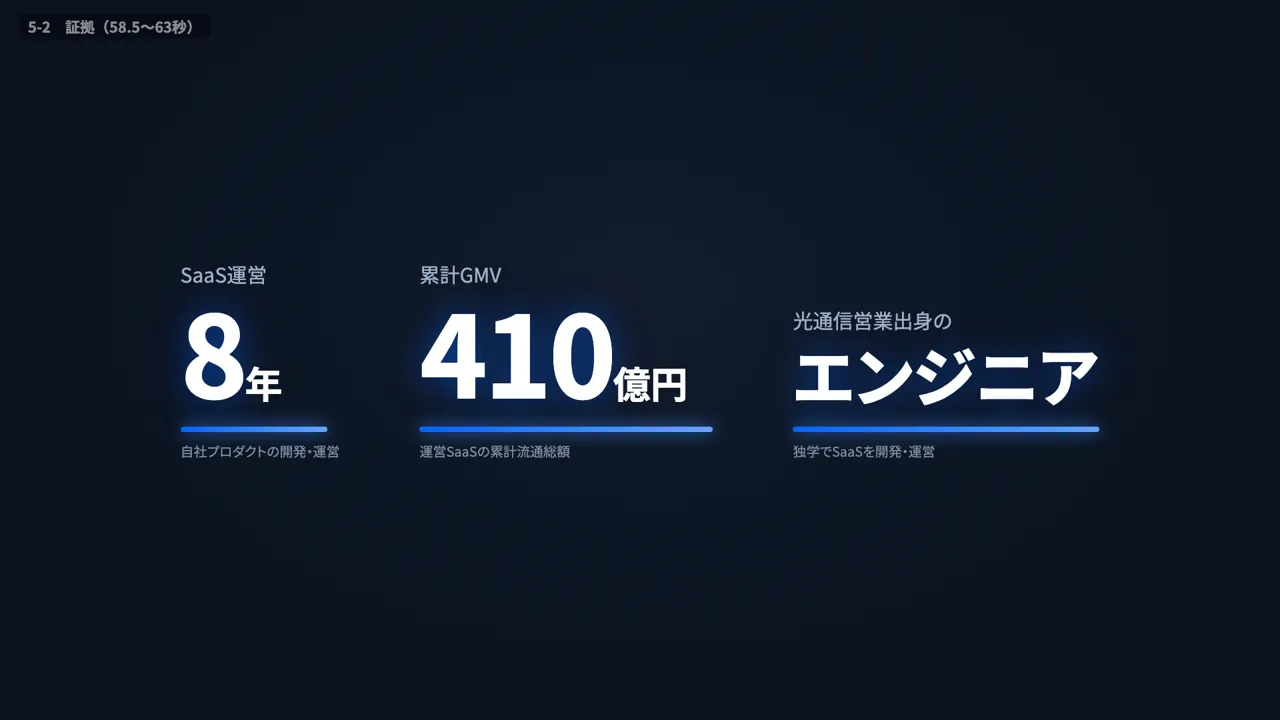
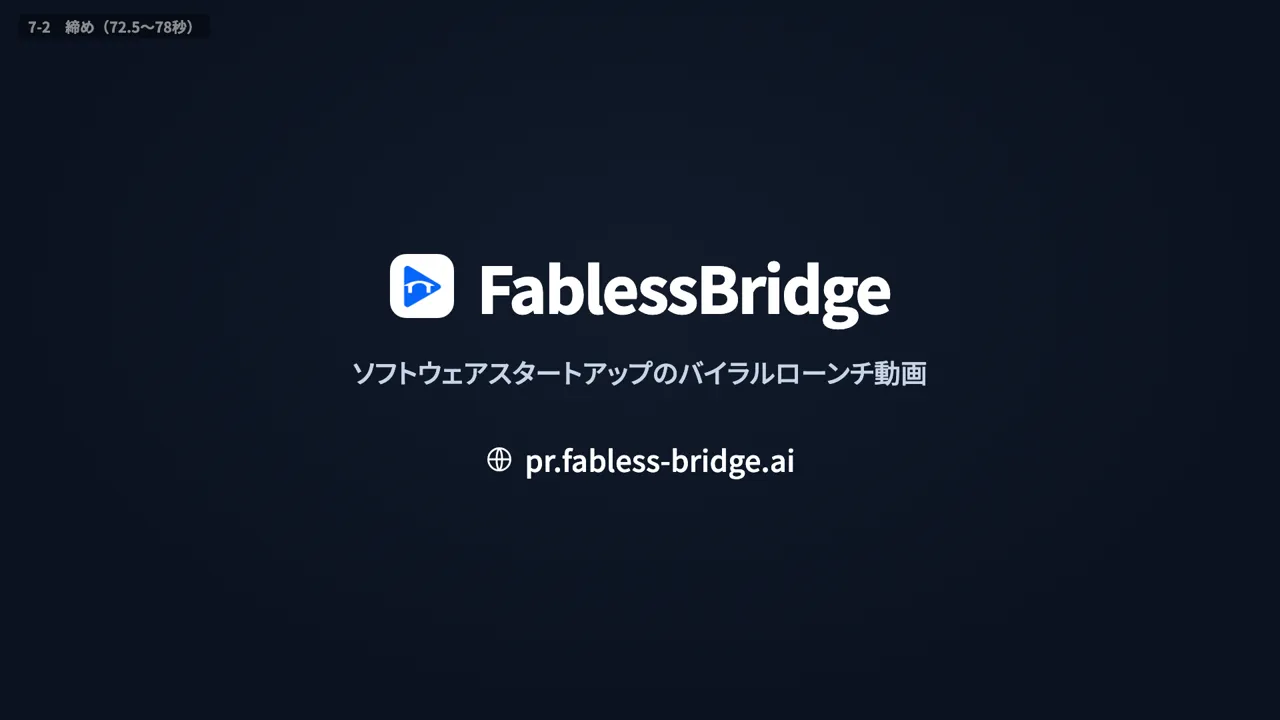
- Music
- Three options were made with generative AI (quiet electronic, piano with electronics and a crisp beat), and we chose the crisp beat. Its build peaks at 24 s, where the logo appears
- Sound effects
- 18 types were generated, including keystrokes, clicks, strikethroughs and the trash can, and in version 5 they were placed at 130 points to match on-screen events
- 01Set the on-screen text with a timed text script
- 02Render six key scenes as stills in the same HTML as the final video
- 03Make three music options and align the scenes to the beats
- 04Check the tempo and order with an animatic
- 05Build the motion in HTML and export it frame by frame
- 06Place the sound effects and revise through version 5
More work

Talk to us about your video
You don’t need a finished plan to get in touch.
Ask about a video like thisSee pricing and the production process